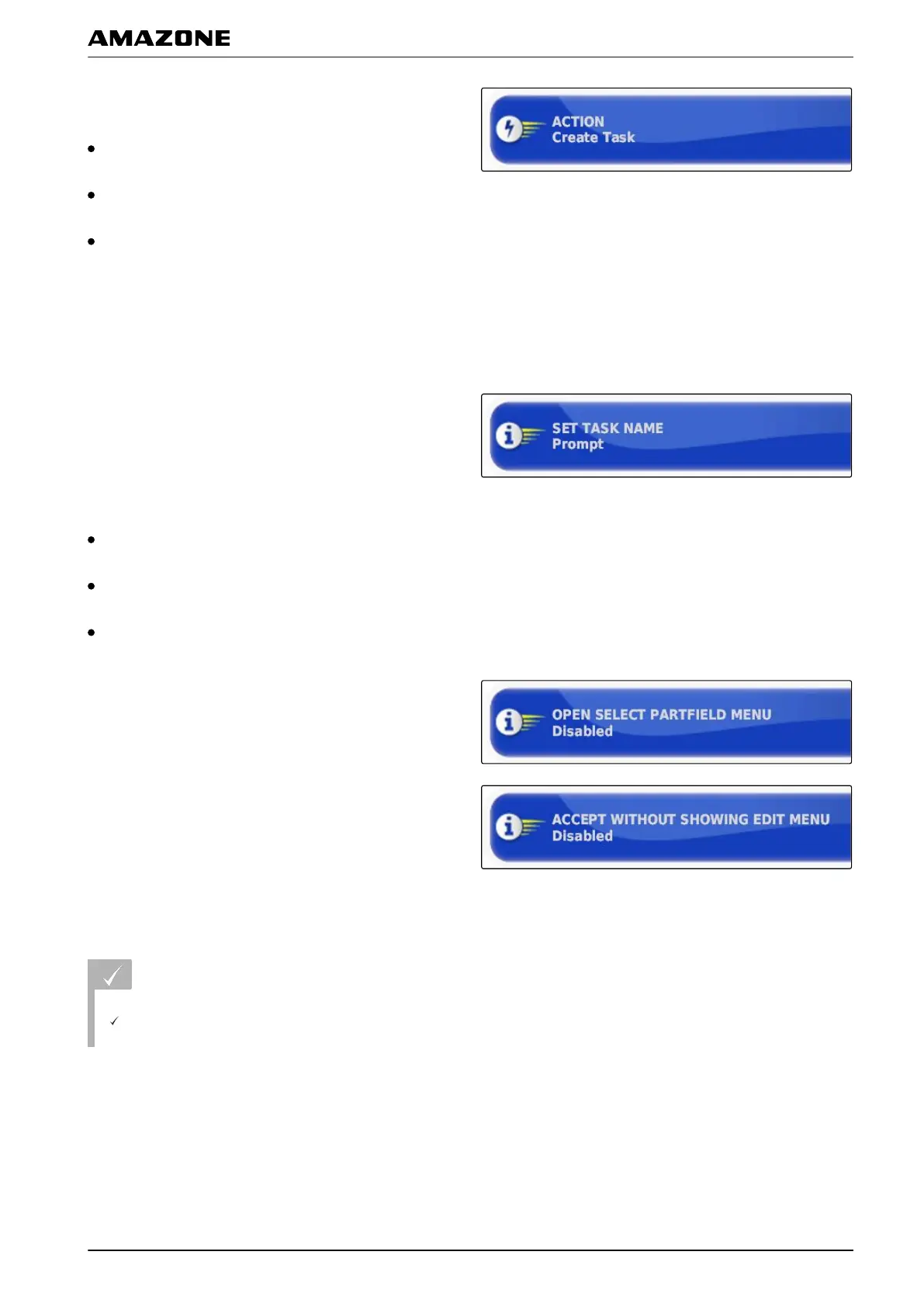
Under "Measures", the following settings are
possible:
"Select job": The menu for selecting a job will be
opened.
"No job": The current job will be deleted. Possible to
work without a job.
"Create job": A new job will be created. Additional
settings are required.
2.
Select the desired setting under "Measure".
3. If
"Create job" was selected under "Measure",
continue with the following points.
4. Under "Create name for job", select how the name
should be created for the new job.
Possible settings:
"Standard": The new job is given the date and the
time of creation as a name.
"User-defined": Another setting will be shown. A user-
defined name can be given.
"Prompt": When the job is created, a text box is
opened in which the name must be entered.
5. If a field should be selected or created for the new
j
ob,
enable the "Open selected field menu" setting.
6. If t
he new job should be created without previously
editing the job data,
enable the "Accept without showing the editing
menu" setting.
3.2 Configuring the GPS
REQUIREMENTS
User access level has been set to "Standard" or
"Expert"; see page
41
005390
F | Configuring the AMAPAD | Entering the system settings
MG5574-EN-II | B.1 | 25.10.2016
51



 To Next Page