2
Creating a boundary line
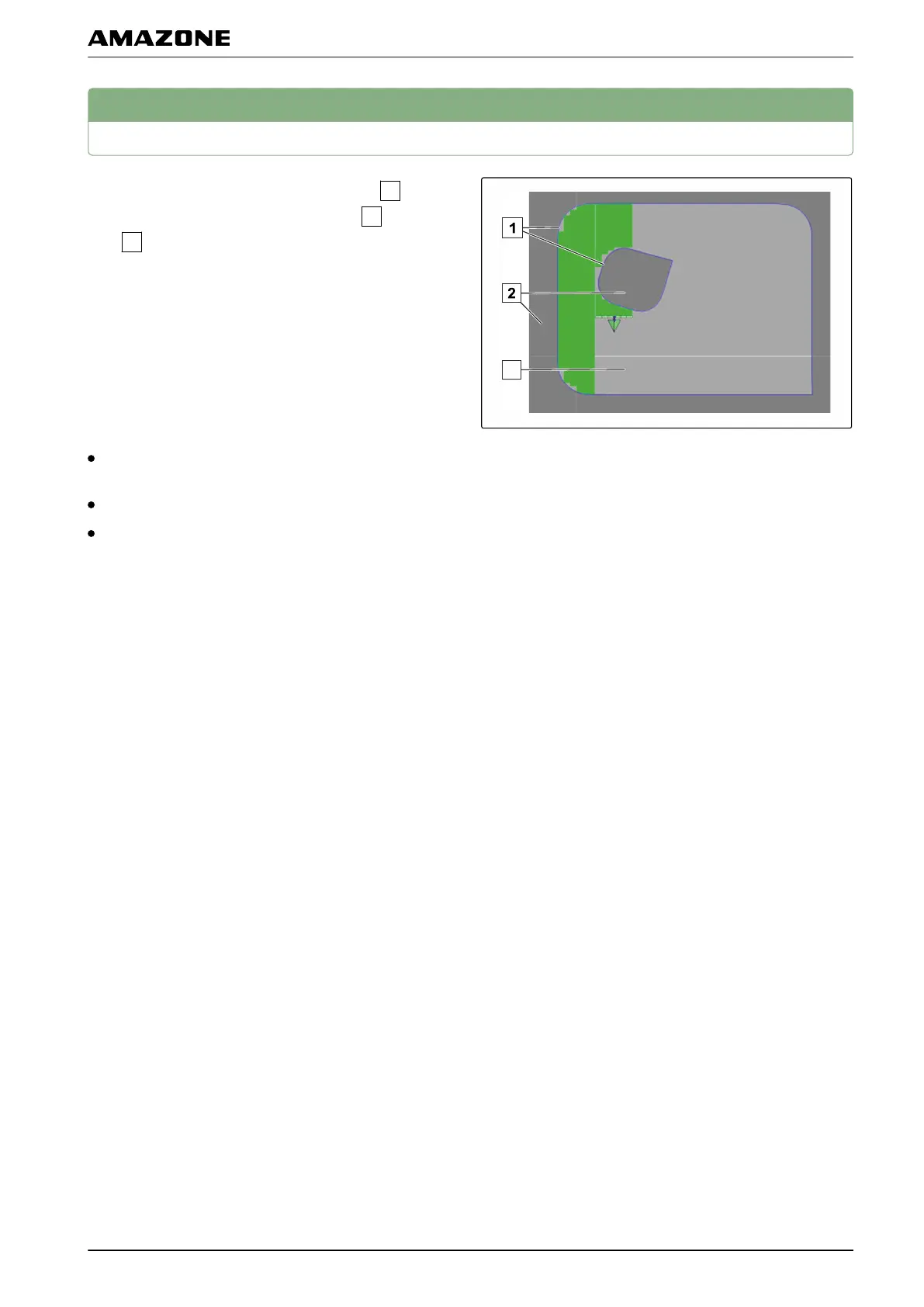
An area can be marked with a boundary line
. This
area can be defined as an exclusion area
or a work
area
. Using the recorded boundary line, the
AMAP
AD calculates the size of the marked area. When
the area has been defined as a work area, the AMAPAD
can calculate the size of the worked areas and
remaining areas. When a boundary line has been
created, the automatic part-width section control can
stop the application when the implement exits the work
area.
There are 3 ways of creating a boundary line:
Manually, by driving around the corresponding area;
see page
129
Automatically with a shape file; see page 132
Automatically from the already worked area; see
page
133
2.1 Creating the boundary line manually
2.1.1
Configuring the boundary line offset
A boundary offset can be configured for the boundary
line
recording. The boundary offset describes the
distance between the middle of the vehicle and the edge
of the vehicle or implement. When a boundary offset has
been specified, the boundary line can be recorded
without having to actually drive at the edge of the
boundary area.
004990
001708
001702
J | Managing fields | Creating a boundary line
MG5574-EN-II | B.1 | 25.10.2016
129



 To Next Page