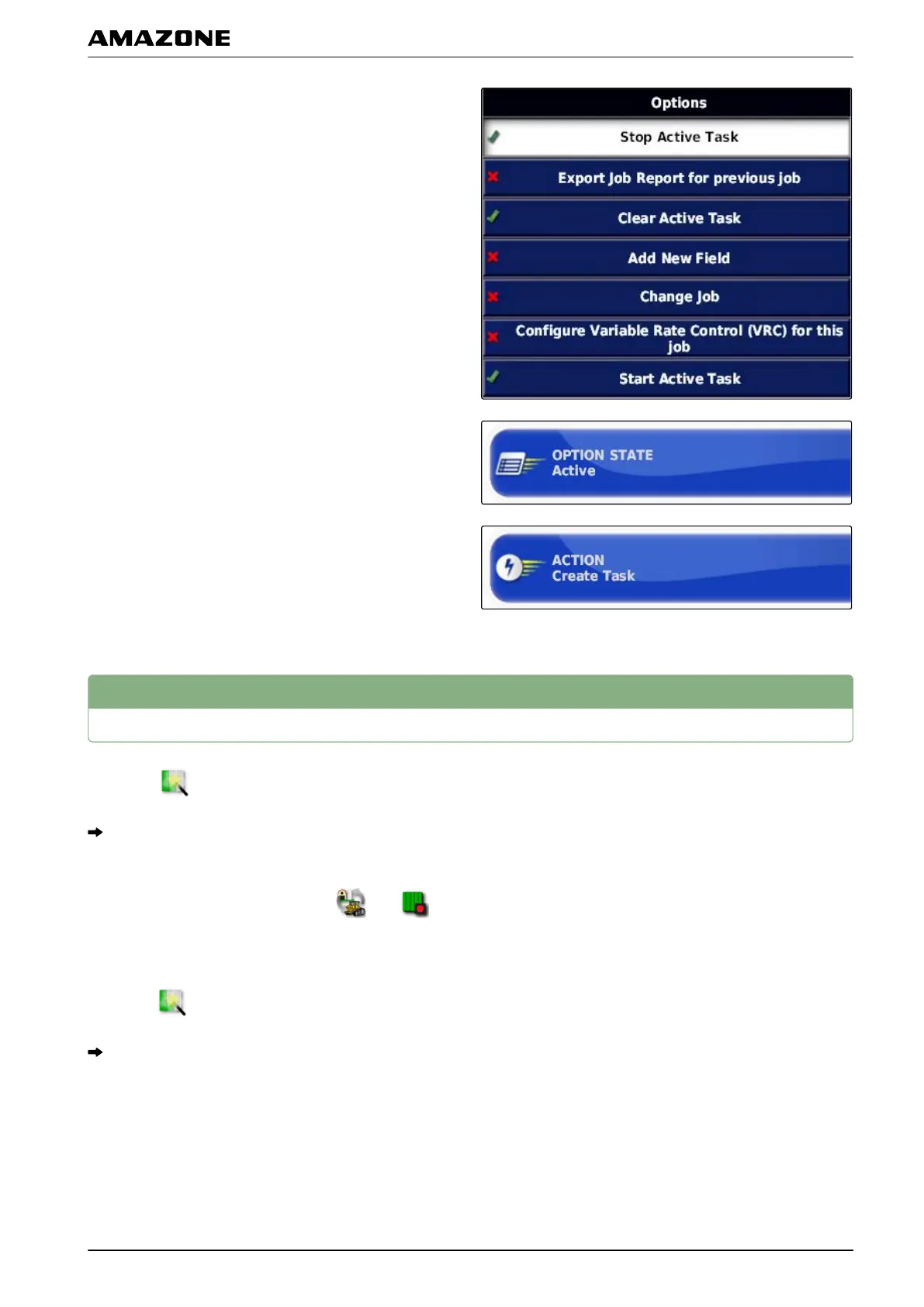
6. In the "Options" list, select the option "Change job".
7. Enable the option with "Option status".
8. Under "Measures", select "No job".
9.
Enable the "Hide on success" option
10. Disable all of the other enabled options.
2
Calling up the quick start
1. Select in the job menu.
A job will be automatically created. The job data will
not be saved.
2. In the job menu, start the job with and .
3. T
o work a different area,
select
again.
All of the recorded data, such a field boundaries or
obstacles, will be deleted and can be created for the
new area.
061000
H | Working without a job | Calling up the quick start
MG5574-EN-II | B.1 | 25.10.2016
111



 To Next Page