NOTE
Flag points can be adjusted in the setup menu, see
page
62.
6.1 Setting flag points for hazards
1. Drive to the hazard point.
NOTE
Flag points are always set at the position of the
vehicle
rear axle.
2. In the job menu, tap on
.
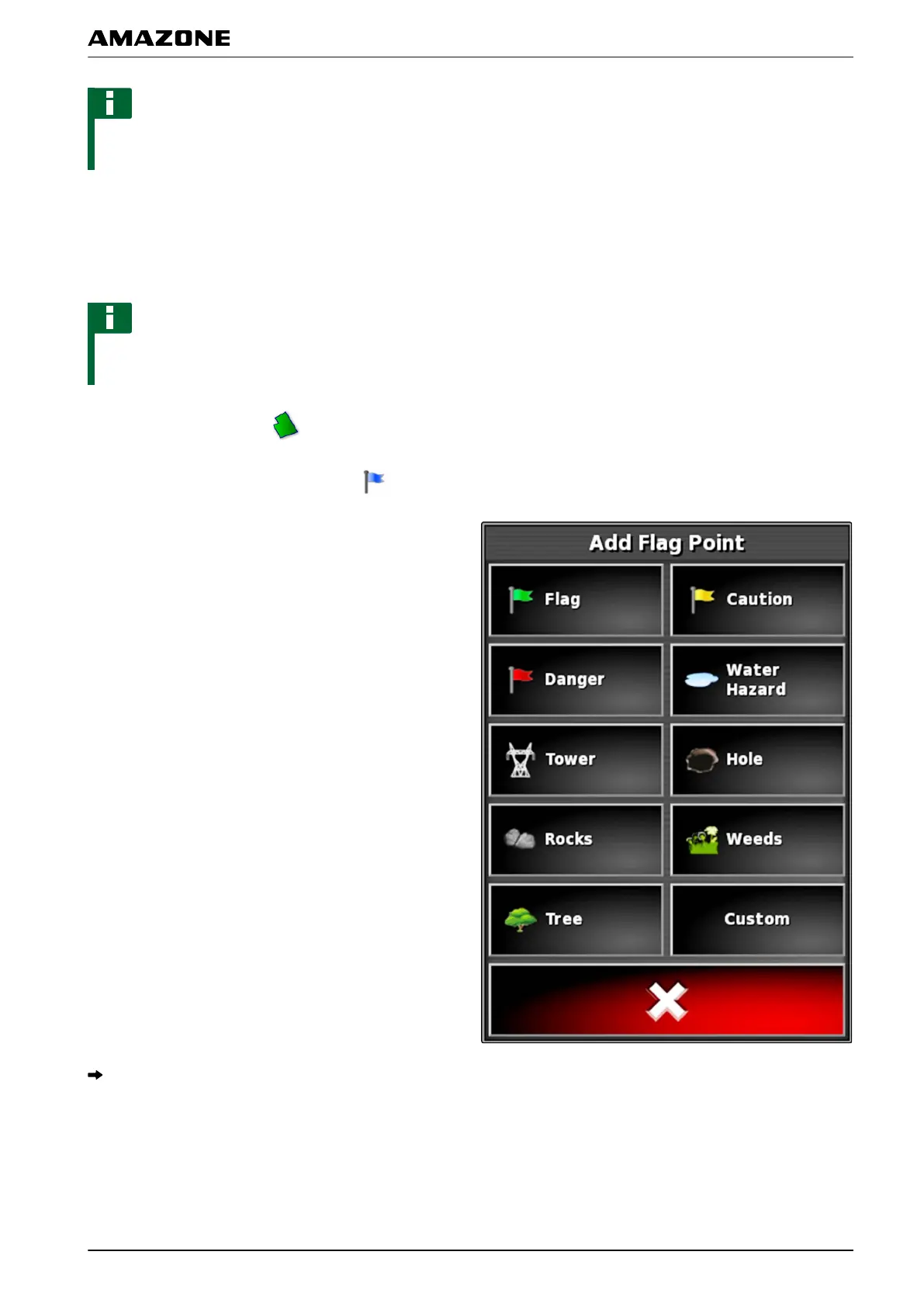
3. Call up the " Add marker "
menu with
.
4. Select the desired flag point.
The selected flag point has been set.
6.1.1 Setting custom markers
1. Drive to the hazard point.
001781
001789
J | Managing fields | Setting flag point
MG5574-EN-II | B.1 | 25.10.2016
141



 To Next Page