3.6 Configuring the ISOBUS
3.6.1
Configuring the Universal Terminal
REQUIREMENTS
User access level has been set to "Standard" or
"Expert"; see page
41
Enabling the Universal Terminal
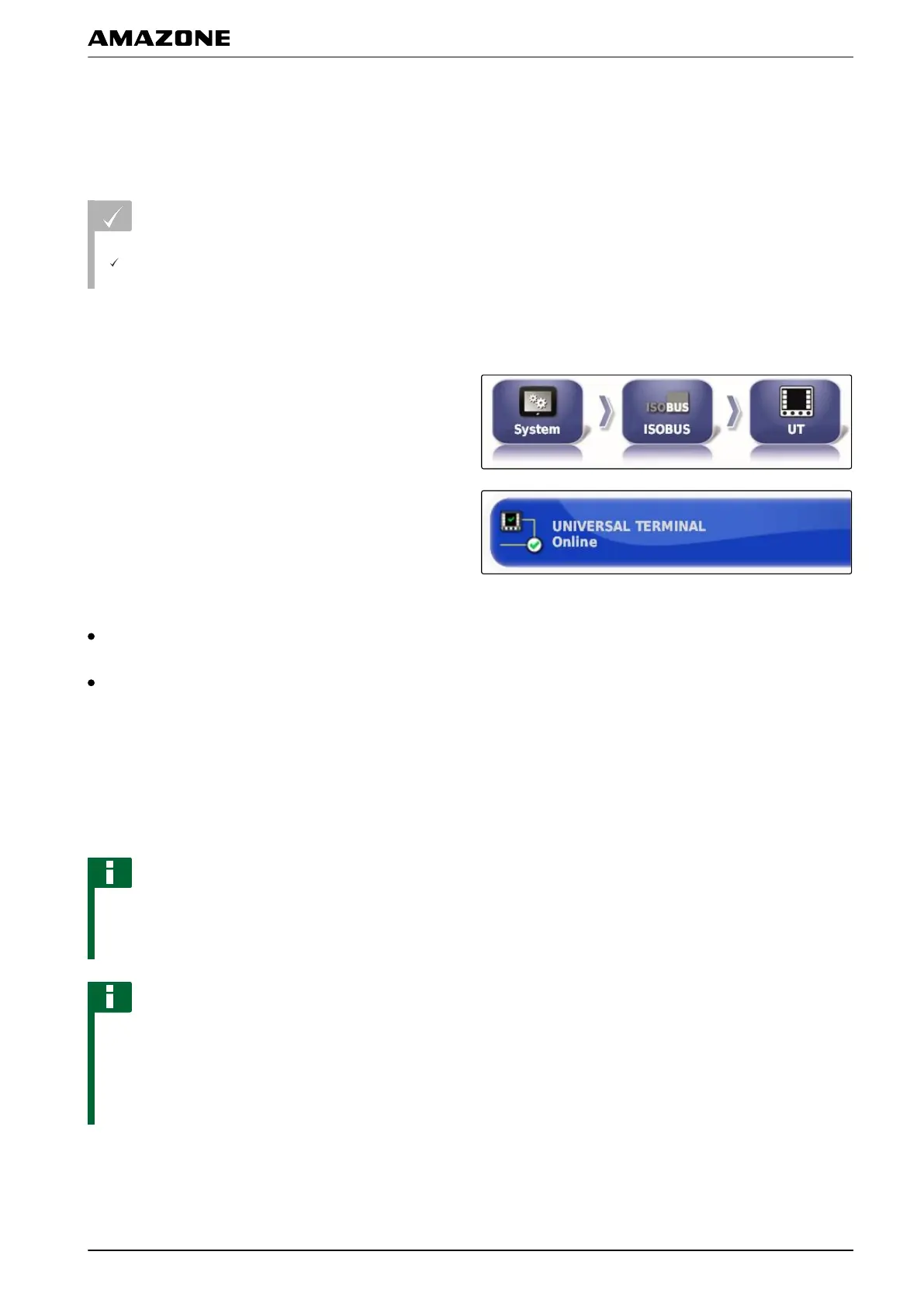
1. In the setup menu, tap on "System" > "ISOBUS">
"UT".
2. Select "Universal T
erminal".
Possible settings:
Offline: The connection to the Universal Terminal is
interrupted.
Online: The connection to the Universal Terminal is
being established.
Defining the UT number
If several terminals are connected to an ECU, the
Universal
Terminal is clearly identified by the UT number.
NOTE
Terminals must be assigned through the Universal
T
erminal. If only one terminal is connected, this
terminal is automatically assigned.
NOTE
There should not be multiple terminals with the same
UT number
connected to the ISOBUS. If other
terminals with the same UT number are connected to
the ECU, the AMAPAD automatically switches the
"Universal Terminal" setting to "offline".
005378
009192
005380
005383
F | Configuring the AMAPAD | Entering the system settings
MG5574-EN-II | B.1 | 25.10.2016
63



 To Next Page