2.1.3 Defining the regional units
Defining the system of units
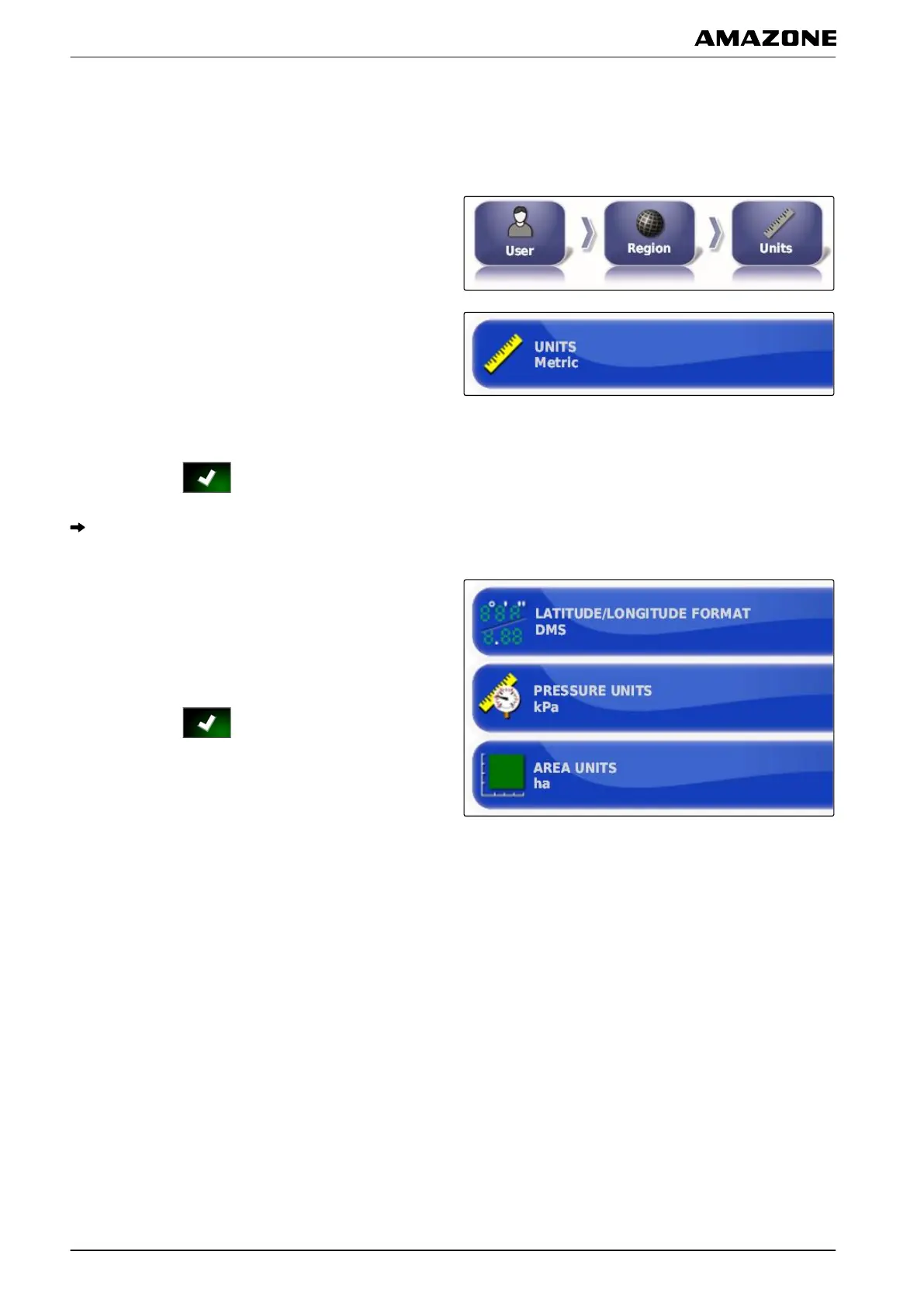
1. In the setup menu, tap on "User" > "Region" >
"Units".
2. Tap on "Measuring units".
3. Select the system of units.
4. Confirm with .
All parameters are set to the standard of the
selected system of units.
5. If a par
ameter should have a measuring unit that
does not correspond to the standard,
tap on the desired parameter in the menu.
6. Select the desired measuring unit.
7. Confirm with
.
2.2 Configuring the lightbar
The lightbar is located at the upper edge of the
touchscreen.
During operation, the lightbar shows how
far the vehicle has deviated from the defined track line.
Enabling the lightbar
The lightbar can be enabled and disabled. The other
settings are only available
when the lightbar has been
enabled.
005288
005287
005336
005335
F | Configuring the AMAPAD | Entering the user settings
MG5574-EN-II | B.1 | 25.10.2016
28



 To Next Page