1. In the setup menu, tap on "User" > "Lightbar".
2. Tap on "Lightbar".
3. Select "Enabled".
NOTE
The lightbar only works if there is a GPS signal. The lit
blue LED in the middle of the lightbar indicates that
the lightbar is ready for operation.
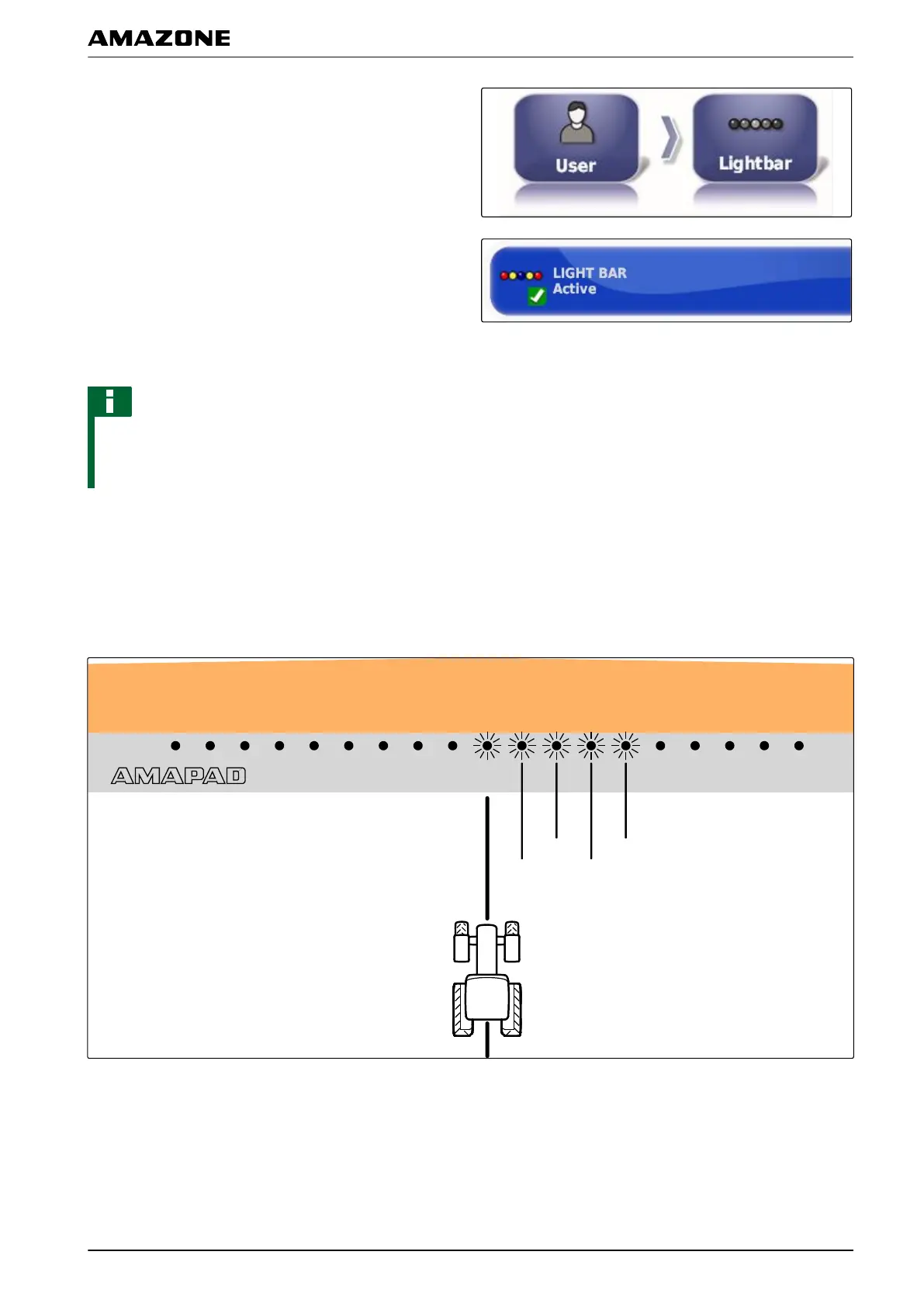
Defining the LED spacing
The spacing between the LEDs specifies how far the
vehicle
can deviate from the defined track line before the
next LED lights up on the lightbar.
Example for the setting 0.1 m
005333
F | Configuring the AMAPAD | Entering the user settings
MG5574-EN-II | B.1 | 25.10.2016
29



 To Next Page