Managing jobs
I
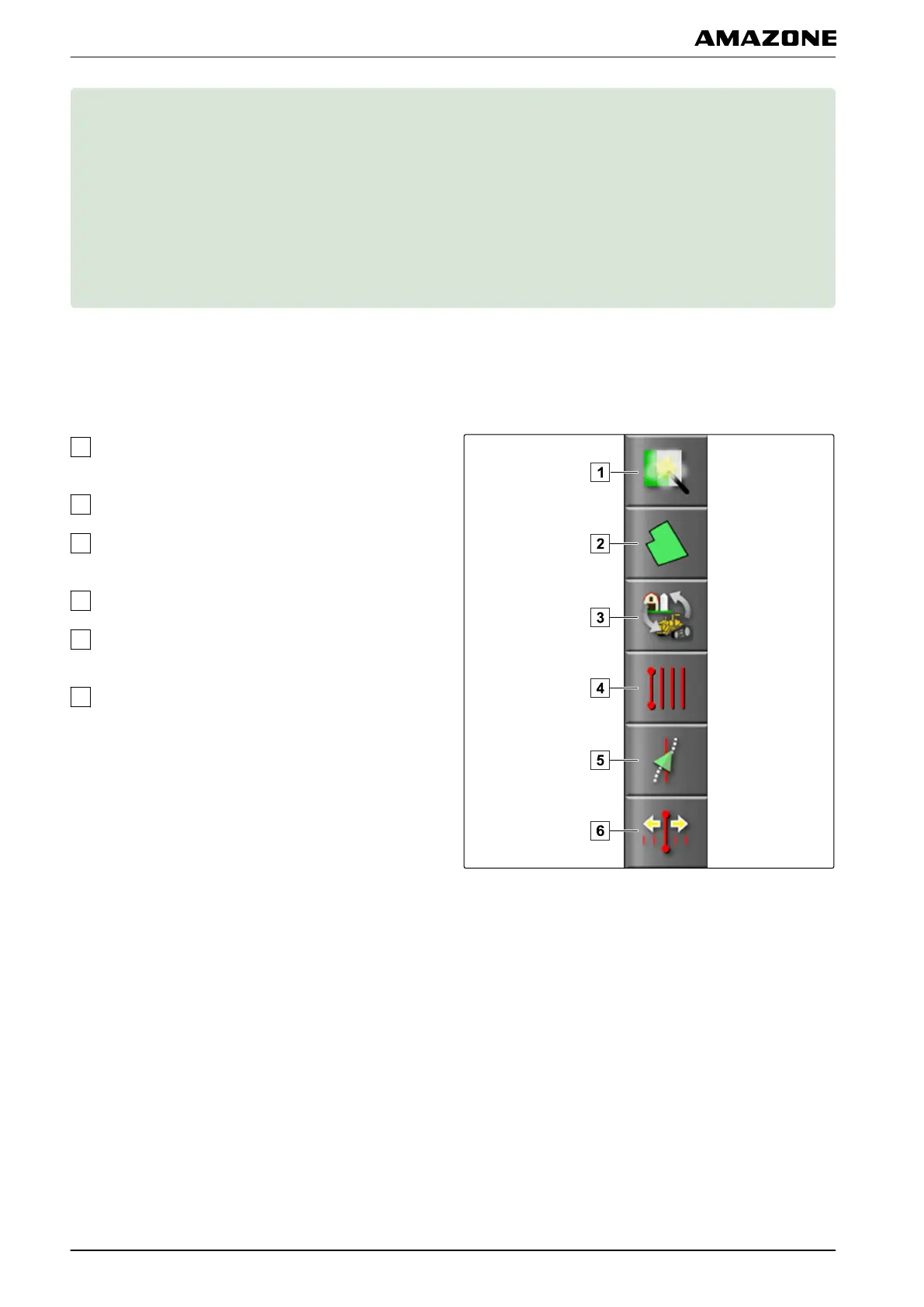
Jobs are managed through the job menu. The job menu
can be found
in the map view.
In the job menu, the following functions can be executed:
Quick start: Enabling quick start functions; see
page
47
Field menu: Managing fields; see page 127
Job data menu: Managing job data; see page ,
Starting a job; see page
115
Track line menu: Using track lines; see page 146
Automatic steering menu: Using automatic steering;
see page
166
GPS compensation menu: Correcting the GPS
reception; see
page 158
005520
I | Managing jobs |
MG5574-EN-II | B.1 | 25.10.2016
112



 To Next Page