Using part-width section control
P
1
Using manual part-width section control
Virtual section switches can be enabled for sprayers and
seed drills.
The virtual section switches can be used to
switch individual part-width sections on and off.
The miniature view for manual part-width section control
can be found
on function bar in the operating menu.
Alternatively, virtual section switches can be called up on
the map in the map view.
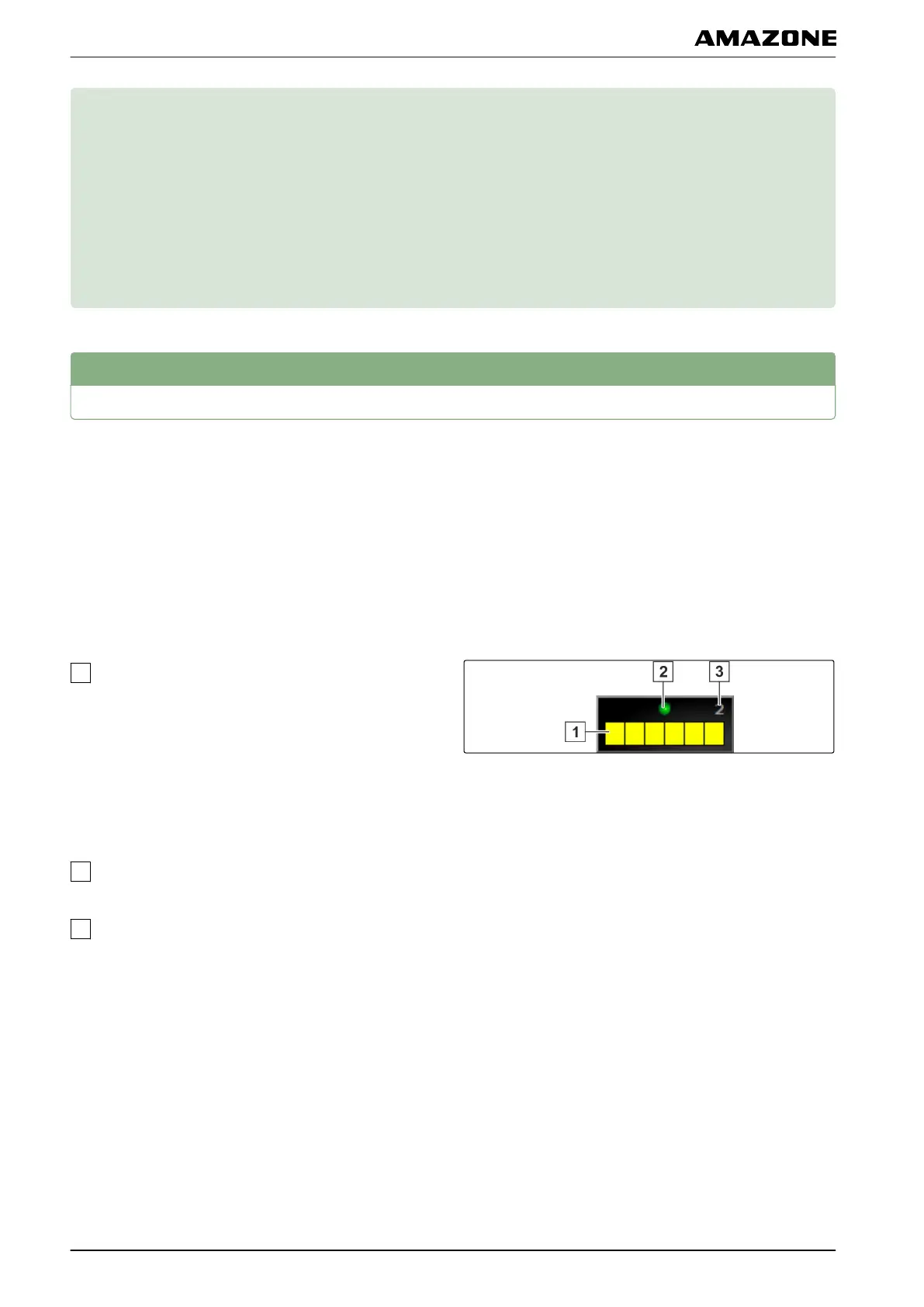
Part-width section switch in the miniature view
Part-width section status: Red: Section is switched
of
f, Yellow: Section is switched on and the
application is stopped (generally by the automatic
part-width section control). Green: Section is
switched on and the application is started. Orange:
Section is switched on and the application is
stopped or the section is switched off and the
application is started (generally by the switching
delay)
Status of the section switch: Green: Section switch
is on, Red: Section switch is of
f
Switch number
005528
005574
P | Using part-width section control|
MG5574-EN-II | B.1 | 25.10.2016
184



 To Next Page