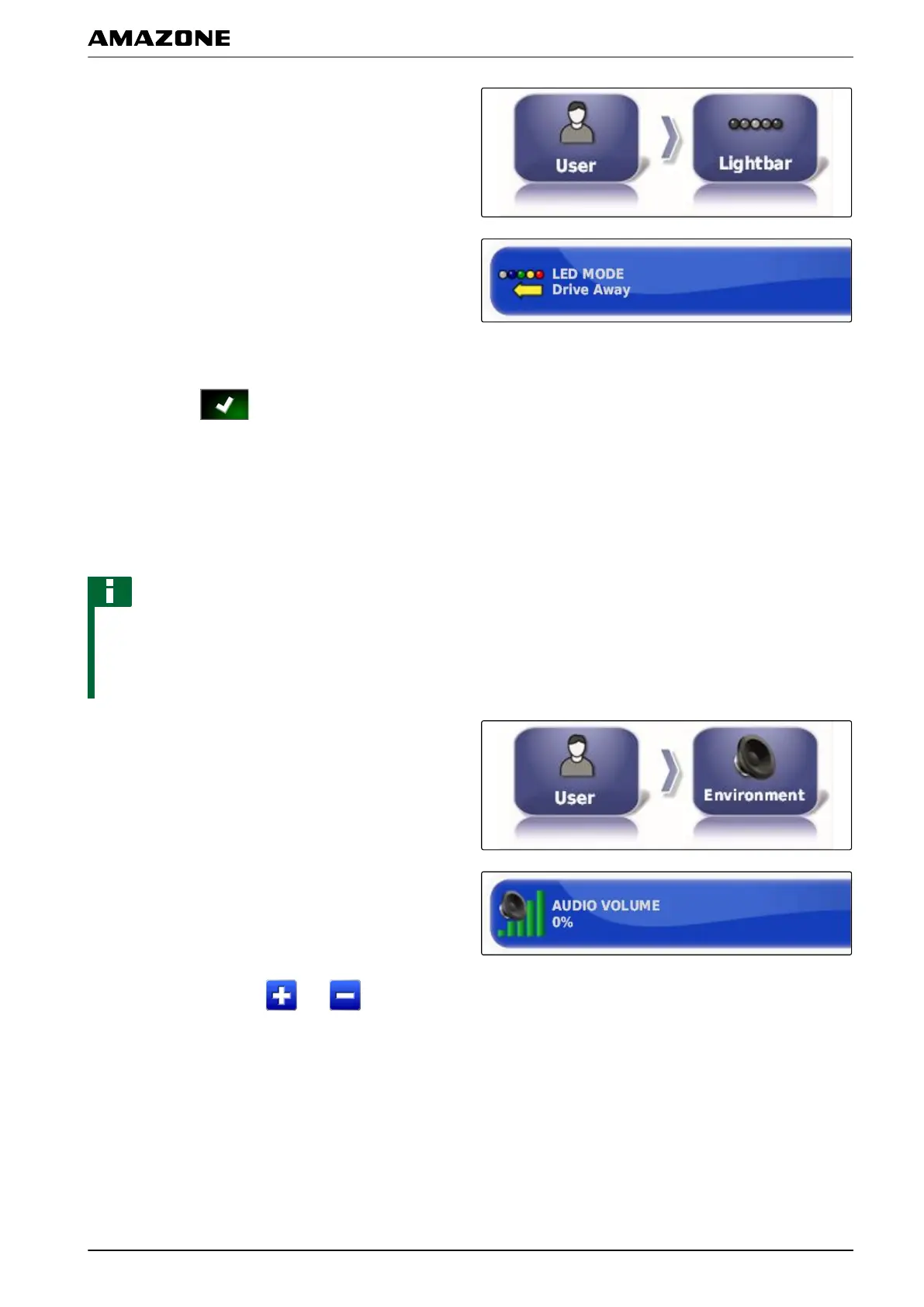
1. In the setup menu, tap on "User" > "Lightbar".
2. Tap on "LED mode".
3. Select mode.
4. Confirm with .
2.3 Configuring the environment
Adjusting the volume
NOTE
The tones on the AMAPAD are switched off when the
volume
is set to 0 %. The alarm tone for the warning
messages from the Universal Terminal cannot be
switched off.
1. In the setup menu, tap on "User" > "Environment".
2. Tap on "V
olume".
3. Adjust the volume with and .
005340
005339
F | Configuring the AMAPAD | Entering the user settings
MG5574-EN-II | B.1 | 25.10.2016
31



 To Next Page