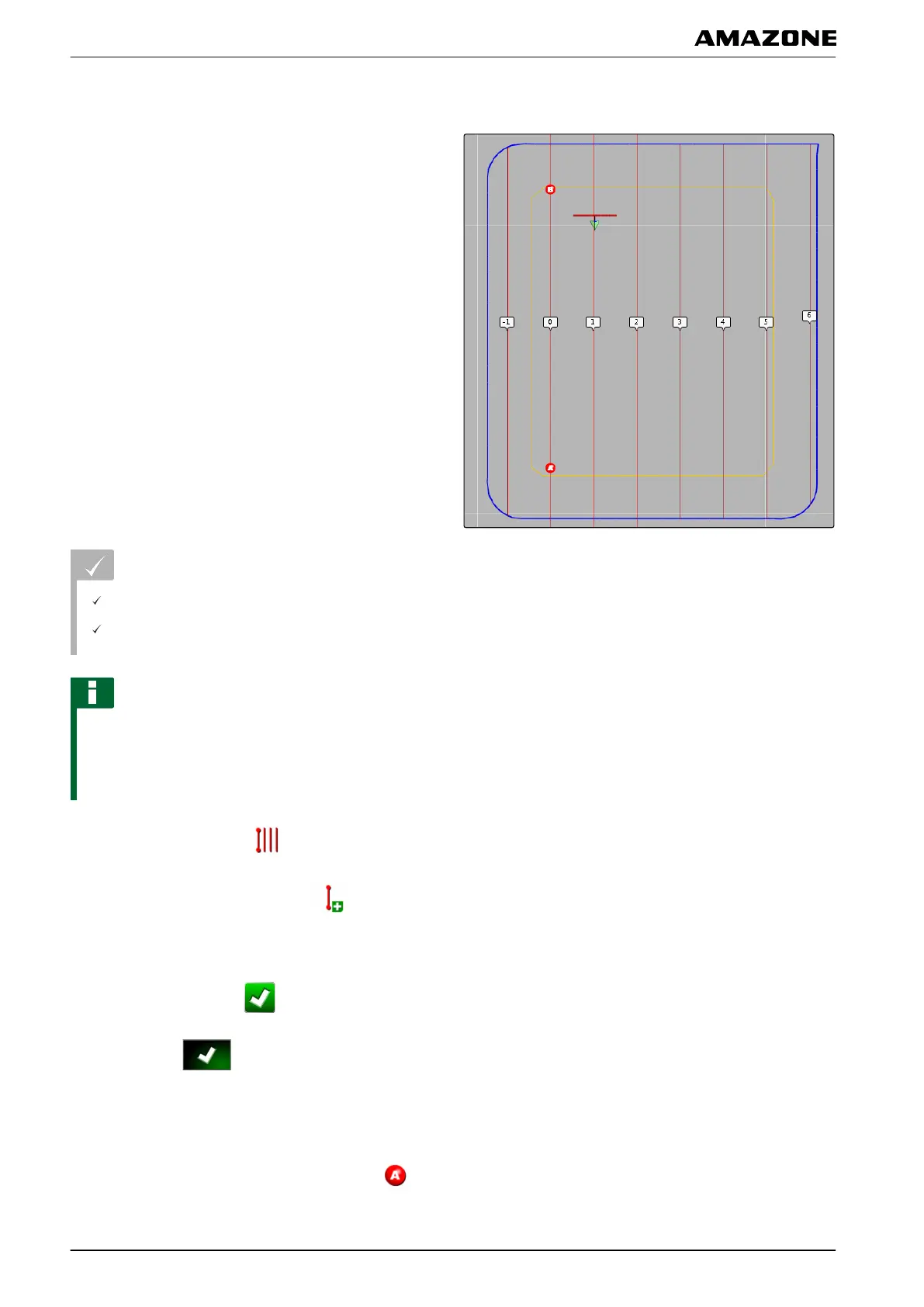
1.2 Creating a straight A-B line
Straight A-B lines are suitable for fields that are mainly
worked
on straight tracks.
REQUIREMENTS
Field is created; see page 127
Track line pattern for A-B lines is selected; see
page
147
NOTE
Without a boundary line, only the middle track line and
the
track lines left and right of the vehicle symbol are
shown. To have the track lines displayed for the entire
field, a boundary line must be created; see page 129.
1. In the job menu, tap on
.
2. Open the "New track" menu with .
3. Enter the name for the track line.
4. Confirm the entry with
.
5. Confirm with .
6. Drive to the position on the field where the A-B line
should begin.
7. Define the staring point of the A-B line with .
001987
K | Using track lines | Creating track lines
MG5574-EN-II | B.1 | 25.10.2016
148



 To Next Page