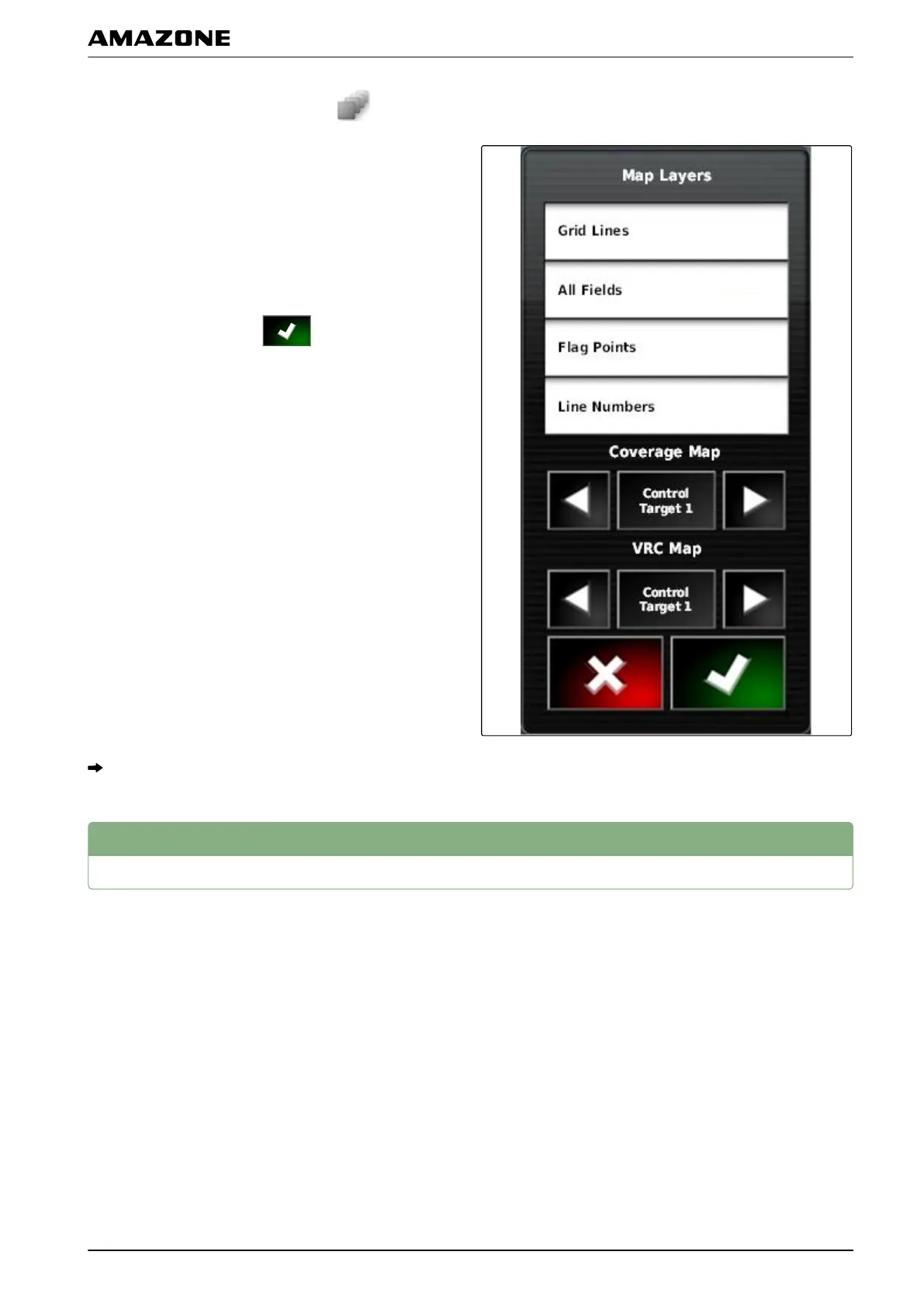
1. Open the "Map layers" menu with .
2. Under "Coverage map", select the desired coverage
map with the arrows
or
T
o call up a selection list,
tap on the button between the arrows.
3. Confirm selection with
.
The selected coverage map will be shown.
7
Selecting the VRC map
The VRC map shows the previously defined rate that
should
be applied on the field.
004524
Q | Using rate control| Selecting the VRC map
MG5574-EN-II | B.1 | 25.10.2016
211



 To Next Page