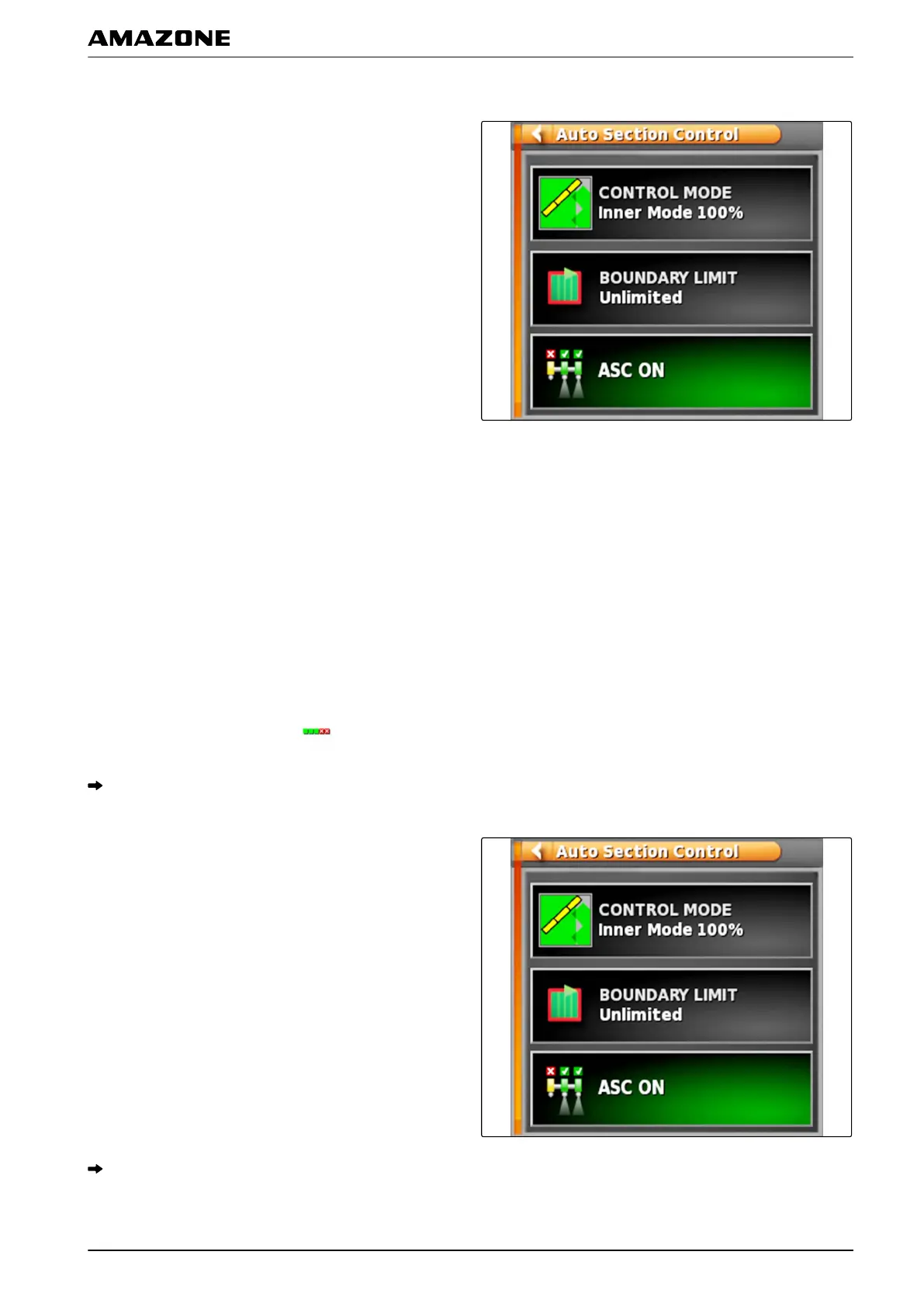
Possible settings:
"Control mode": Control mode is used
to configure the
overlap of the part-width sections.
"Boundary limit": The boundary limit is used to define the
areas in which the part-width section are switched off.
"ASC ON": This button is used to switch the automatic
part-width section control on or off.
2. T
o configure the control mode,
see page 187.
3. T
o define the boundary limit,
see page 191.
4. T
o switch the automatic part-width section on or
off,
tap on "ASC".
2.1 Configuring the control mode
1. In the function menu, tap on
.
Miniature view for the automatic part-width section
control will be opened.
2. Tap on "Control mode".
The "ASC control mode" menu will be opened.
009823
P | Using part-width section control| Using automatic part-width section control
MG5574-EN-II | B.1 | 25.10.2016
187



 To Next Page