4.2.2 Copying vehicle data
Vehicle data can be copied to create vehicles that only
dif
fer slightly.
1. In the setup menu, tap on "V
ehicle" > "Select".
2. Select a vehicle from the list.
3. Confirm selection with
.
A restart must be performed for some vehicles.
4. Confirm restart with .
5. Tap on .
6. Select the "V
ehicle name".
7. Enter the vehicle name for the copy.
8. Confirm the entry with
.
For some vehicles, a restart will be performed.
4.3 Adding vehicle geometry data to the job data
Vehicle geometry data can be added to the job data to
be able to manage them with a Farm Management
Information System.
NOTE
When exporting the job data, the vehicle data is also
automatically
exported. For information on exporting
job data, see page 119.
REQUIREMENTS
User access level has been set to "Standard" or
"Expert"; see page
41
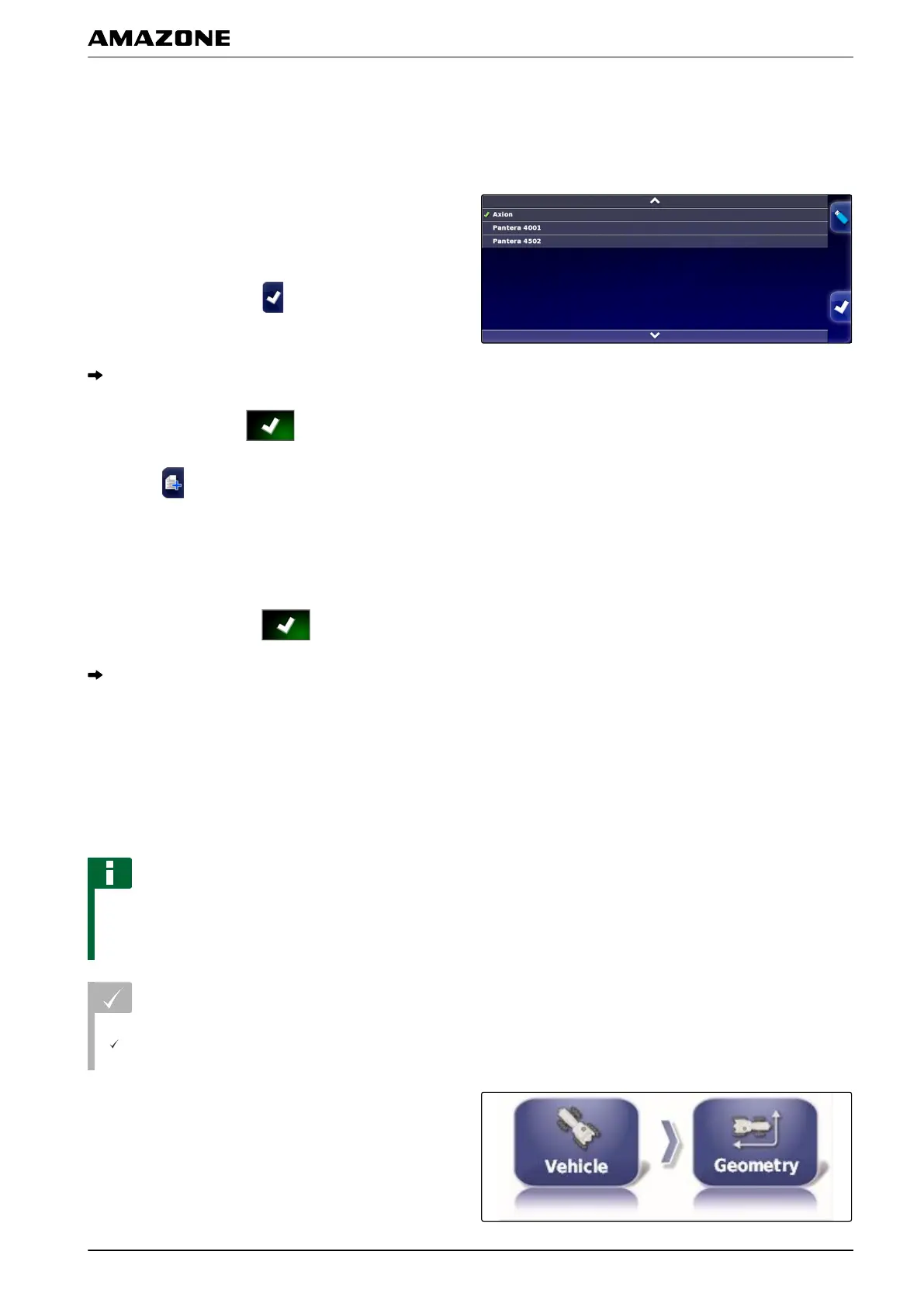
1. In the setup menu, tap on "V
ehicle" > "Geometry".
001556
001559
F | Configuring the AMAPAD | Configuring a vehicle
MG5574-EN-II | B.1 | 25.10.2016
77



 To Next Page