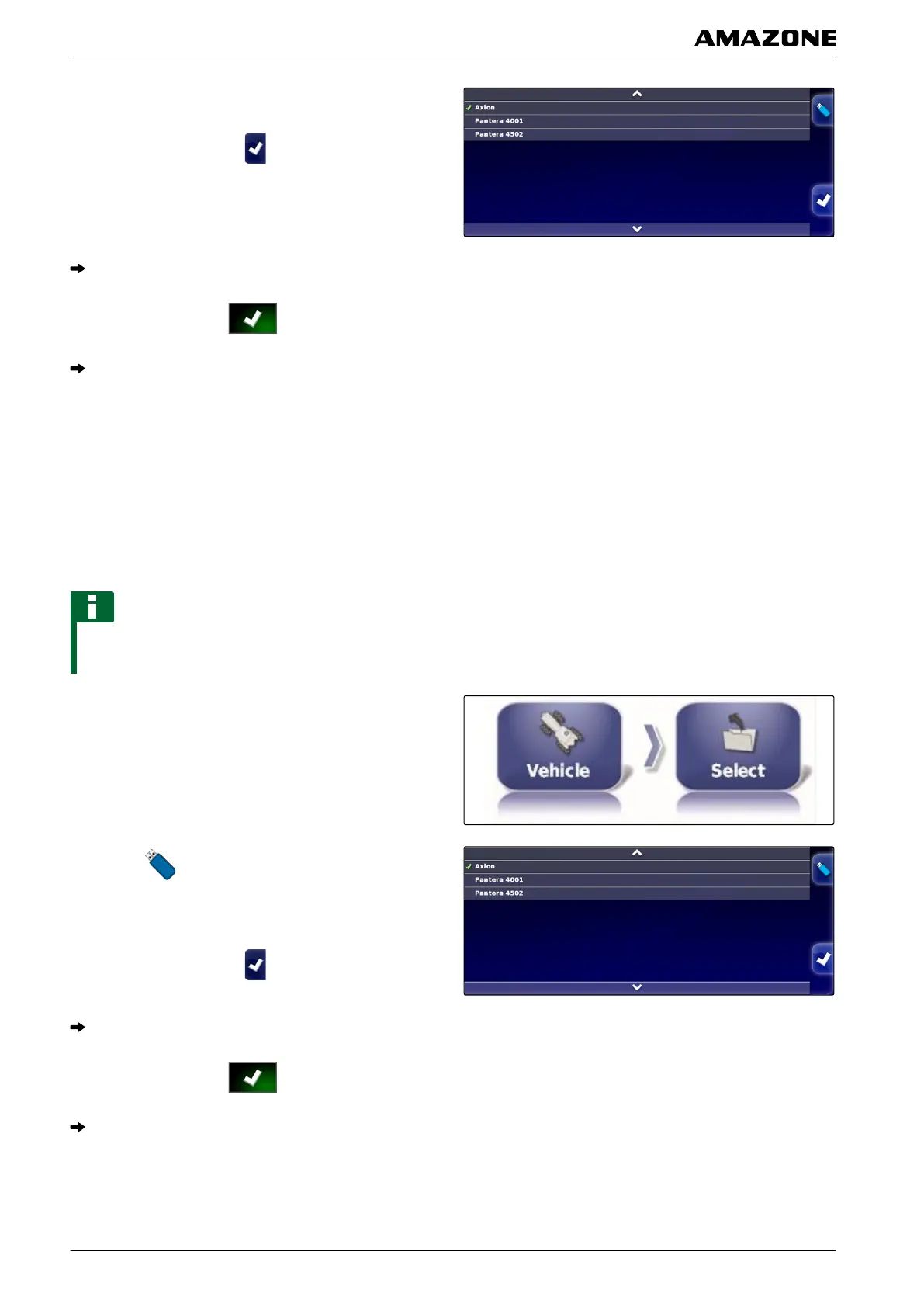
2. Select a vehicle from the list.
3. Confirm selection with .
A restart must be performed for some vehicles.
4. Confirm restart with
.
The "Vehicle geometry" menu will be shown.
5. T
o change the vehicle geometry,
see page 75.
4.2.1 Importing vehicle data
Vehicle data that was saved to a USB stick using the
inventory
manager can be imported again.
NOTE
For more information on the inventory manager, see
page
216.
1. In the setup menu, tap on "V
ehicle" > "Select".
2. Tap on .
3.
Select a vehicle from the list.
4. Confirm selection with
.
A restart must be performed for some vehicles.
5. Confirm restart with .
The "V
ehicle geometry" menu will be shown.
001557
F | Configuring the AMAPAD | Configuring a vehicle
MG5574-EN-II | B.1 | 25.10.2016
76



 To Next Page