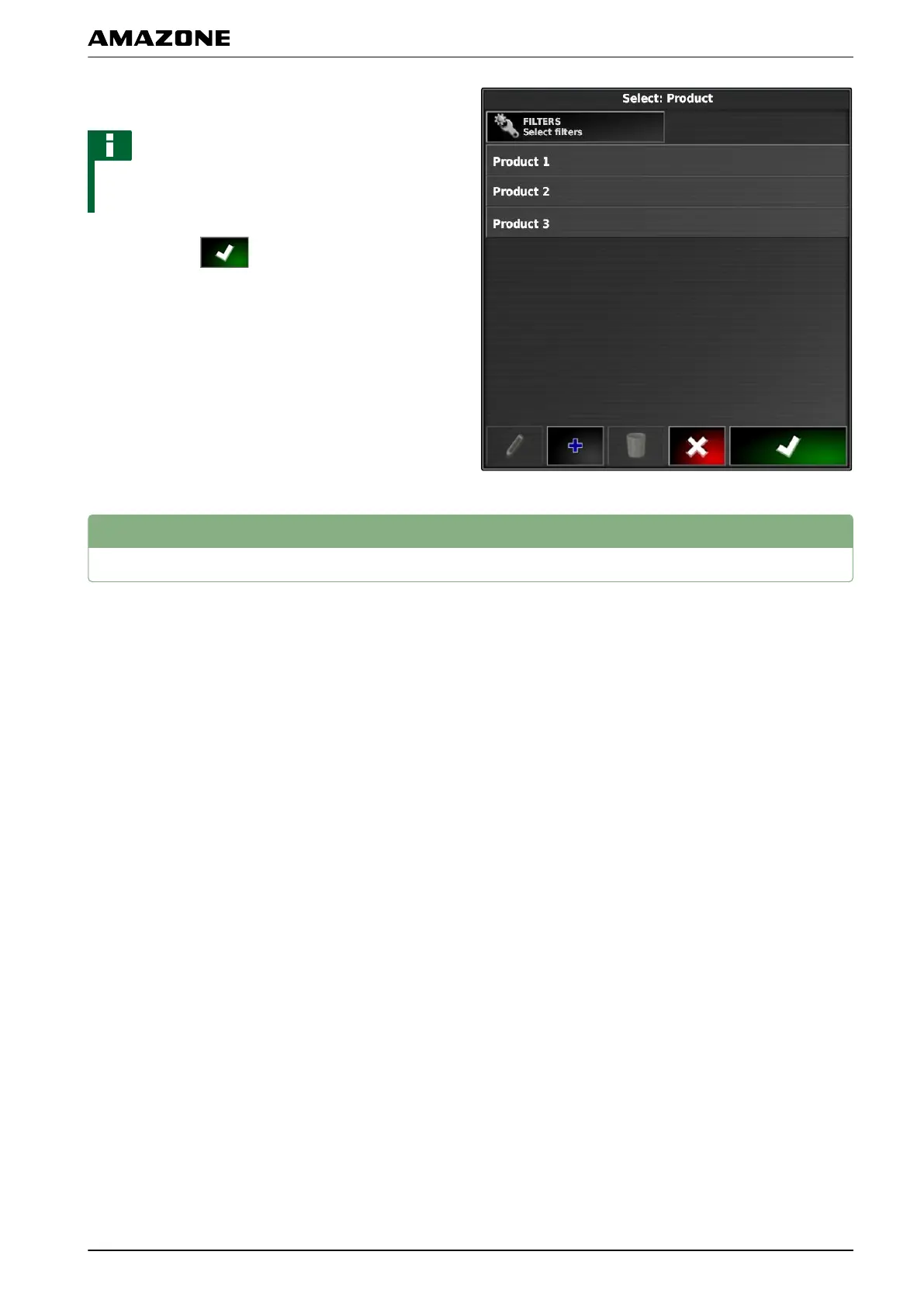
2. Select a mixture from the list.
NOTE
Mixtures belong to the master data. For more
information
on editing the master data, see page 114
3. Confirm with
.
6
Selecting the coverage map
The coverage map shows the worked areas, which can
be marked
on the map with different colours.
The following settings are available:
002441
Q | Using rate control| Selecting the coverage map
MG5574-EN-II | B.1 | 25.10.2016
209



 To Next Page