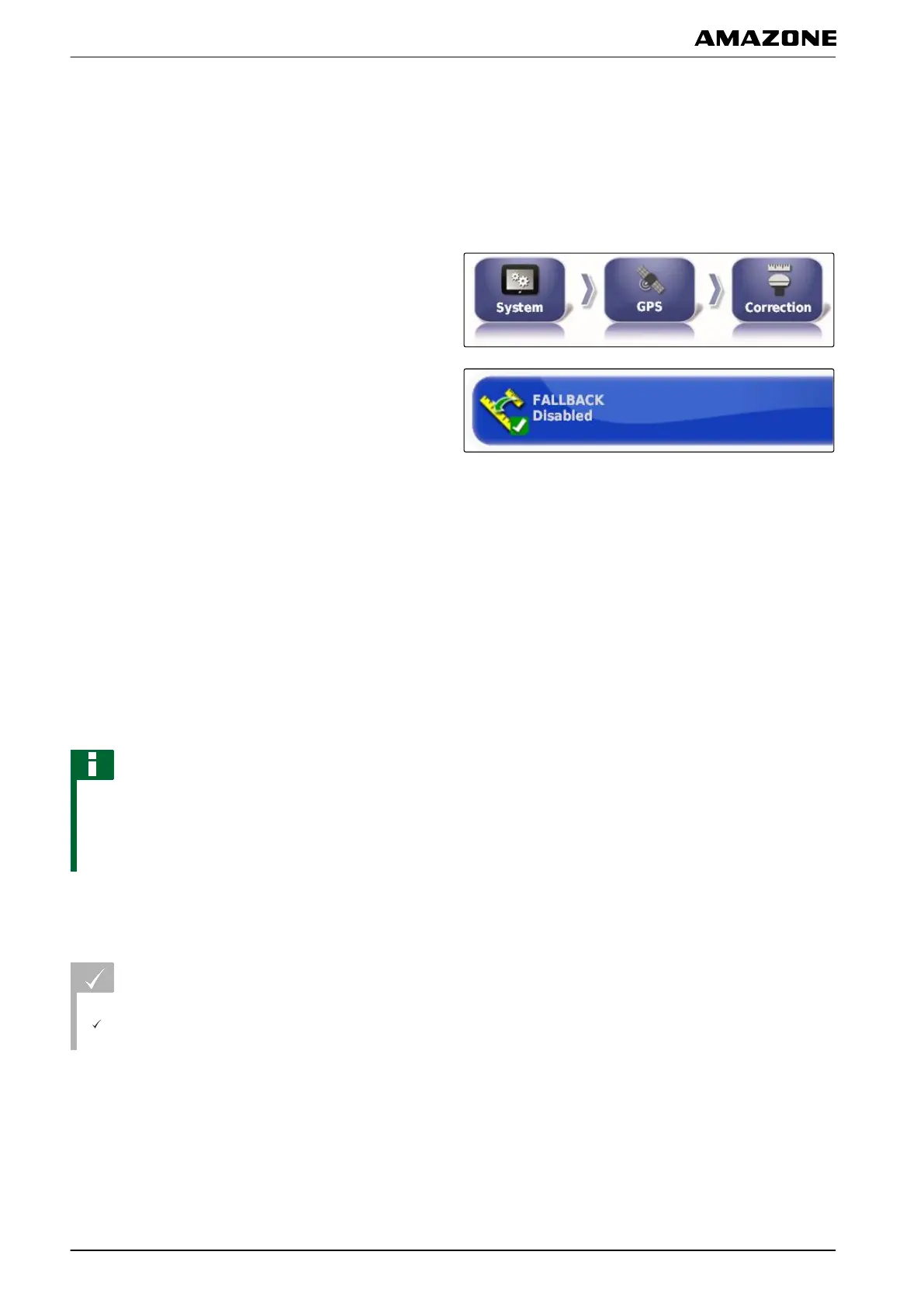
Enabling the fallback system
When the GPS signal is too imprecise, the automatic
steering system cannot be started. The fallback
system
allows the AMAPAD to fall back on the GPS signal with
the next lowest precision to still be able to start the
automatic steering.
1. In the setup menu, tap on "System" > "GPS" >
"Correction".
2. Tap on "Fallback".
3. Enable the function
or
disable.
3.2.3 Configuring the GPS output
With the GPS output, data such as the speed, direction
of
travel and position can be transmitted to other
devices.
NOTE
The configuration of the GPS output depends on the
connected
auxiliary devices. More information is
available in the operating manual for the auxiliary
device.
3.3 Configuring the serial ports
REQUIREMENTS
User access level has been set to "Standard" or
"Expert"; see page
41
3.3.1 Defining the COM port for the GPS receiver
Selection of the COM port for the GPS receiver.
009209
005389
005362
005364
F | Configuring the AMAPAD | Entering the system settings
MG5574-EN-II | B.1 | 25.10.2016
58



 To Next Page