NOTE
When GLONASS is enabled, signals from GPS
satellites
are no longer received, even if sufficient
GPS satellites are available again.
GLONASS can be enabled for the following
correction sources
Autonomous
Automatic
OmniSTAR XP
OmniSTAR HP
OmniSTAR G2
RTK
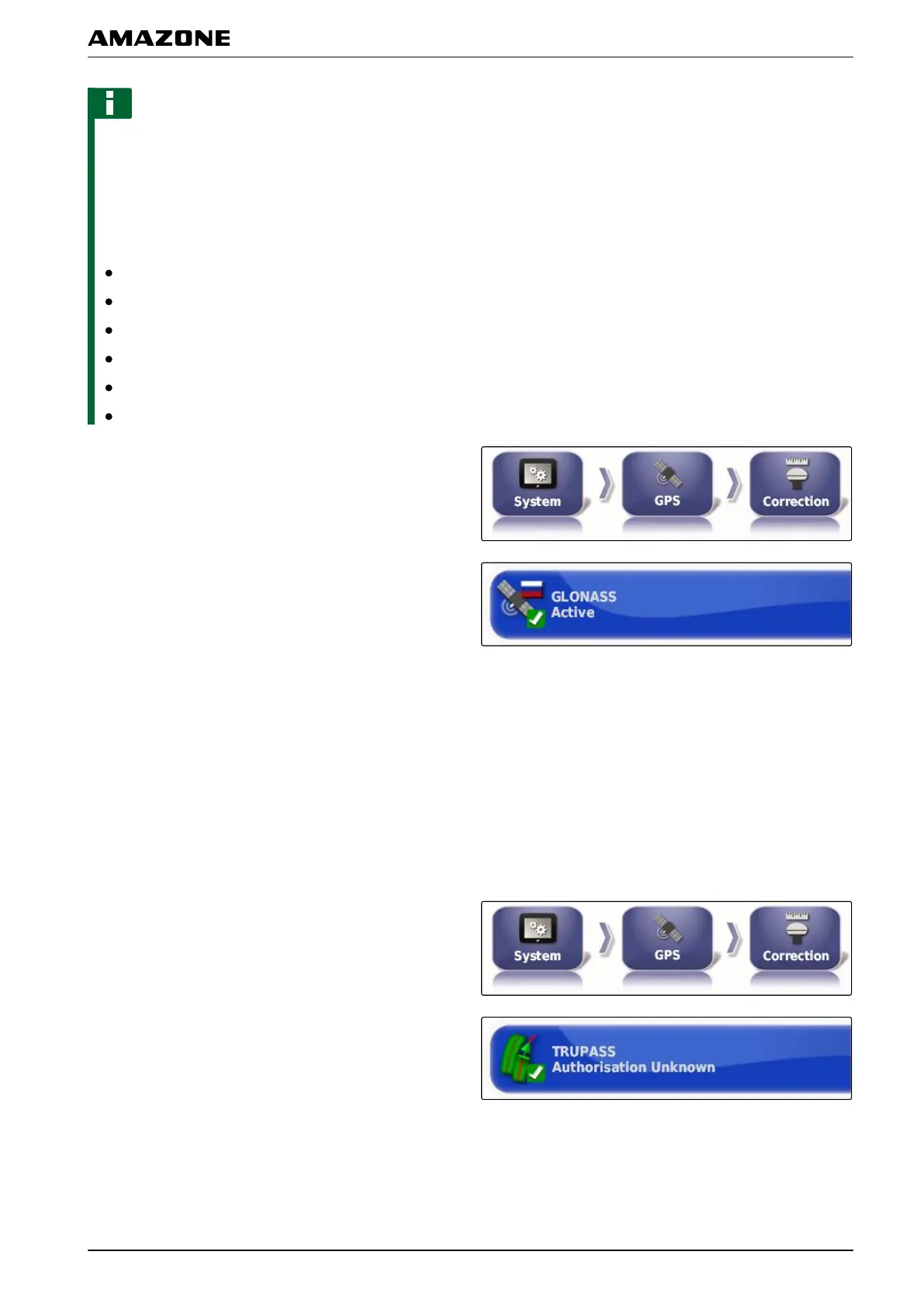
1. In the setup menu, tap on "System" > "GPS" >
"Correction".
2. Tap on "GLONASS".
3. Enable the function
or
disable.
Enabling Trupass
Trupass
TM
improves the precision
of the track lines.
1. In the setup menu, tap on "System" > "GPS"
>
"Correction".
2. Tap on "T
rupass
TM
".
3. Enable the function
or
disable.
009208
F | Configuring the AMAPAD | Entering the system settings
MG5574-EN-II | B.1 | 25.10.2016
57



 To Next Page