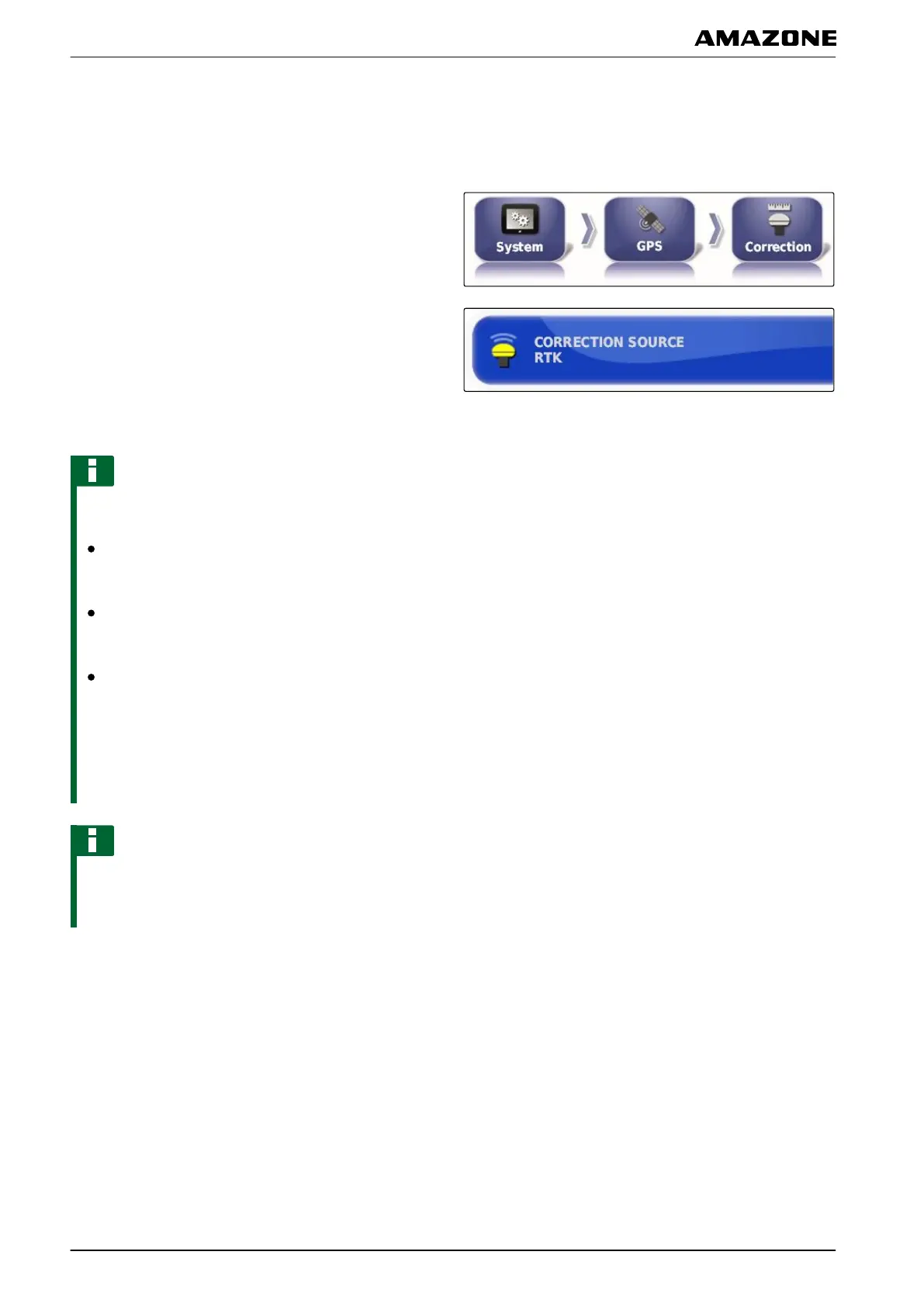
Selecting correction source
Correction signals increase the precision of the GPS
signal.
1. In the setup menu, tap on "System" > "GPS" >
"Correction".
2. Tap on "Correction source".
3. Choose the correction source from the selection list.
NOTE
The following free correction sources are supported:
WAAS: The GPS receiver uses the Wide Area
Augmentation System. Only suitable for North
America. Precision: Under one metre.
EGNOS: The GPS receiver uses the European
Geostationary Navigation Overlay Service. Only
suitable for Europe. Precision: Under one metre.
MSAS: The GPS receiver uses the Multi-functional
Satellite Augmentation System. Only suitable for
Eastern Asia. Precision: Under one metre.
All other correction
sources are subject to charge and
are not included in this operating manual. For more
information, see page 227.
NOTE
When the supported correction sources are selected,
a
warning message appears because these correction
sources do not provide the highest precision.
Enabling GLONASS
GLONASS is the Russian satellite navigation system. If
not enough
satellites are available for a GPS signal, the
AMAPAD can fall back on the GLONASS satellites.
005392
009207
F | Configuring the AMAPAD | Entering the system settings
MG5574-EN-II | B.1 | 25.10.2016
56



 To Next Page