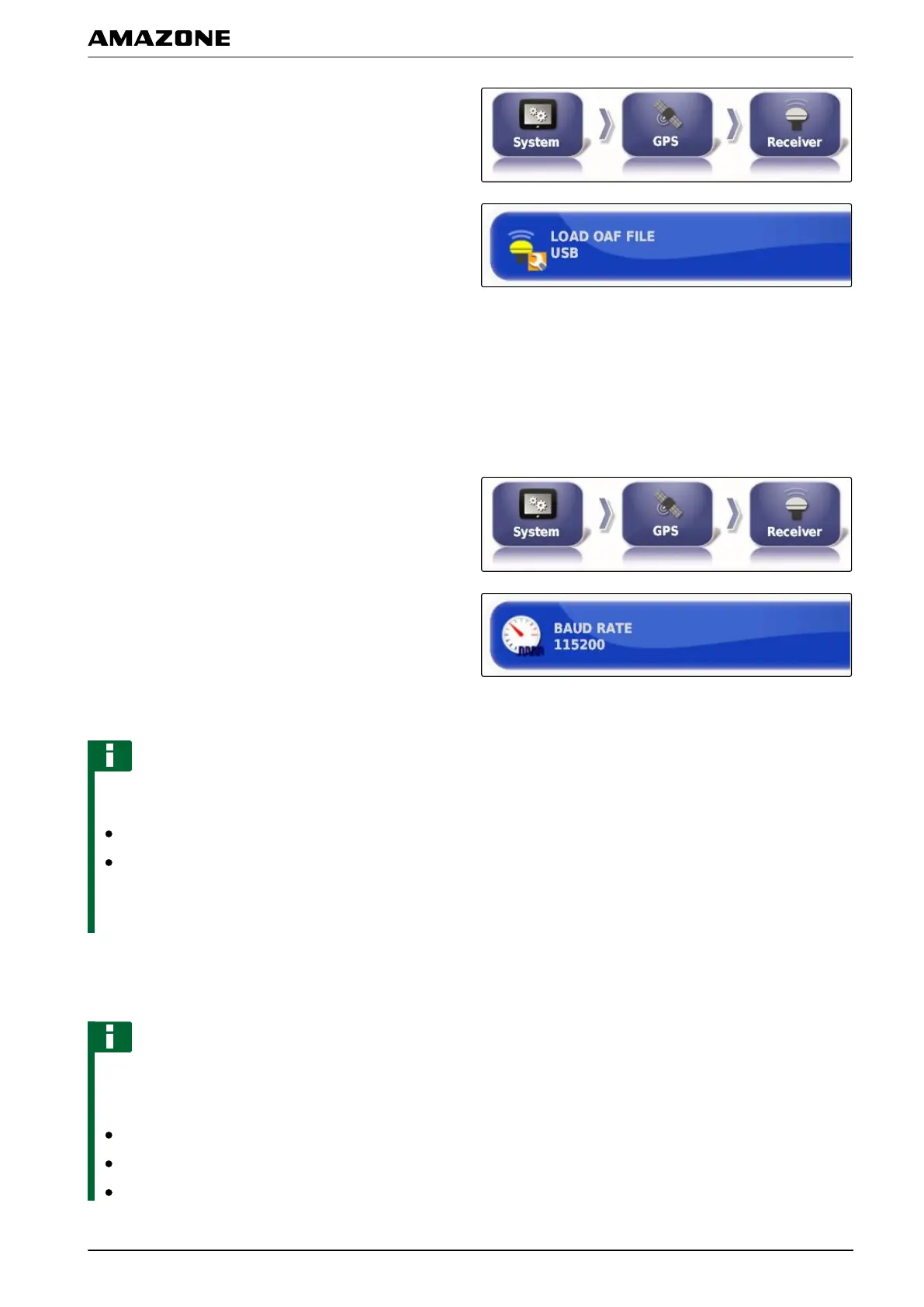
1. In the setup menu, tap on "System" > "GPS" >
"Receiver".
2. Tap on "Load OAF file".
3. Follow the instructions on the screen.
Set the baud rate
The baud rate refers to the transmission speed of the
GPS receiver
.
1. In the setup menu, tap on "System" > "GPS" >
"Receiver".
2. Tap on "Baud rate".
3. Select the recommended baud rate.
NOTE
Recommended baud rates:
For AMAZONE GPS receiver: 19200
For AGI-4: 115200
More information
can be found in the GPS receiver
operating manual.
3.2.2 Configuring the correction signal
NOTE
This menu is only available if one of the following
GPS receivers
has been selected:
SGR-1
AGI-3
AGI-4
005371
005395
F | Configuring the AMAPAD | Entering the system settings
MG5574-EN-II | B.1 | 25.10.2016
55



 To Next Page