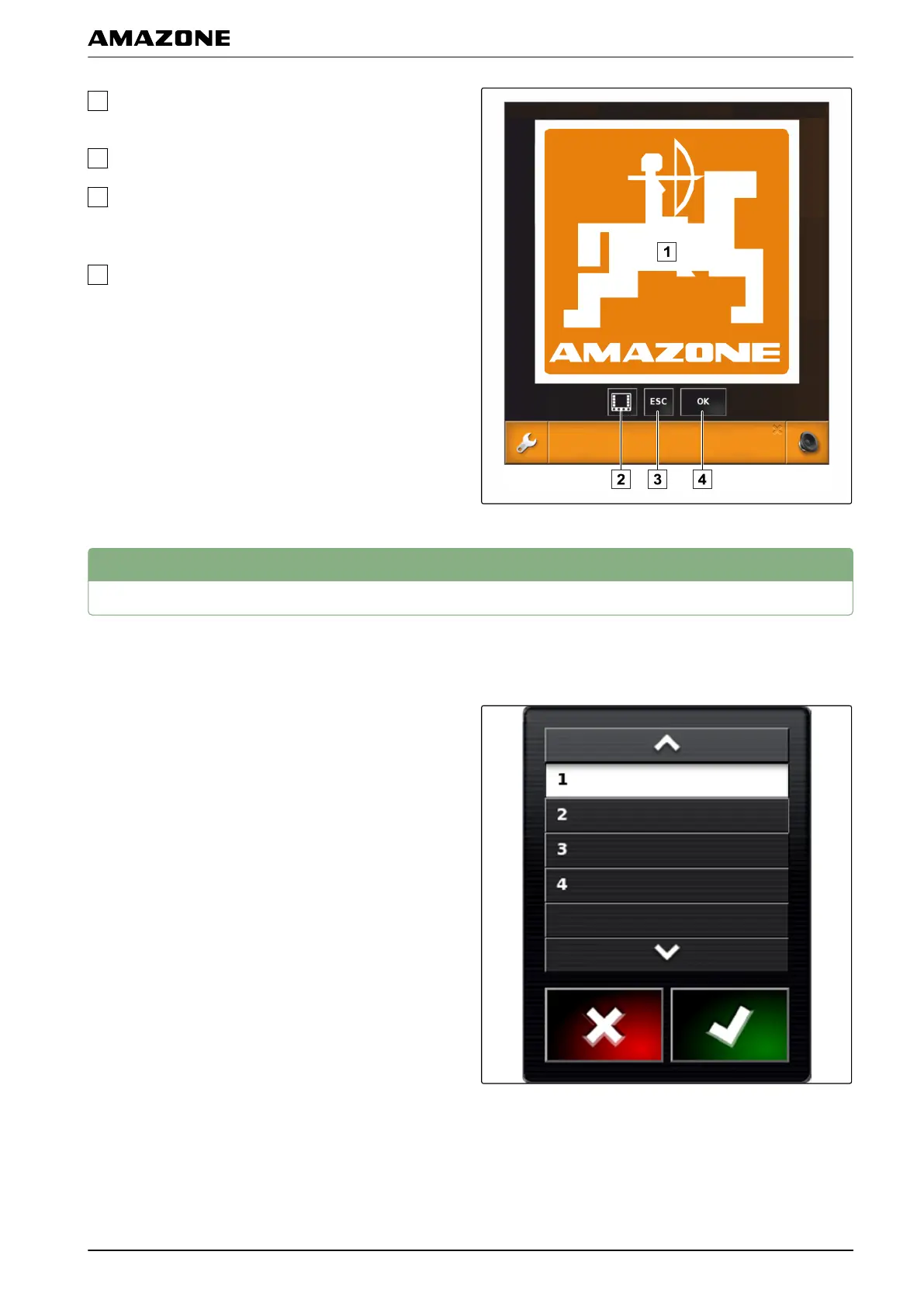
Warning messages that are issued by the
implement.
Switch to the Universal Terminal.
Close the warning message. Warning message for
AMAZONE implements is acknowledged
in the
ECU.
Acknowledge the warning message. Warning
message is acknowledged
in the ECU.
3
General control elements
3.1 Selection list
One or multiple entries can be selected from selections
lists. The selected
entries are highlighted in white. A
message box appears if too many entries are selected.
3.2 Key pad and number pad
If letters or numbers must be entered, a key pad or
number pad appears on the display.
001360
002387
002386
E | User interface at a glance | General control elements
MG5574-EN-II | B.1 | 25.10.2016
17



 To Next Page