5.8 Configuring audio signals
The AMAPAD can issue acoustic signals for specific
implement functions.
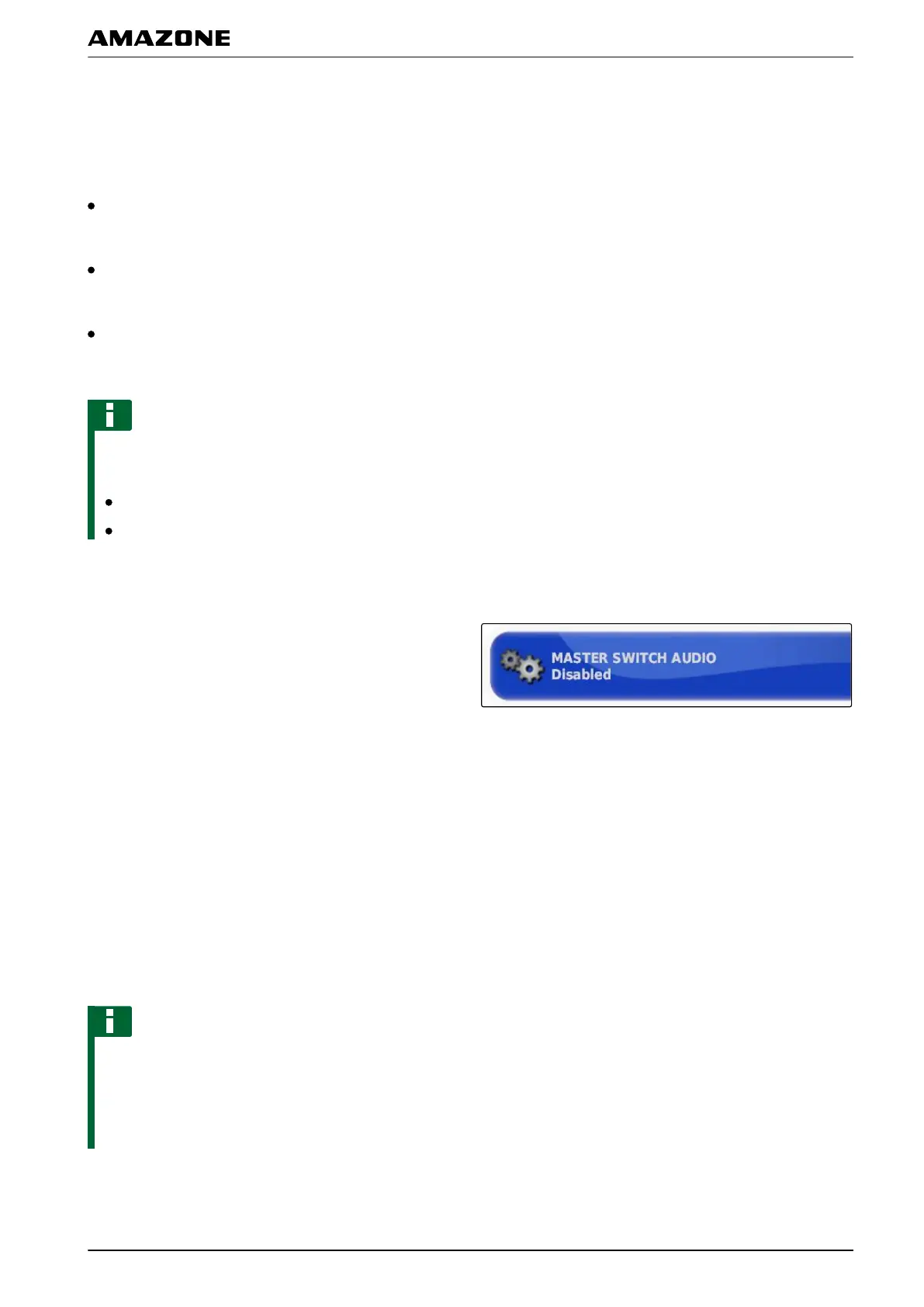
Audio signal for main switch: when the audio signal is
enabled, a tone is issued when the main switch is
actuated.
Audio signal for tank switch: when the audio signal is
enabled, a tone is issued when the tank switch is
actuated.
Audio signal for part-width sections: when the audio
signal is enabled, a tone is issued when the part-
width sections are switched on or of
f.
NOTE
The following audio signals are not supported by
ISOBUS implements:
Audio signal for the tank switch
Audio signal for the main switch
1. In the setup menu, tap on "Implement" > " Sprayer
(Spreader
, Planter) " > "Audio".
2. Tap on the button for the desired audio signal.
3. Enable the audio signal
or
disable.
5.9 Configuring the GPS speed simulation
In this menu, it can be defined that the AMAPAD should
determine the speed
using the GPS signal, and like the
AMAPAD, transmit the speed to the implement.
NOTE
The speed must only be transmitted to the implement
when
there is no speed source available to the
Universal Terminal. In this case, both speed
simulations can be enabled. One of the sources can
then be selected through the Universal Terminal.
005440
005427
F | Configuring the AMAPAD | Configuring an implement
MG5574-EN-II | B.1 | 25.10.2016
95



 To Next Page