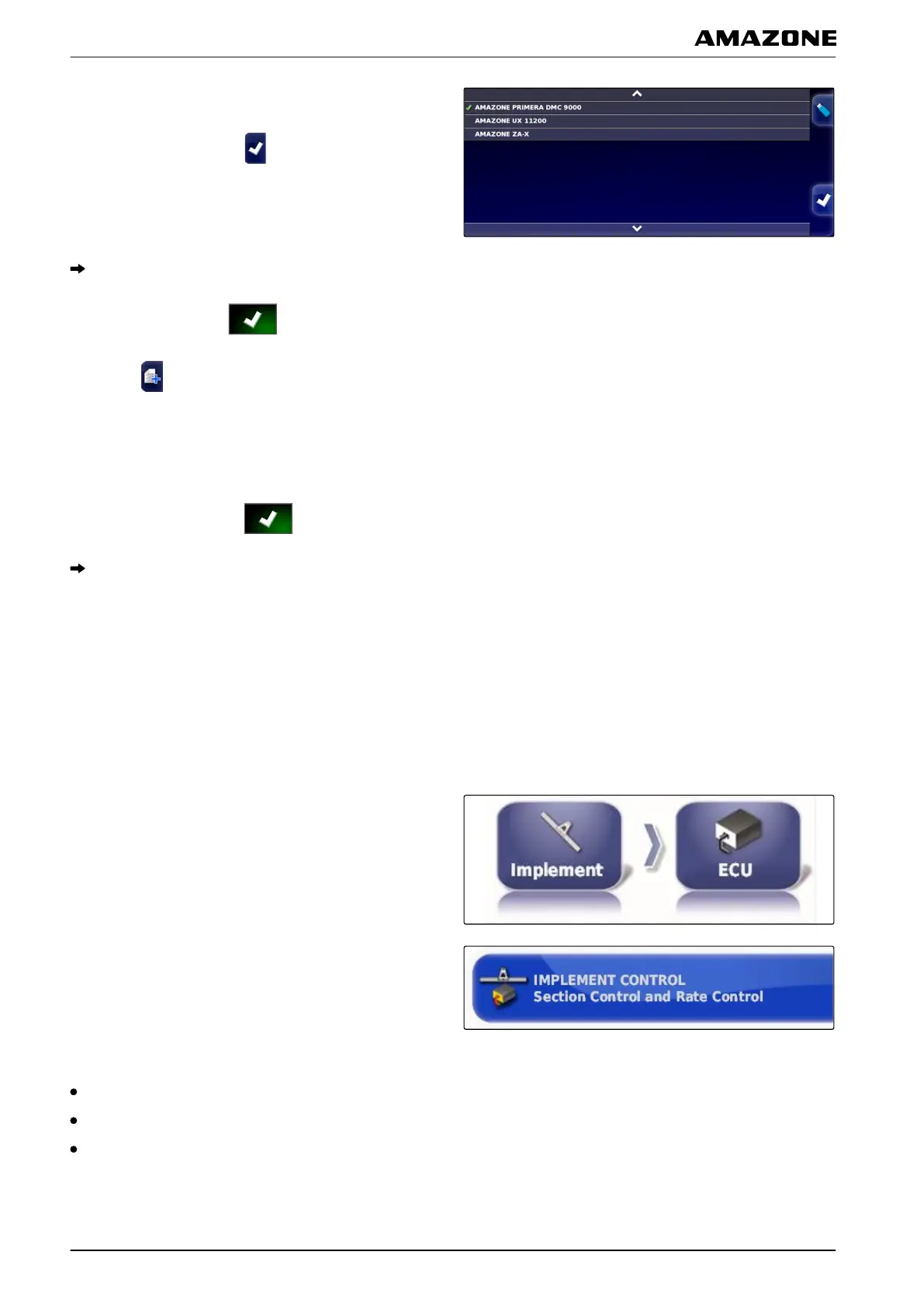
2. Select implement from the list.
3. Confirm selection with .
A restart must be performed for some implements.
4. Confirm restart with .
5. Select .
6. Select the "Implement name".
7. Enter an implement name for the copy.
8. Confirm the entry with
.
For some implements, a restart will be performed.
5.4 ECU configuration
In this menu, the ECU of the selected implement can be
configured.
Selecting the implement control
1. In the setup menu, tap on "Implement" > "ECU".
2. Tap on "Implement control".
Possible settings:
Only section control
Section control with rate control
Only rate control
005414
005413
F | Configuring the AMAPAD | Configuring an implement
MG5574-EN-II | B.1 | 25.10.2016
88



 To Next Page