3. Confirm selection with .
A restart must be performed for some implements.
4. Confirm restart with
.
5.3.1 Importing implement data
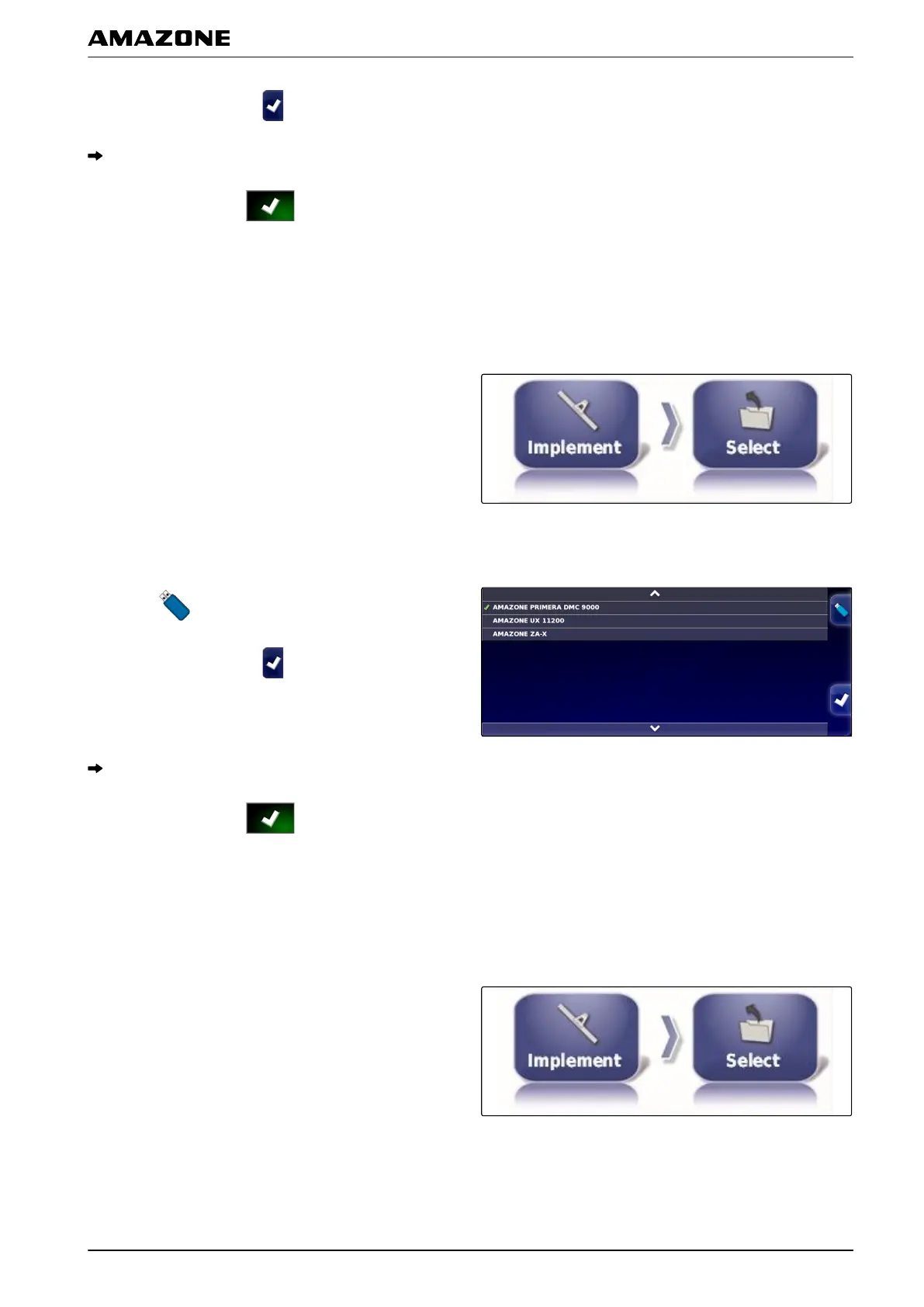
Implement data can be saved to a USB stick and
imported
onto the AMAPAD.
1. In the setup menu, tap on "Implement" > "Select".
2. Insert the USB stick with the implement data into the
AMAP
AD.
3. Select
.
4. Confirm selection with .
A restart must be performed for some implements.
5. Confirm restart with .
5.3.2 Copying implement data
If similar implements will be connected, implement data
can be copied and then edited.
1. In the setup menu, tap on "Implement" > "Select".
001573
001572
F | Configuring the AMAPAD | Configuring an implement
MG5574-EN-II | B.1 | 25.10.2016
87



 To Next Page