Basic operation
D
1
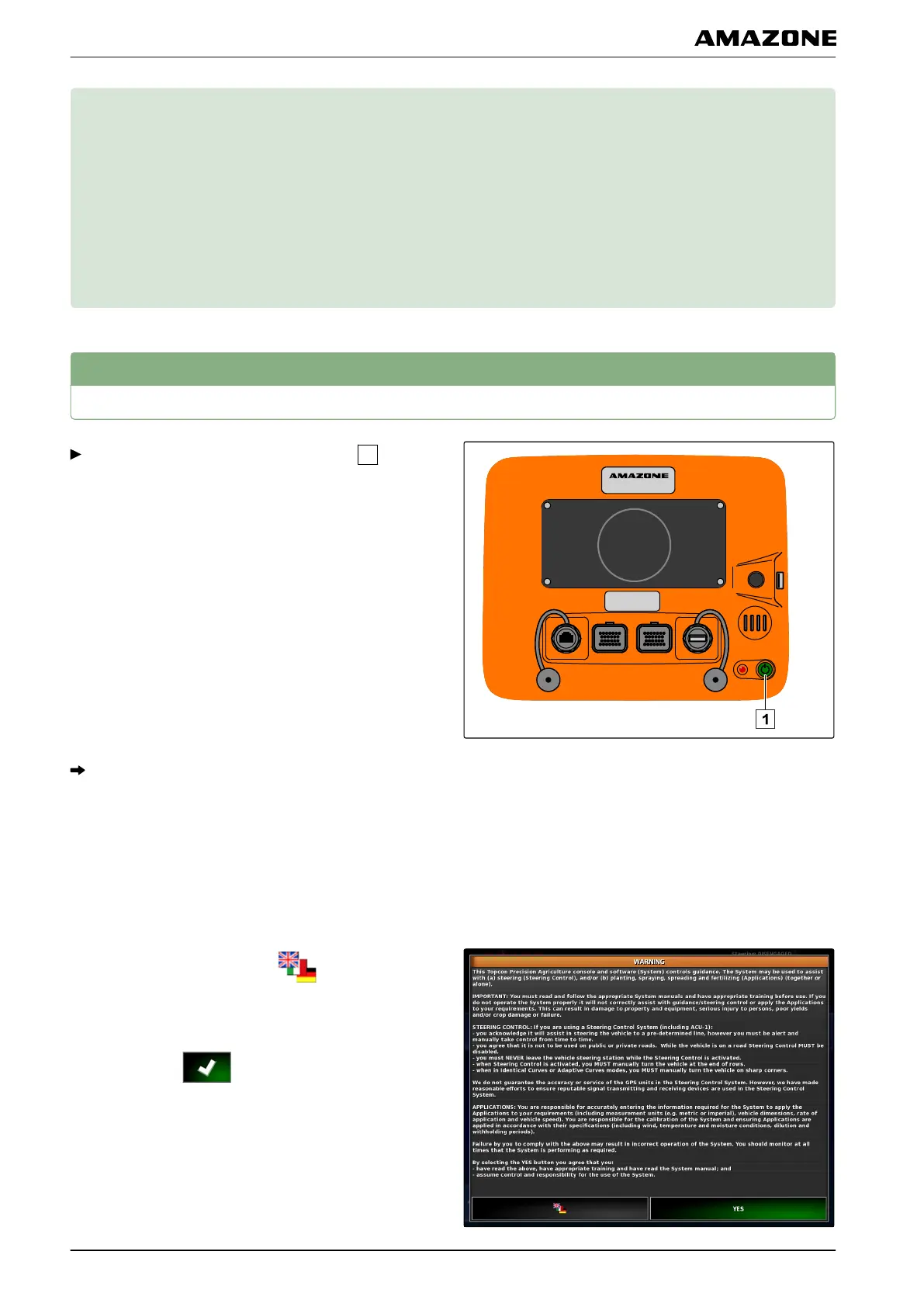
Switching on the AMAPAD
Press and hold the green On/Off button
on the
back of the AMAP
AD until the light bar lights up.
The AMAPAD is started.
Changing the language
The language for the warning message and the user
interface can be
changed directly after starting the
AMAPAD.
1. Open the language list with
.
2.
Select the desired language from the list.
3. Confirm with
.
007211
005233
002288
D | Basic operation |
MG5574-EN-II | B.1 | 25.10.2016
10



 To Next Page