EasyManua.ls Logo

Amazone AMAPAD - Other Buttons Overview

Amazone AMAPAD
237 pages
Print Icon
To Next Page IconTo Next Page
To Previous Page IconTo Previous Page
Loading...
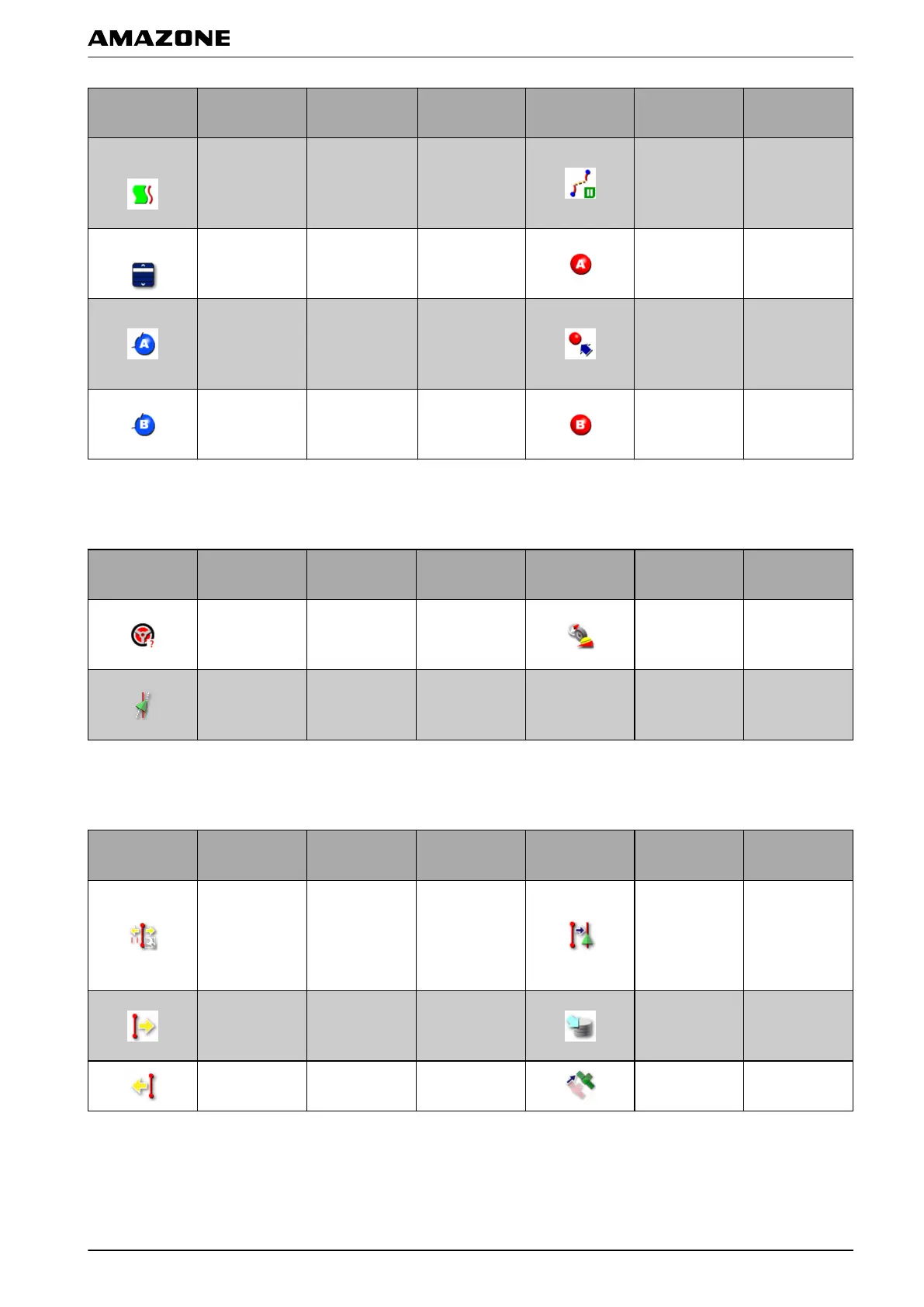
Button Function
More
information
Button Function
More
information
Activate
adaptive
curved
track
line
see page 147
Interrupt
recording
of
the curved
track line
see page 150
Load track line see page 154
Set starting
point for AB
line
see page 148
Set starting
point for
curved
track
line
see page 150
Create A-B
line
manually
see page 149
Set end point
for curved
track line
see page 150
Set end point
for A-B line
see page 148
4.5 Buttons in the steering options menu
Button Function
More
information
Button Function
More
information
Call up
automatic
steering status
see page 168
Calibrate
steering
see page 166
Coordinate the
automatic
steering
see page 170
4.6 Buttons in the GPS shift menu
Button Function
More
information
Button Function
More
information
Open shifting
options for
track
lines
see page 161
Shift the
closest track
line
to the
vehicle
position
see page 163
Shift the track
lines
to the
right
see page 162
Save the
shifted track
lines
see page 163
Shift the track
line
to the left
see page 162
Open the GPS
drift
options
see page 159
009810
009814
E | User interface at a glance | Buttons in the operating menu
MG5574-EN-II | B.1 | 25.10.2016
21

Table of Contents

Related product manuals