1
Using the job menu
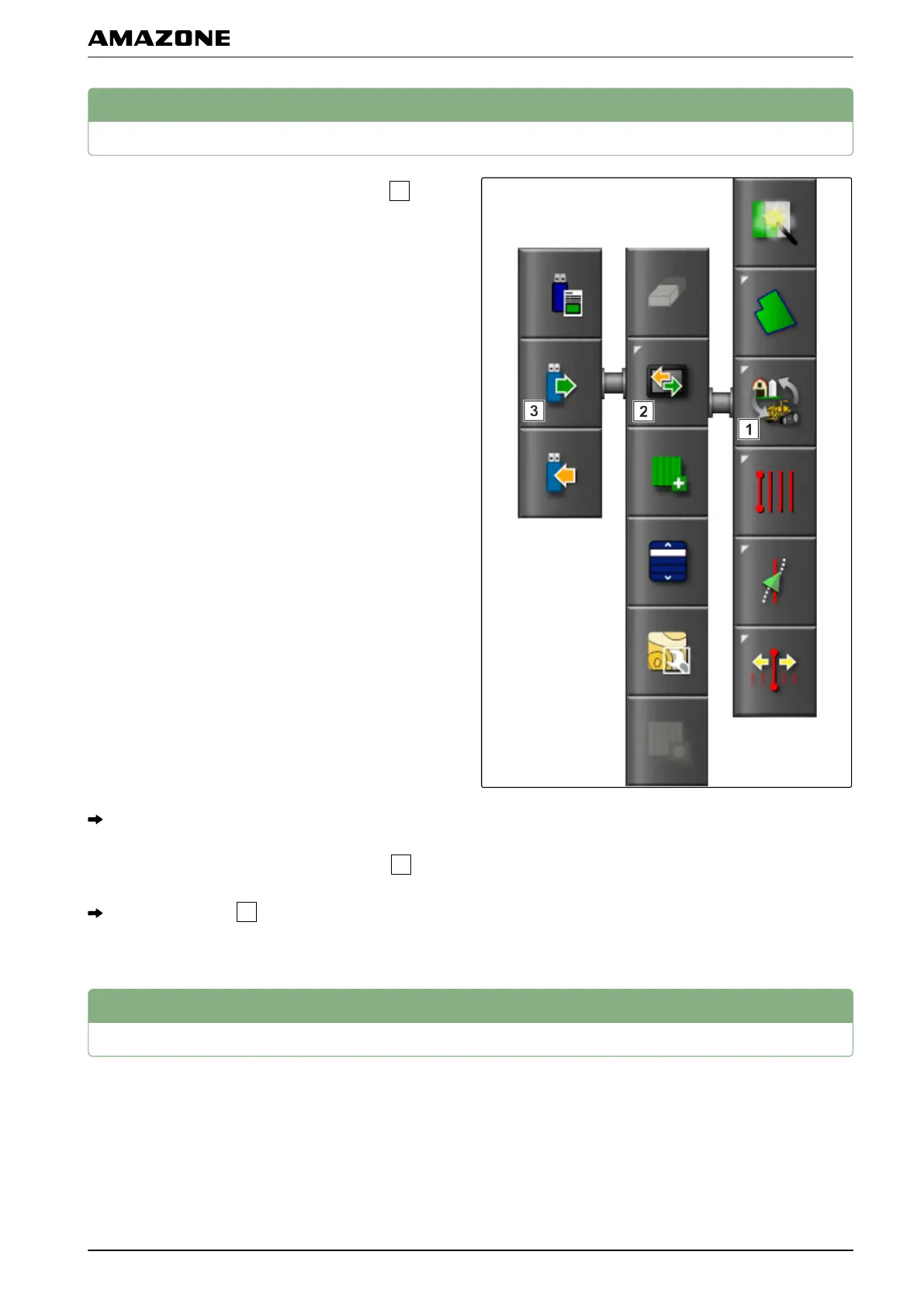
1. Tap on one of the buttons in the job menu
.
The menu bar will be opened.
2. Tap on one of the buttons in the menu bar
.
Another menu bar
will be opened or a menu will
be opened.
2
Using the job assistant
The job assistant shows information on the menus in the
map view
. The information contains instructions on how
to use the individual menus.
001364
047515
I | Managing jobs | Using the job menu
MG5574-EN-II | B.1 | 25.10.2016
113



 To Next Page