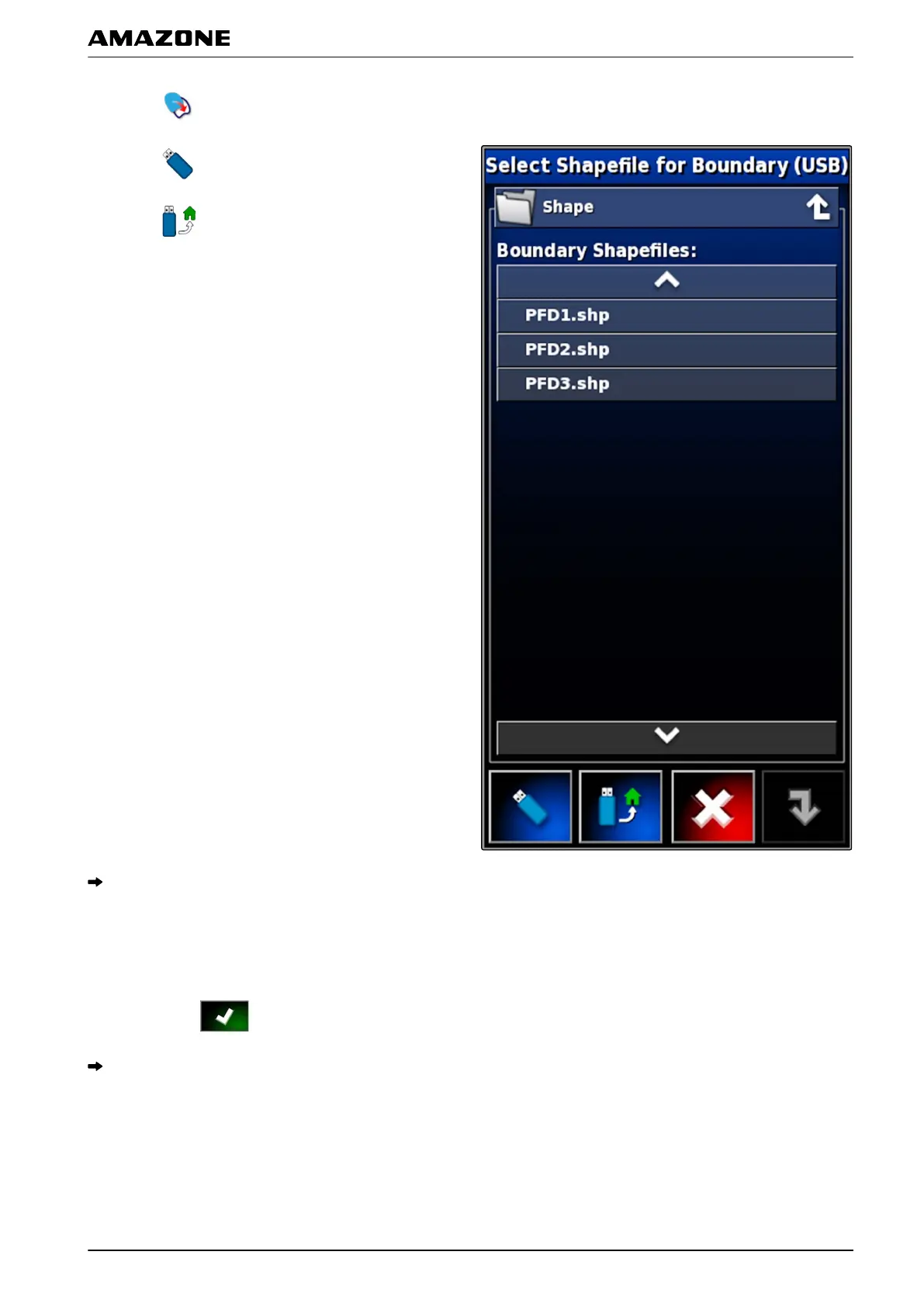
3. Tap on .
4. Tap on .
5.
Tap on
.
The folders on the USB flash drive will be shown.
6. Select the folder containing the shape files.
7. Select the desired shape file.
8. Confirm with .
If the vehicle is located near the boundary area, the
boundary area will be shown on the map.
2.4 Creating the boundary line from the coverage
The AMAPAD can draw a boundary line around a
worked
area. This makes it possible e.g. to edit the edge
007614
J | Managing fields | Creating a boundary line
MG5574-EN-II | B.1 | 25.10.2016
133



 To Next Page