First menu level
Second menu level
Third menu level
Last menu level
Enter settings
Previous menu
Next menu
Selected menu
Exit the setup menu
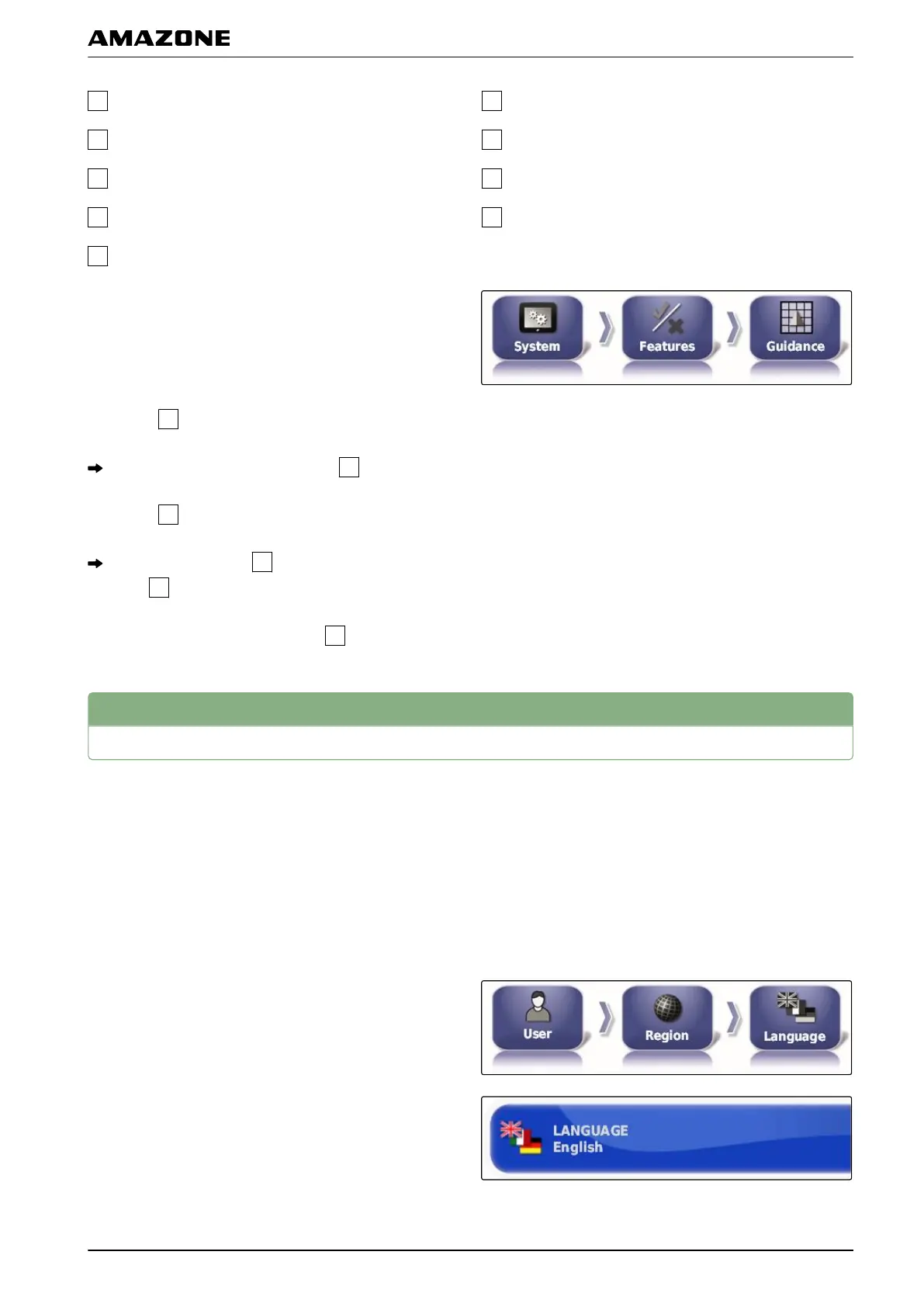
In these operating instructions, the paths to the settings
are displayed
as shown opposite.
1. Under
, tap on the desired menu item.
The second menu level is opened
.
2. Under
, tap on the desired menu item.
The third menu level
is opened or the last menu
level
is opened.
3. To enter the settings, tap on the
button.
2
Entering the user settings
2.1 Entering the region settings
2.1.1
Entering the language settings
Changing the language
1. In the setup menu, tap on "User" > "Region" >
"Language".
2. Open the language list with "Language".
3. Select the desired language from the selection list.
005557
005555
002496
001402
F | Configuring the AMAPAD | Entering the user settings
MG5574-EN-II | B.1 | 25.10.2016
25



 To Next Page