4. Confirm with .
5. Exit the setup menu with .
6. Confirm restart with .
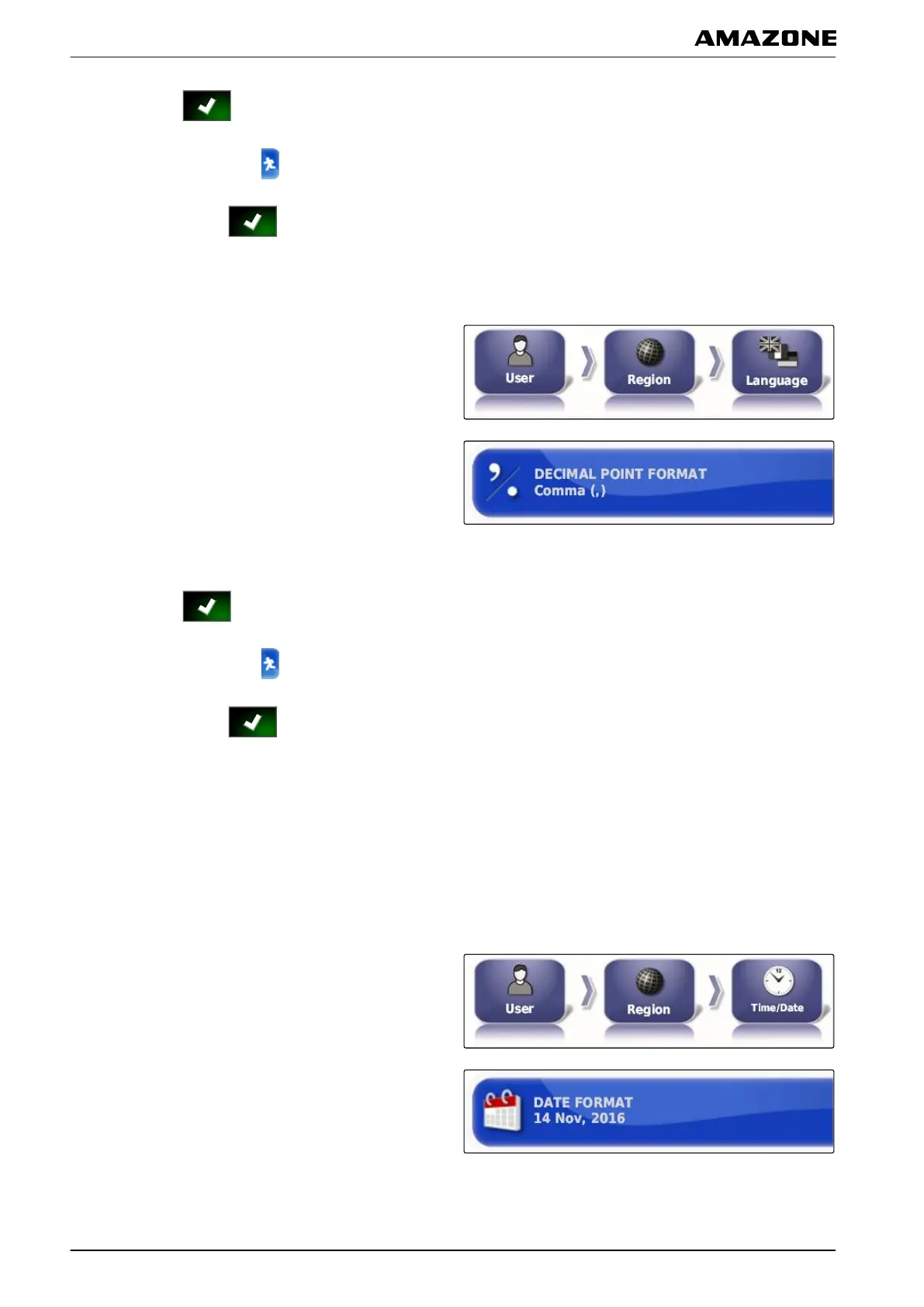
Defining the format for the decimal separator
1. In the setup menu, tap on "User" > "Region" >
"Language".
2. Tap on "Format for the decimal separator".
3. Select the desired format.
4. Confirm with .
5. Exit the setup menu with .
6. Confirm restart with .
2.1.2 Setting the time and date
Changing the date format
The date specification is used for the job data and for
created files.
1. In the setup menu, tap on "User" > "Region" >
"T
ime/Date".
2. Tap on "Date format".
3. Select the format.
001253
005332
005331
F | Configuring the AMAPAD | Entering the user settings
MG5574-EN-II | B.1 | 25.10.2016
26



 To Next Page