Working without a job
H
If the job data should not be recorded, work can be
performed
without using a job. To do so, the "Quick start"
function is used to automatically create a job, and delete
it again when the function is called up again.
1
Configuring the quick start
REQUIREMENTS
User access level has been set to "Standard" or
"Expert"; see page
41
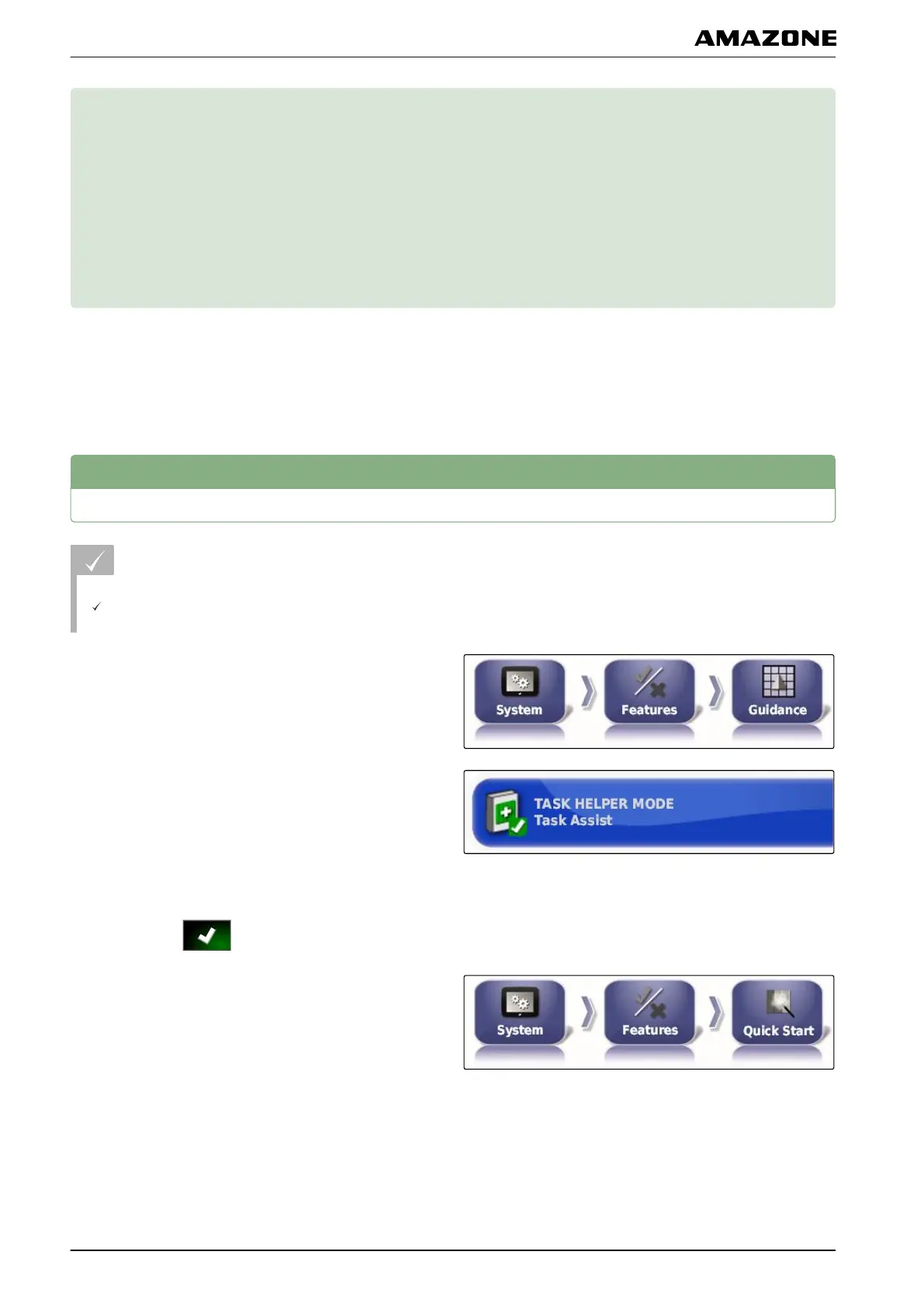
1. In the setup menu, tap on "System" > "Functions" >
"T
rack guidance".
2. Tap on "Help with job processing".
3. Select "Quick start".
4. Confirm with .
5. In the setup menu, tap on "System" > "Functions" >
"Quick start".
048471
061001
H | Working without a job |
MG5574-EN-II | B.1 | 25.10.2016
110



 To Next Page