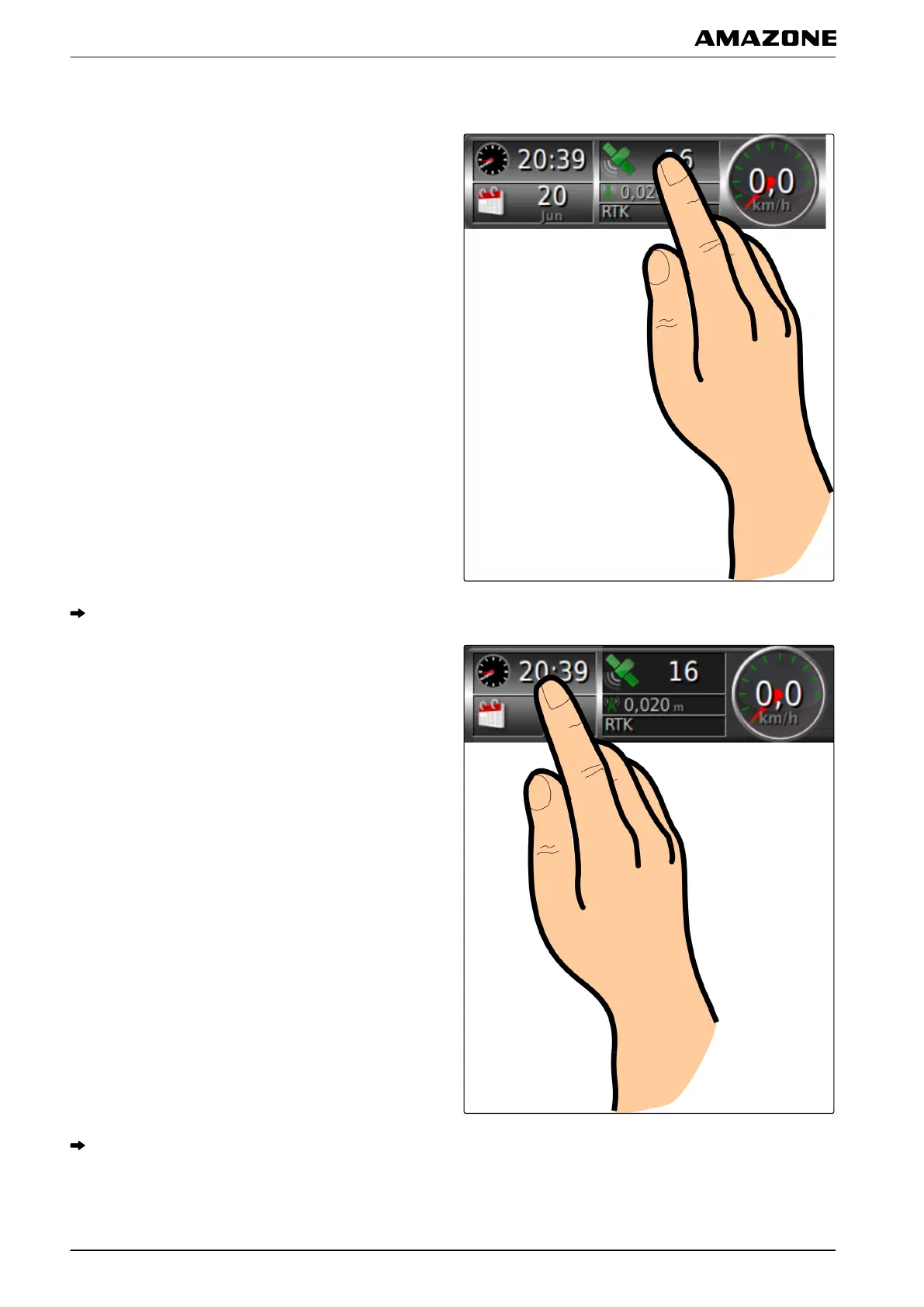
3.2 Editing data fields
1. Tap on any data field on the dashboard.
The selection list for the data fields will be opened.
2. T
o edit an existing data field on the dashboard,
tap on the desired data field on the dashboard.
The selection list for the data will be opened.
048221
G | Using the operating menu | Configuring the dashboard
MG5574-EN-II | B.1 | 25.10.2016
108



 To Next Page