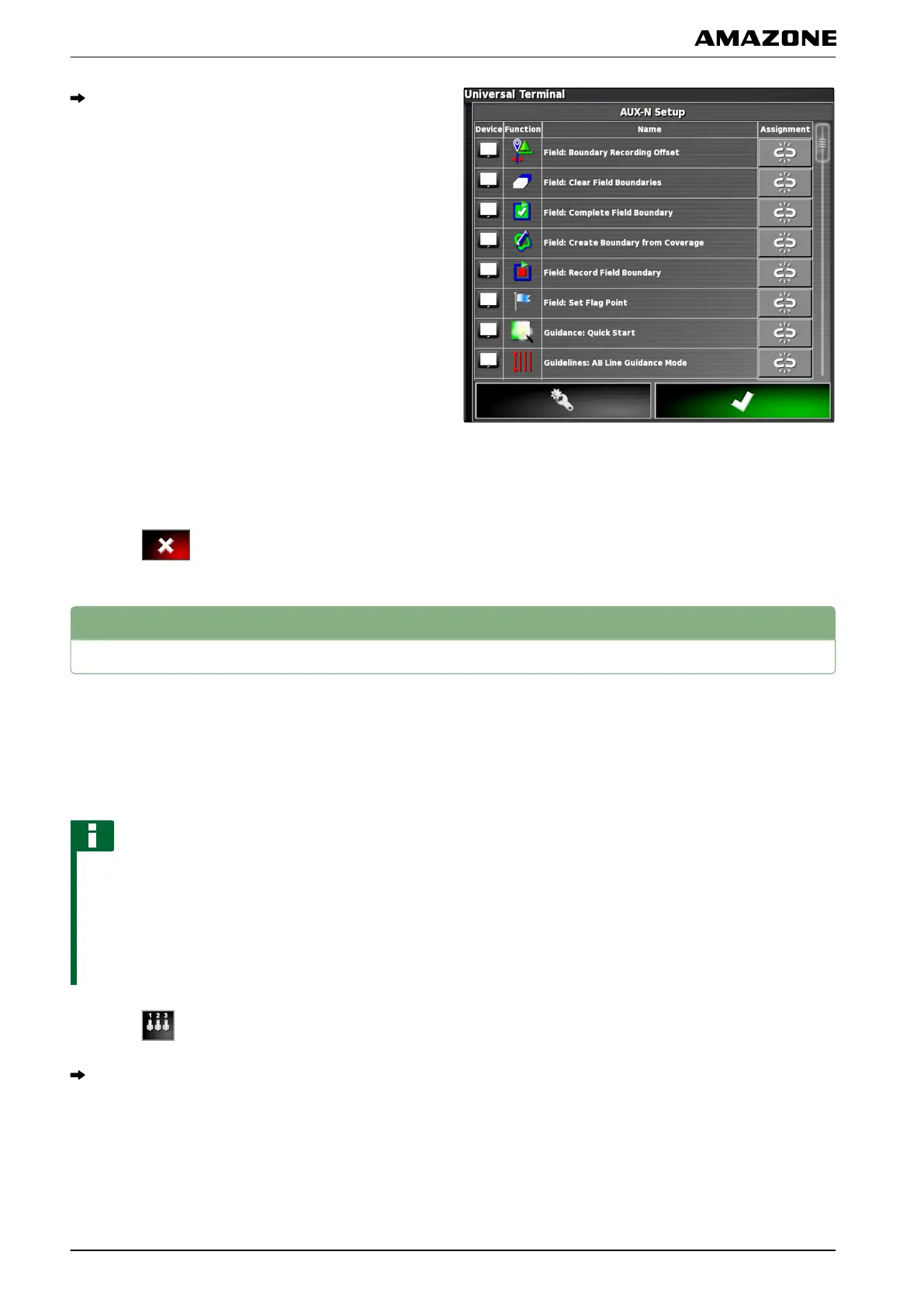
The list of the provided AUX-N assignments is
opened on the Universal T
erminal.
2. T
o change the AUX-N assignments,
see page 178.
3. T
o delete all AUX-N assignments,
tap on .
4
Managing AUX-N functions
The functions of the AMAPAD and the connected
implement
can be executed using quick access buttons
and using external input devices. For example, if an
AmaPilot
+
is connected, the functions can be assigned
with the buttons on the AmaPilot
+
.
NOTE
When the AMAPAD is switched off, the assigned
functions
are deleted. The functions must be assigned
after each restart.
The newer software versions allow permanent
assignment of the functions.
1. Select
on the Universal Terminal.
The list of available functions will be displayed.
007322
N | Using the Universal Terminal| Managing AUX-N functions
MG5574-EN-II | B.1 | 25.10.2016
178



 To Next Page