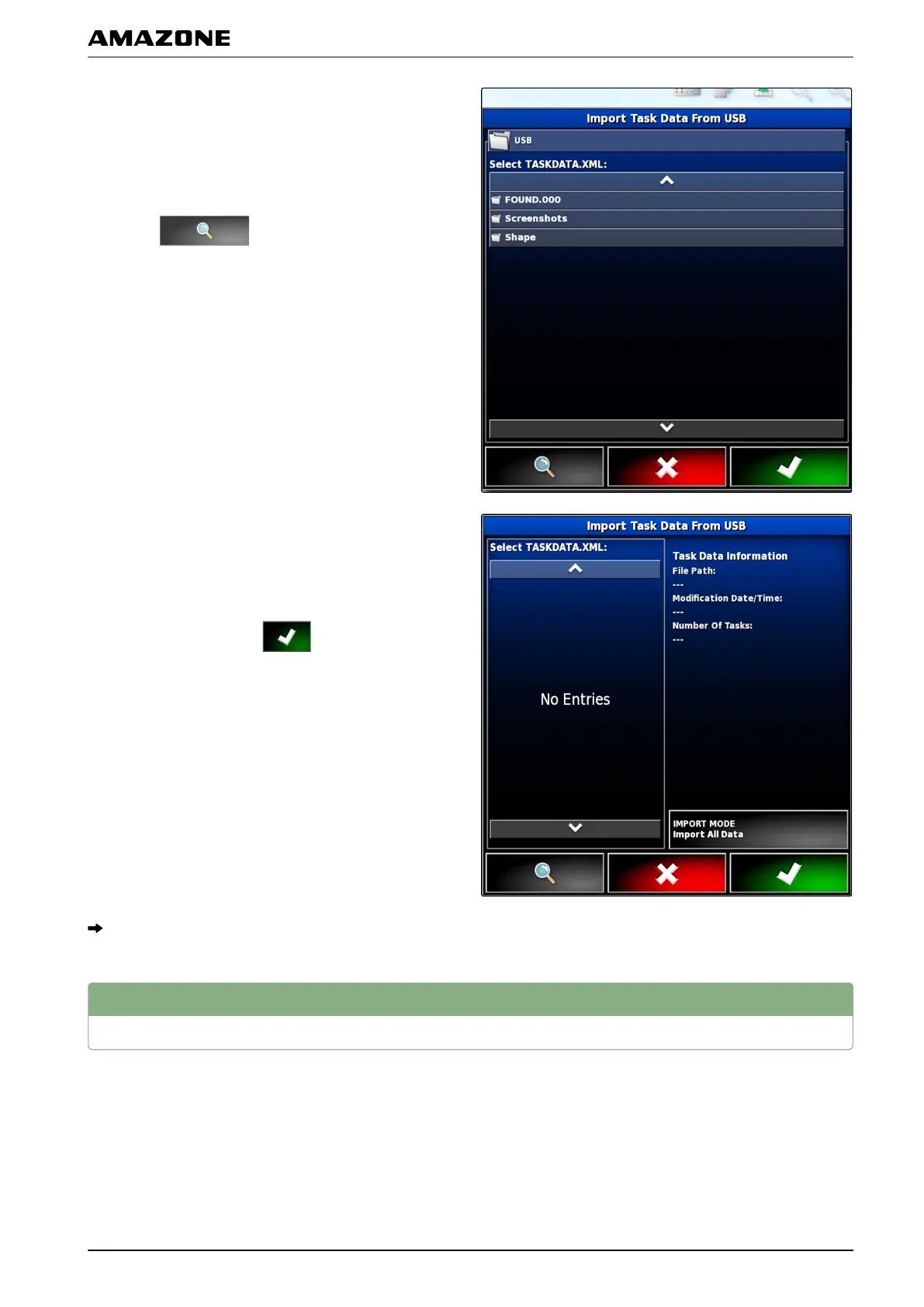
5. Select the folder containing the "TASKDATA.XML"
files
or
To show all "TASKDATA.XML" files on the USB stick,
tap on
.
6. Select the desired "T
ASKDATA.XML" file.
7. Under "Import mode", select whether all of the data
or only master data should be imported.
8. Confirm selection with
.
9. If job data is on the AMAPAD:
confirm overwriting.
The job data will be imported.
8
Exporting task data
Job data can be exported with a USB stick to manage it
with a Farm Management
Information System on a PC.
001938
I | Managing jobs | Exporting task data
MG5574-EN-II | B.1 | 25.10.2016
119



 To Next Page