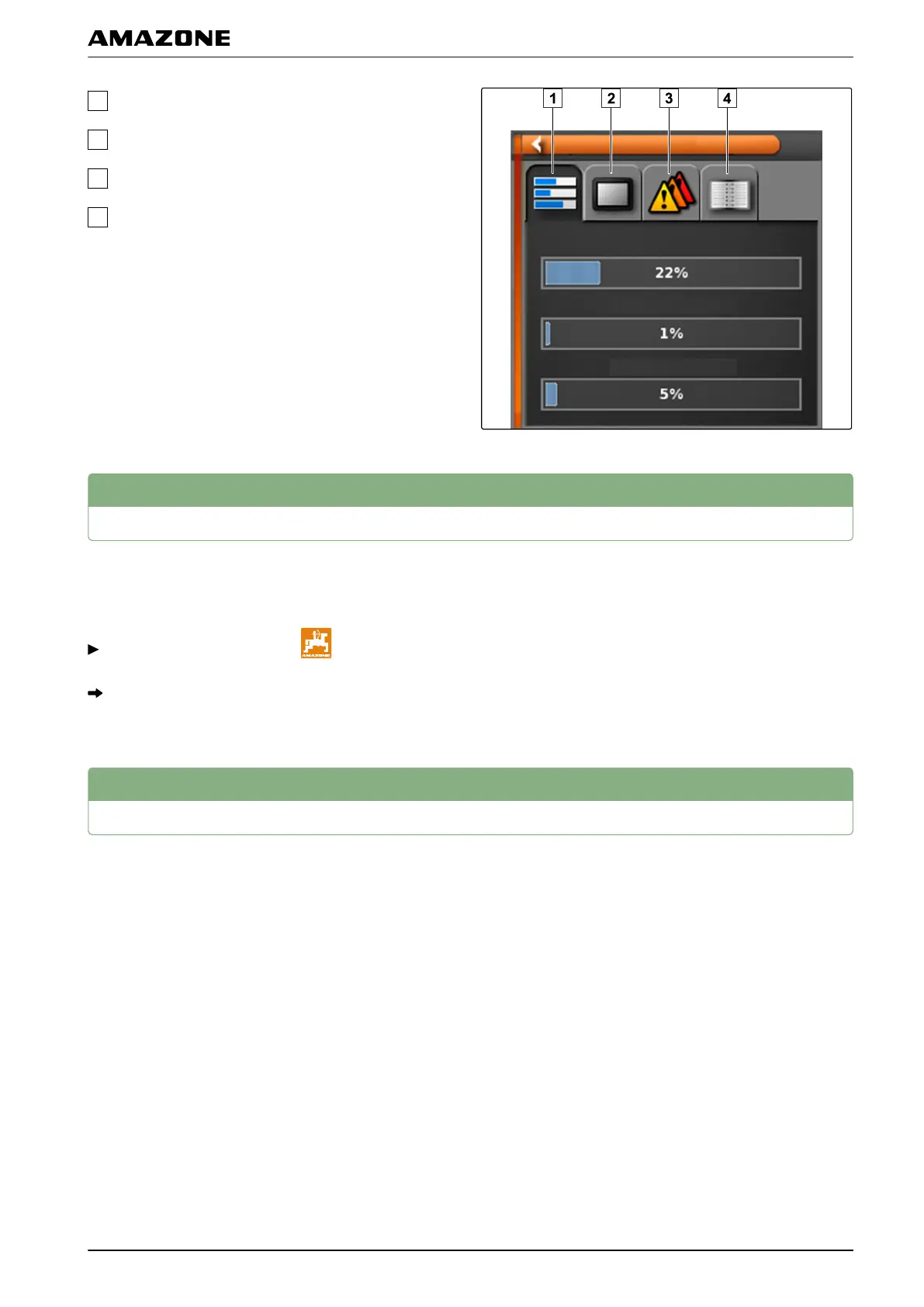
Memory usage
Console diagnosis
Fault codes
Protocol: In this tab, the "Configuration
file" button
can be used to load a configuration file from a USB
flash drive.
3
Determining the software version
In the function menu, ther is a miniature view that
provides
information on the installed software version.
In the function menu, tap on .
The miniature view with the software information will
be opened.
4
LED display
The LED on the front of the AMAPAD shows the battery
status and power
supply. The meanings of the different
colour combinations are explained in the following table.
009861
004522
T | Troubleshooting| Determining the software version
MG5574-EN-II | B.1 | 25.10.2016
225



 To Next Page