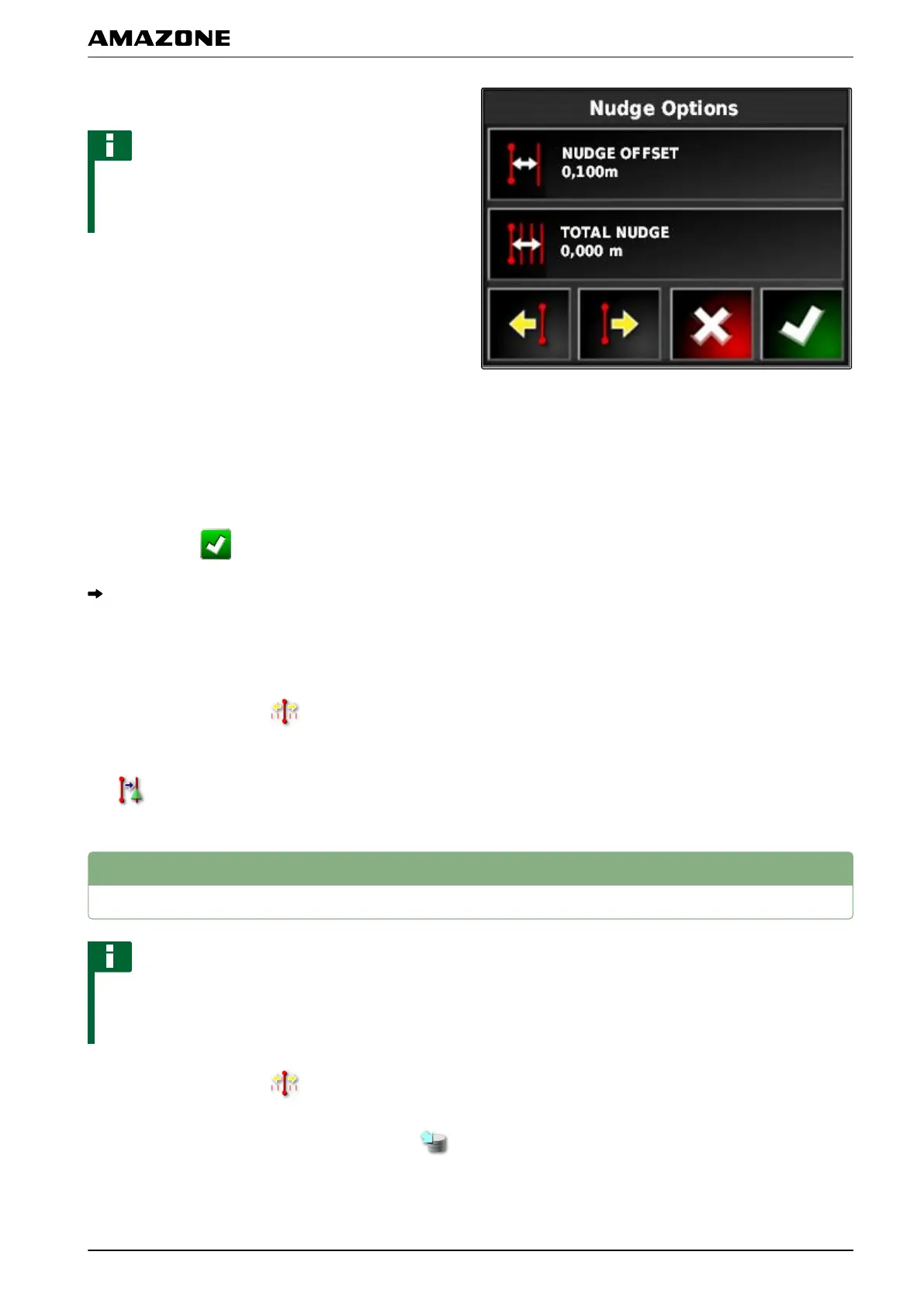
3. Tap on "Total nudge".
NOTE
On the "T
otal nudge" button, the length by which the
track lines were shifted is shown. Other shifts must be
added or subtracted.
4. When t
he track lines should be shifted to the right,
enter a positive value.
or
When the track lines should be shifted to the left,
enter a negative value.
or
If all of the shifts should be reversed,
enter "0".
5. Confirm with
.
The track lines will be shifted by the specified value.
2.3 Shifting the track line to the vehicle position
1. In the job menu, tap on .
2. Shift the closest track line to the vehicle position with
.
3
Saving the corrected track lines
NOTE
The corrected track lines must be saved under a new
name.
The previously created track lines are
maintained.
1. In the job menu, tap on
.
2. Call up the "Save shifted track line" menu with .
002153
002156
L | Correcting the GPS reception| Saving the corrected track lines
MG5574-EN-II | B.1 | 25.10.2016
163



 To Next Page