1
Using a job with application map
REQUIREMENTS
Job with application map is imported; see
page
118
Job with application map is selected; see
page
121
Job with application map is started; see page 115
NOTE
If the job data and the application map match with the
connected
implement, the application map is loaded
automatically and the job can be processed.
1. If t
he application map is not displayed,
perform the following steps.
2. In the job menu, tap on
.
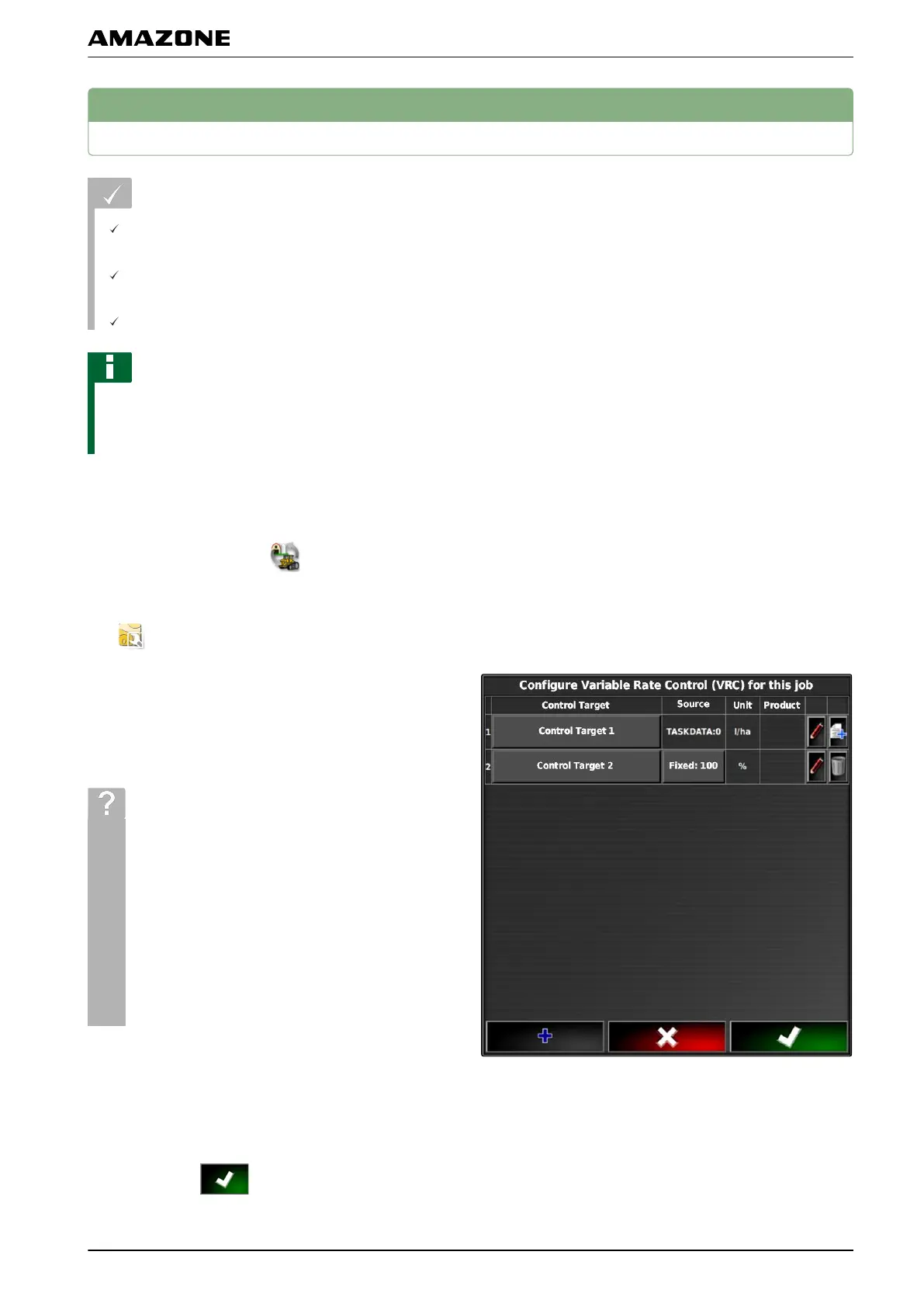
3. Call up the "Rate control assignment" menu with
.
In the "Signal
source" column, "TASKDATA" will be
shown. This entry means that the application map from
the selected job will be loaded.
4. Check the values in the table.
TROUBLESHOOTING
Are the values in the table incorrect?
Units in the job
data do not match the
implement.
1. Connect the correct implement.
2. Check the implement configuration; see
page 82
3. Revise the job data.
5. T
o document the quantities of the used products or
to configure fallback values:
see page 203.
6. Confirm with
.
002729
Q | Using rate control| Using a job with application map
MG5574-EN-II | B.1 | 25.10.2016
195



 To Next Page