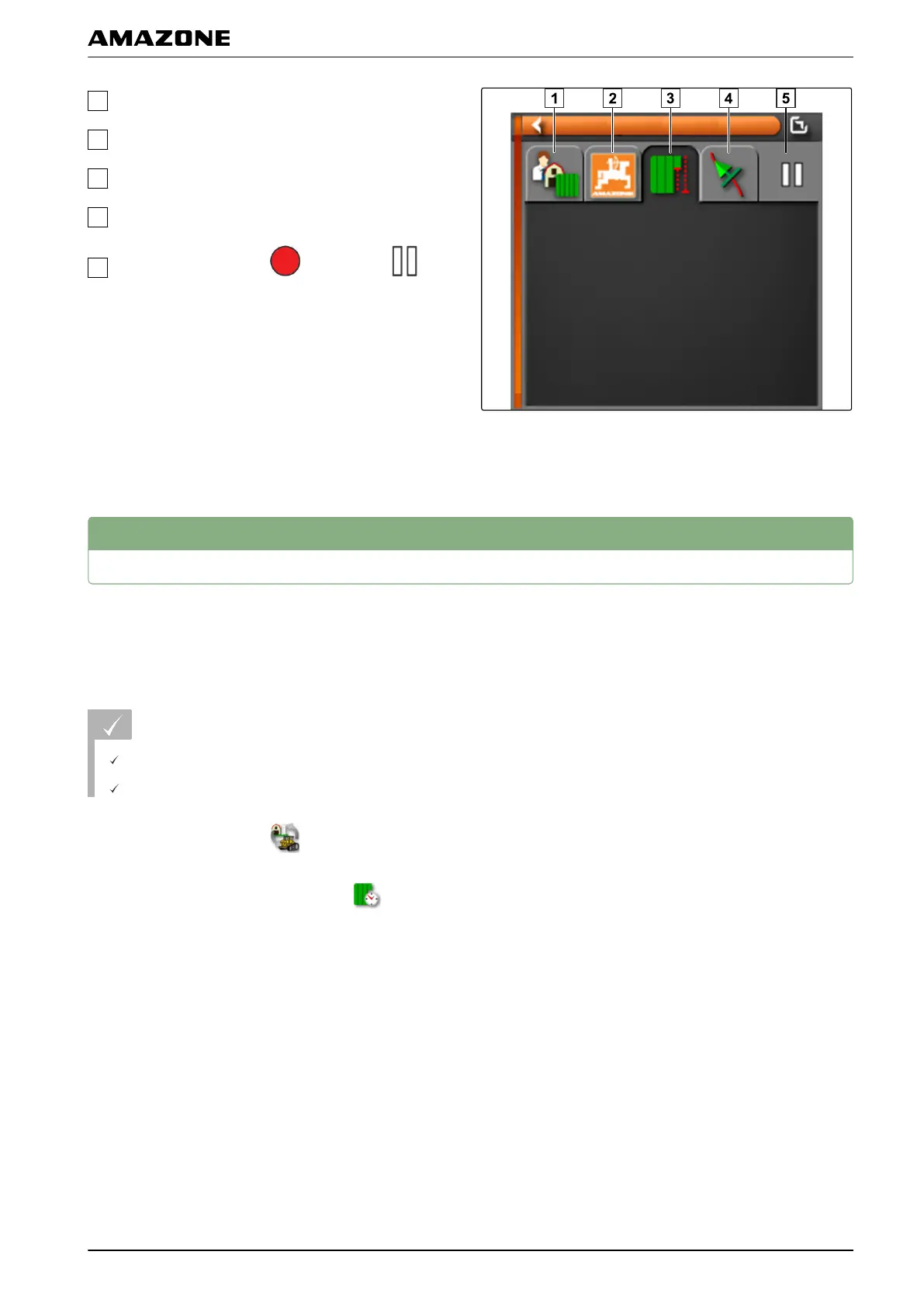
Job settings
Job statistics
Job total values
Track guidance
Job state: Job started: Job stopped:
2. T
o obtain a general overview,
enlarge the miniature view.
13
Define working time
During the execution of a job, detailed information can
be entered
about the work. For example, the time for
repairs or work preparation can be documented in the
job statistics.
REQUIREMENTS
Function is enabled in user controls; see page 41
Job is interrupted; see page 115
1. In the job menu, tap on
.
2. Open the "Set time type" menu with .
001964
I | Managing jobs | Define working time
MG5574-EN-II | B.1 | 25.10.2016
125



 To Next Page