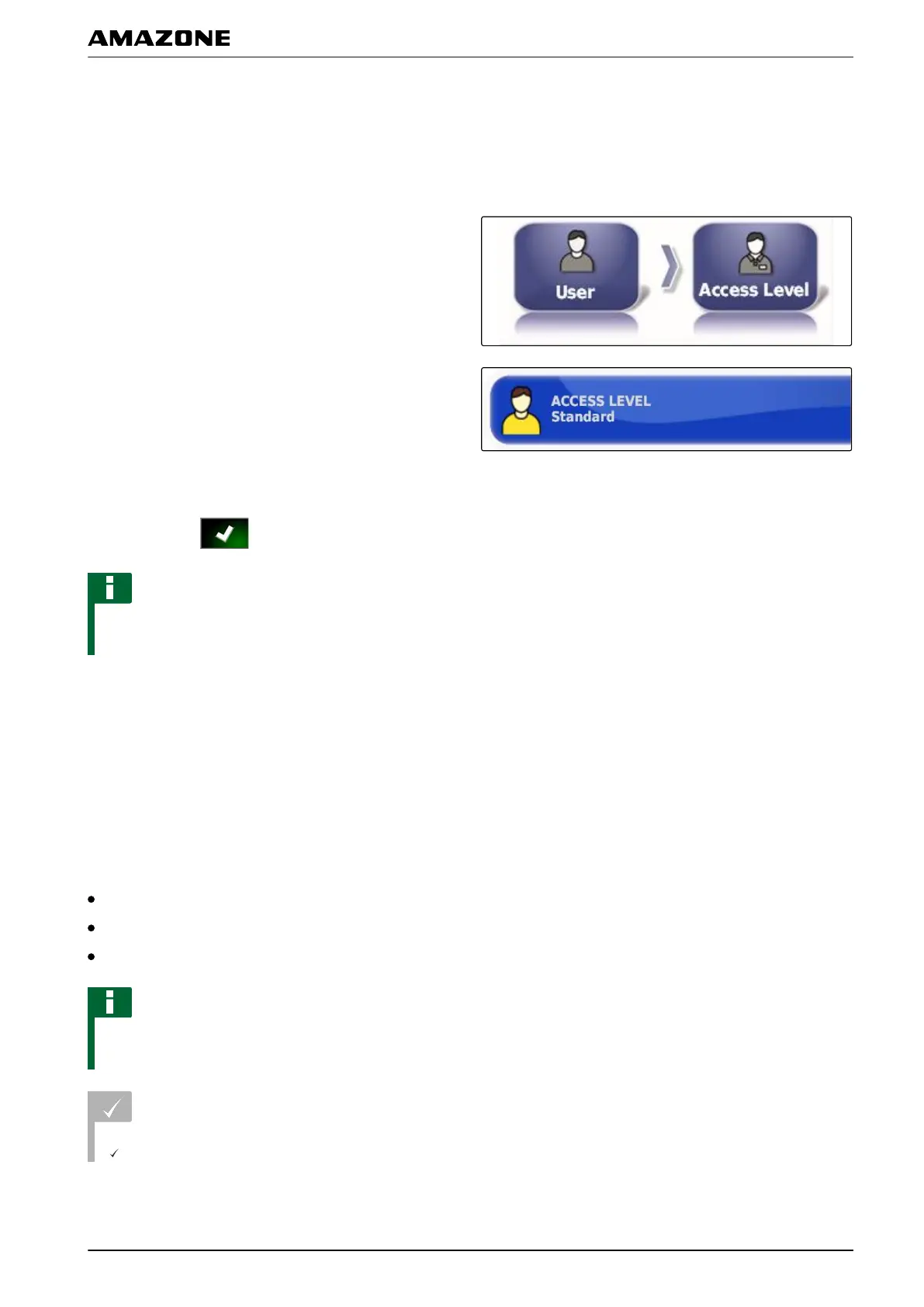
2.5 Changing the user access level
To disable certain menus on the AMAPAD user interface,
the
different user access levels can be enabled with the
access levels.
1. In the setup menu, tap on "User" > "Access level".
2. Tap on "Access level".
3. Select the access level.
4. Confirm with .
NOTE
The user access levels can be adjusted in the "User
controls" menu, see page
41.
2.6 Defining the user controls
With the user controls, the user interface of the AMAPAD
can
be set up for the different user access levels.
Individual menus can be hidden, so that these menus
can no longer be used by certain users.
3 different user access levels are available.
Easy
Standard
Expert
NOTE
The user access level can be changed in the "Access
level" menu.
REQUIREMENTS
User access level has been set to "Expert"
005351
006834
F | Configuring the AMAPAD | Entering the user settings
MG5574-EN-II | B.1 | 25.10.2016
41



 To Next Page