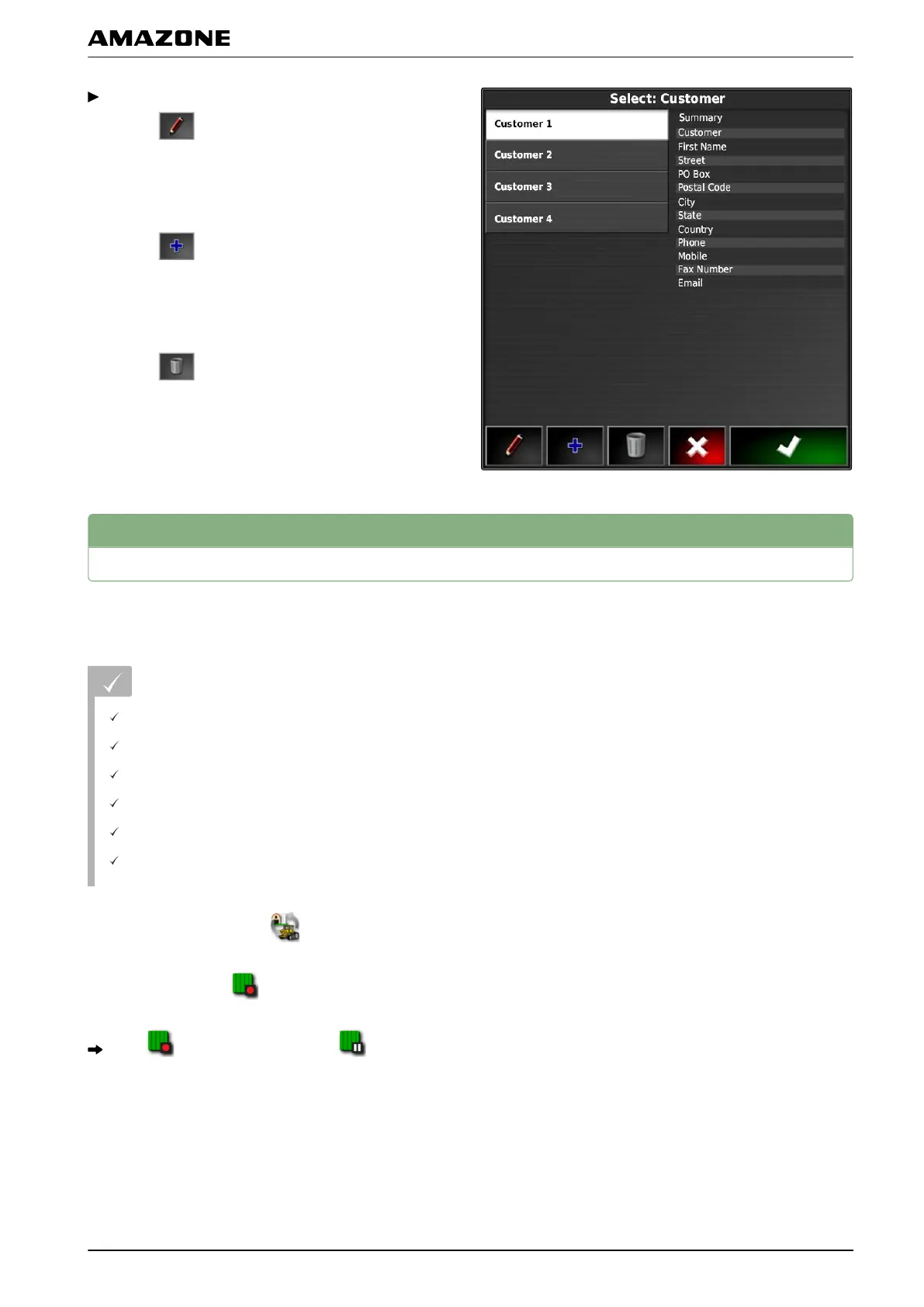
To edit master data,
select .
or
To add new master data,
select
.
or
T
o delete master data,
select
.
5
Starting a job
When starting a job, the application will be started and
the job data
will be recorded.
REQUIREMENTS
GPS receiver is connected
GPS is configured; see page 51.
Vehicle is configured; see page 71
Implement is configured; see page 82
Field is created; see page 127
Job is created and the field is added to the job;
see page 116.
1. In the job menu, tap on .
2. Start the job with .
The button changes into the button.
005562
I | Managing jobs | Starting a job
MG5574-EN-II | B.1 | 25.10.2016
115



 To Next Page