The "Exclusion areas" button turns green.
7. With the "Minimum exclusion area" setting, the
minimum size for exclusion areas is defined.
8. Confirm the settings with
.
The boundary lines will be created according to the
settings.
9. Check on the map whether the boundary lines have
been properly created.
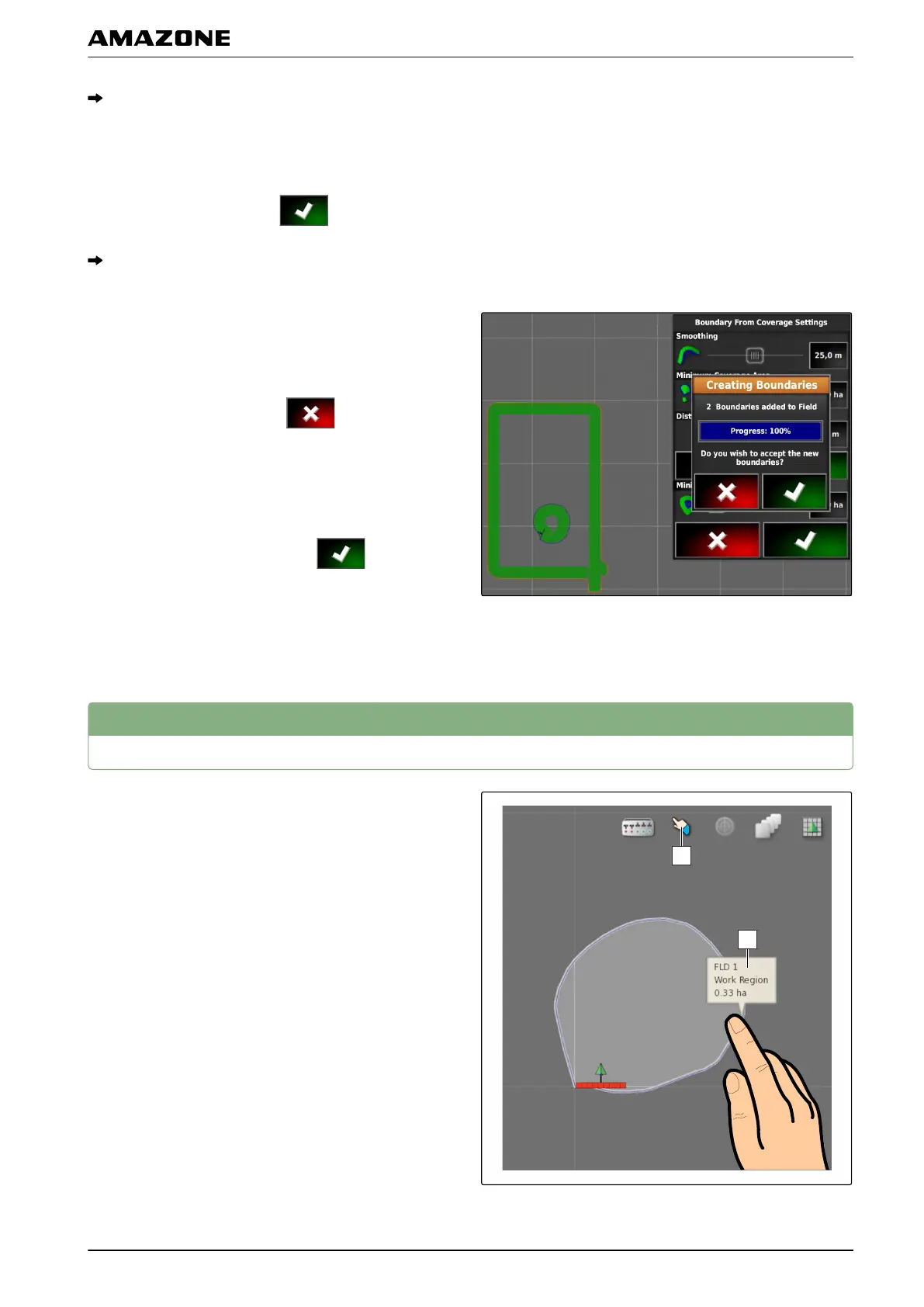
10. If t
he boundary lines were not properly created,
cancel the procedure with
and adjust the
settings.
or
If t
he boundary lines were properly created,
accept the boundary lines with
.
11. T
o edit boundary lines,
see page 135.
3
Editing the boundary line
1. Place your finger on any point on the map.
006958
J | Managing fields | Editing the boundary line
MG5574-EN-II | B.1 | 25.10.2016
135



 To Next Page