A confirmation for restarting is shown.
4. Confirm restart with .
Confirming the terms of use
After the AMAPAD has been started, a warning message
containing
the terms of use appears. The terms of use
must be confirmed before the AMAPAD can be used.
NOTE
The language for the terms of use can be changed;
see
page 10.
1. Read the terms of use.
2.
Confirm the terms of use with "YES".
NOTE
For the following languages, the terms of use
must
be moved up using the scroll bar before the
terms of use can be confirmed:
Greek
Lithuanian
Russian
Italian
2
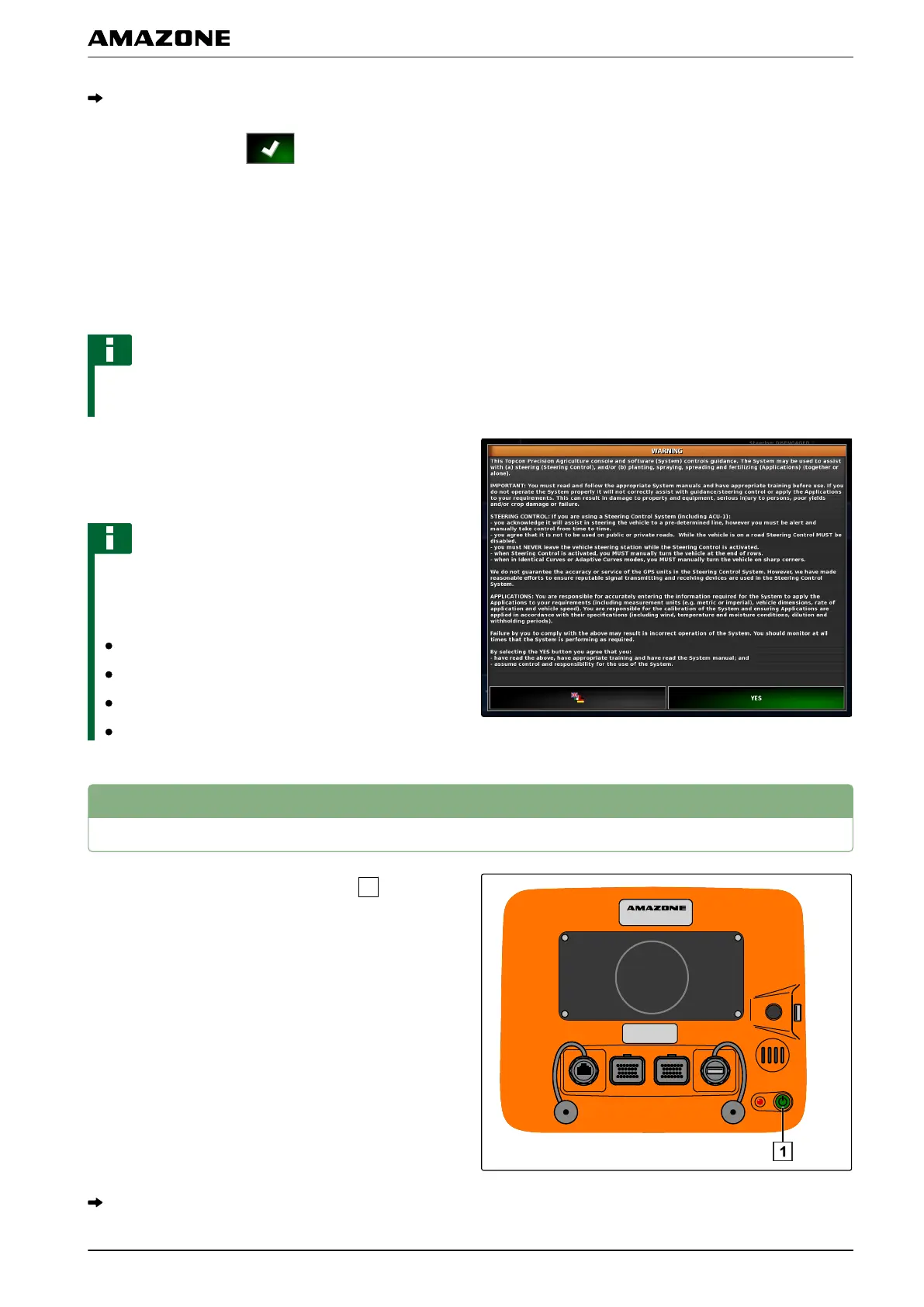
Switching off the AMAPAD
1. Briefly press the green On/Off button
on the back
of the AMAP
AD.
A confirmation prompt appears on the display.
002291
002283
D | Basic operation | Switching off the AMAPAD
MG5574-EN-II | B.1 | 25.10.2016
11



 To Next Page