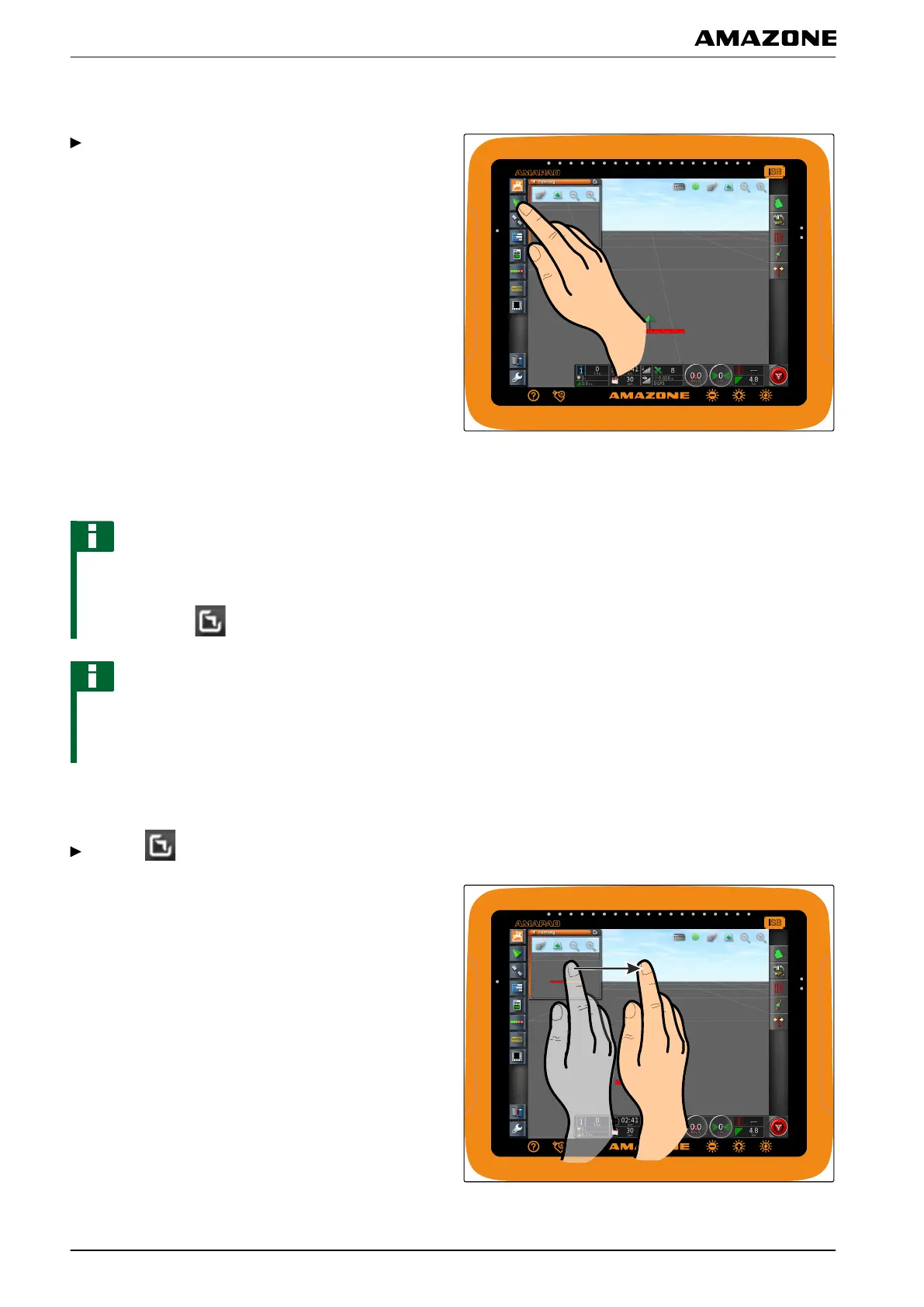
1.1 Opening a miniature view
Open the miniature views with the buttons in the
function menu.
1.2 Maximising the miniature view
NOTE
Not all miniature views can be maximised. Miniature
views
that can be maximised have this button at the
top right corner:
NOTE
The maximised miniature view cannot be minimised
again.
To close the maximised miniature view, a
different miniature view must be maximised.
To maximise miniature views, there are 2 options:
Tap on
or
Swipe over the screen horizontally to the right on the
miniature view
.
002348
002352
G | Using the operating menu | Using the function menu
MG5574-EN-II | B.1 | 25.10.2016
100



 To Next Page