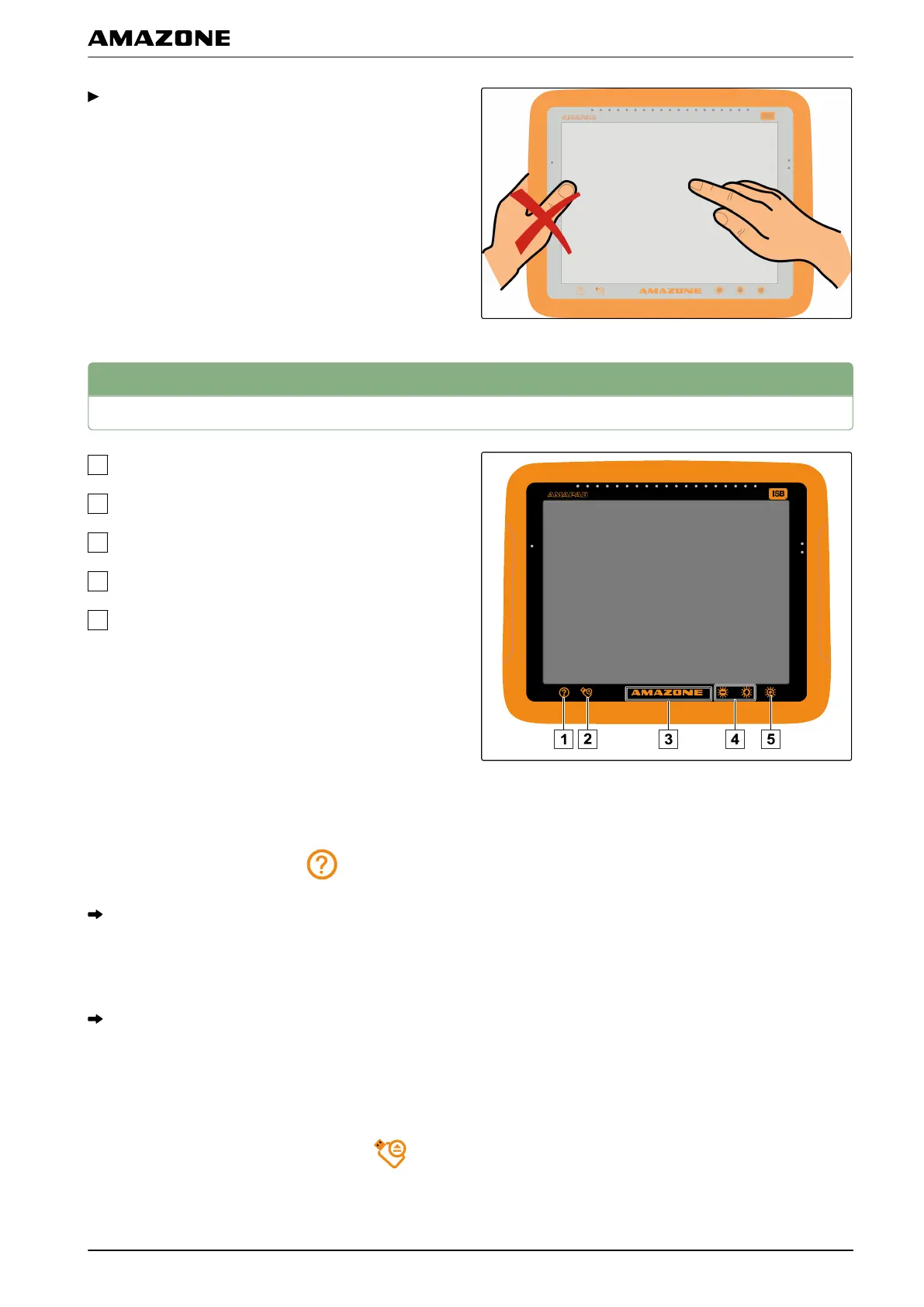
During operation, do not rest your hand on the
touchscreen, otherwise the AMAPAD will not react.
5
Using the basic buttons
Help
Removing the USB flash drive safely
Multi-function button
Brightness
Brightness mode
Calling up help
1. Call up the help function with .
Question marks appear beside the buttons on the
user interface.
2. Select the question mark.
The designation for the corresponding button is
shown.
Removing the USB flash drive safely
1. Safely remove the USB flash drive with .
005512
002294
002292
D | Basic operation | Using the basic buttons
MG5574-EN-II | B.1 | 25.10.2016
13



 To Next Page