2. Confirm with .
The AMAPAD is switched off.
3
Resetting the AMAPAD
NOTE
When the AMAPAD is reset, all data that is not saved
will
be lost. Only reset the AMAPAD if it crashed or
cannot be switched off normally.
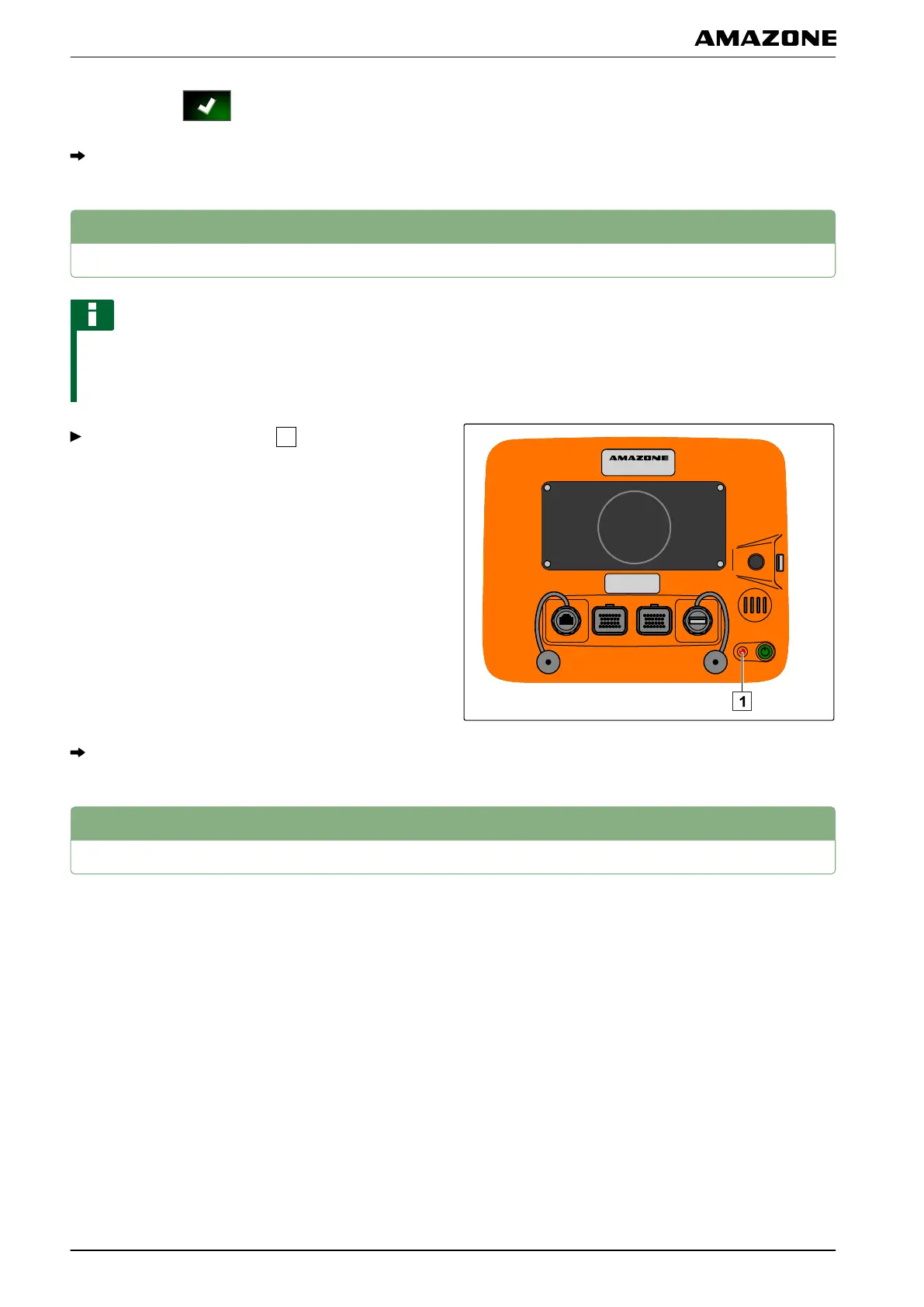
Press the red Reset button
on the back of the
AMAP
AD.
The AMAPAD is reset and switched off.
4
Using the touchscreen
When operating the touchscreen, please observe the
following:
The touchscreen covers all areas within the orange-
coloured housing.
001290
007214
D | Basic operation | Resetting the AMAPAD
MG5574-EN-II | B.1 | 25.10.2016
12



 To Next Page