Using track lines
K
Track lines show the driver which track he needs to
follow
to work the field uniformly. Track lines are also
required for automatic steering control. The spacing of
the track lines corresponds to the set working width.
NOTE
The display of the track line menu differs depending
on
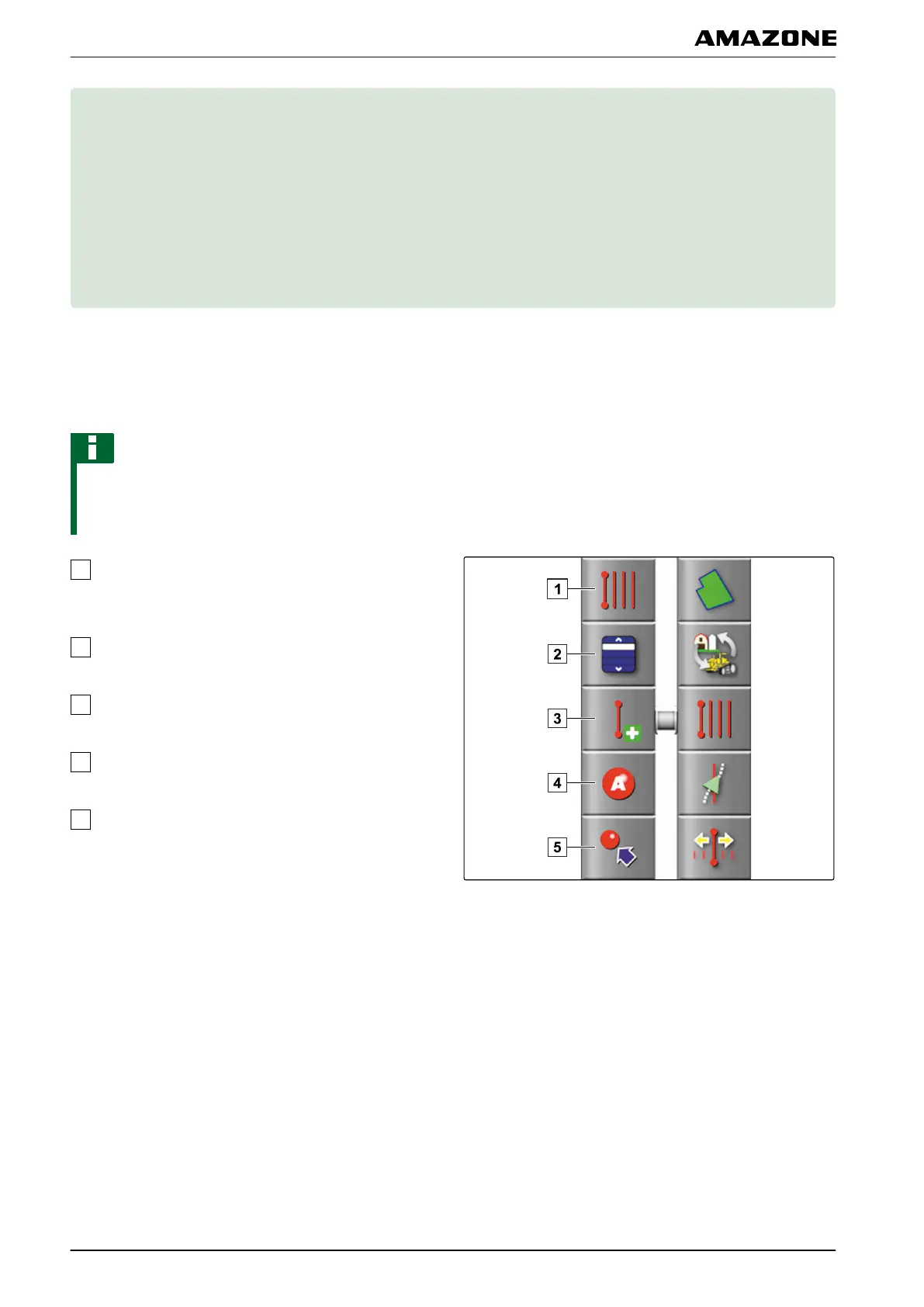
the set track pattern. In the following figure, the
basic setting " A-B line " is shown.
Change track line pattern: Opens the submenu for
selecting
the track pattern. The selected track
pattern will be shown on this button.
Select track line: Opens the menu for selecting a
track line with the selected
pattern.
Create new track line: Creates a new track line. The
selected track pattern will
be shown on this button.
Set point A: Sets the starting point of the straight A-
B line.
Manual A-B line: Opens the menu for manually
creating an A-B line.
005554
K | Using track lines |
MG5574-EN-II | B.1 | 25.10.2016
146



 To Next Page