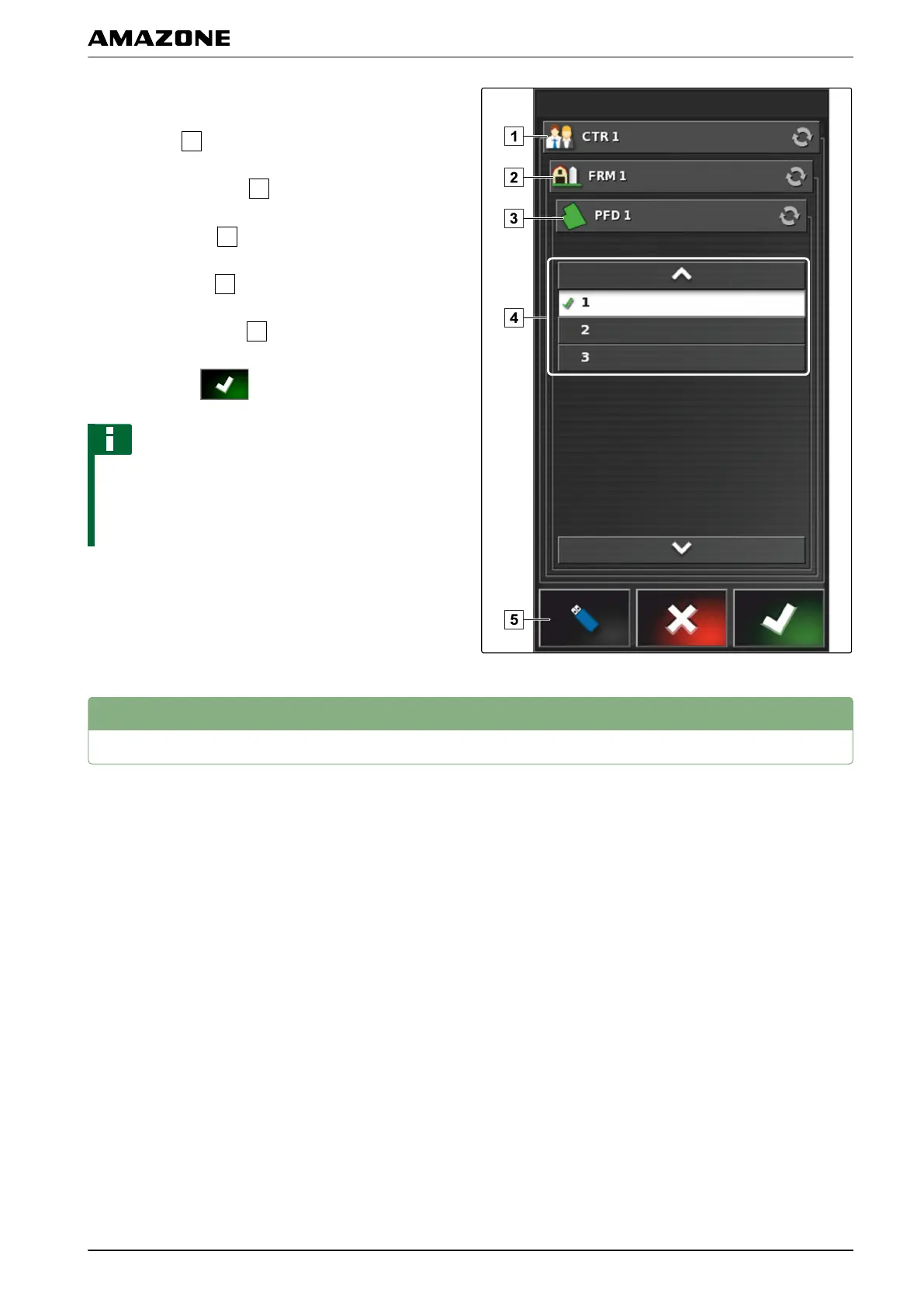
3. If t
he track line should be imported from a USB
flash drive,
select the
button.
4. Select the customer
.
5. Select the farm
.
6. Select the field
.
7. Select the track line
.
8. Confirm with .
NOTE
If a correction source with low precision has been
selected,
a precision warning will be shown. A
correction source with low precision cannot guarantee
that the created track lines can be precisely followed.
3
Following track lines
The AMAPAD has various displays to help the driver in
following
the created track lines with the vehicle. The
driver can use these displays to check the track
deviation.
005540
K | Using track lines | Following track lines
MG5574-EN-II | B.1 | 25.10.2016
155



 To Next Page