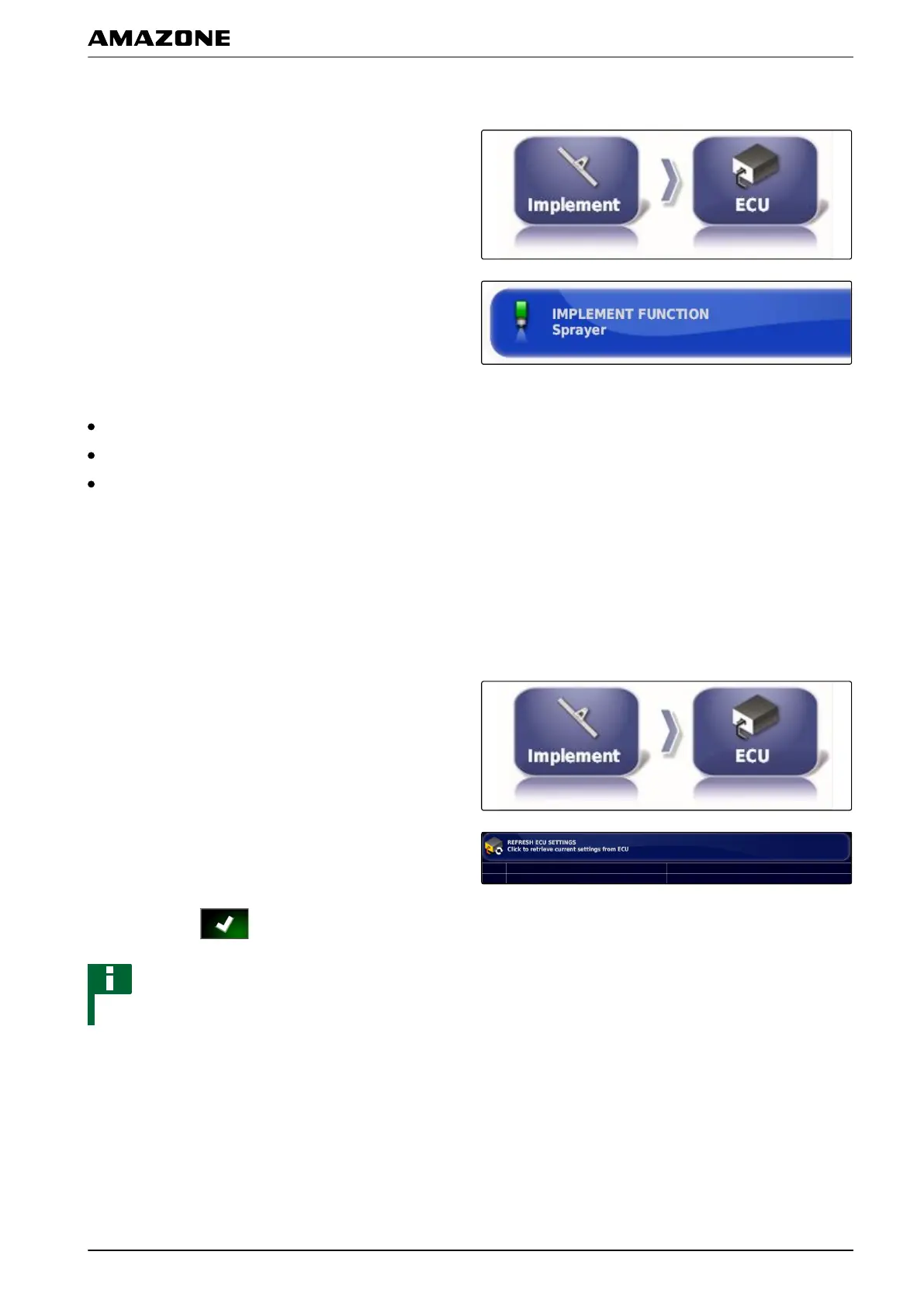
Selecting the implement function
1. In the setup menu, tap on "Implement" > "ECU".
2. Tap on "Implement function".
Possible settings:
Sprayer
Spreader
Precision airplanter
Refreshing the ECU settings
The geometry data can be transmitted from the ECU of
the selected implement
to the AMAPAD. If the geometry
data of the implement has been changed using the
Universal Terminal, this function must be used.
1. In the setup menu, tap on "Implement" > "ECU".
2. Tap on " Refresh ECU settings".
3. Confirm with .
NOTE
The data transmission takes up to 60 seconds.
5.5 Geometry
In this menu, the geometry data of the implement can be
entered.
005418
005412
004994
F | Configuring the AMAPAD | Configuring an implement
MG5574-EN-II | B.1 | 25.10.2016
89



 To Next Page