2. T
o switch the desired part-width section on or off:
Tap on the corresponding section switch.
2
Using automatic part-width section control
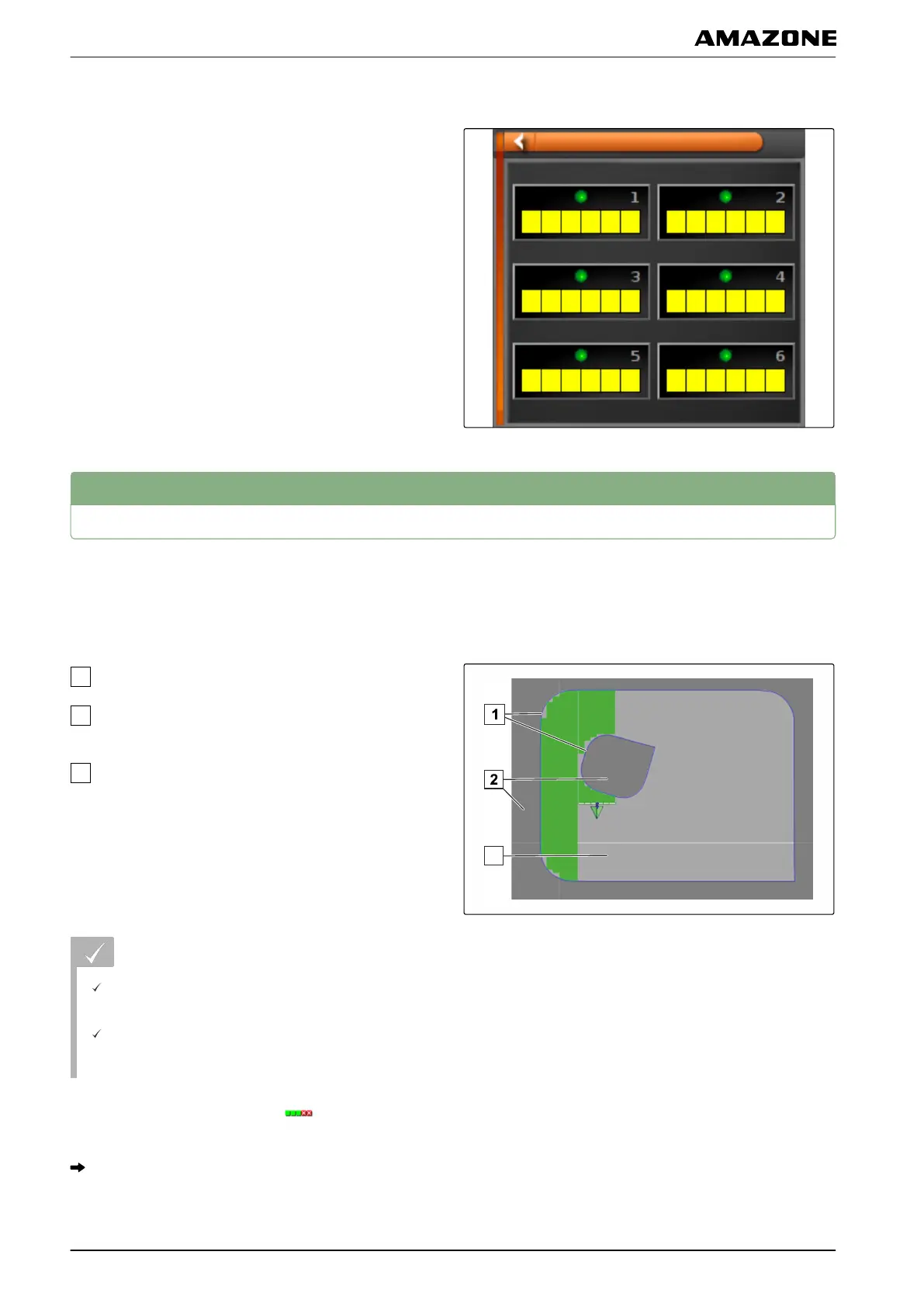
With automatic part-width section control, the implement
sections are
automatically switched off when the
implement crosses a specific boundary or a worked
area.
Boundary lines
Non-workable areas are shown in dark grey, e.g.
exclusion areas
Workable areas are shown in light grey
REQUIREMENTS
Part-width section control is configured; see
page
90
Automatic part-width section control is enabled on
the Universal T
erminal; see operating manual for
the implement control
1. In the function menu, tap on
.
Miniature view for the automatic part-width section
control will be opened.
005565
P | Using part-width section control| Using automatic part-width section control
MG5574-EN-II | B.1 | 25.10.2016
186



 To Next Page