2. Select .
3. Confirm with .
4.4 Configuring the steering controller
NOTE
This menu is only available if the automatic steering is
enabled; see page 44.
NOTE
The steering control settings are not assigned to the
selected
vehicle. If a different vehicle is selected, the
steering control must be adjusted.
REQUIREMENTS
User access level has been set to "Standard" or
"Expert"; see page
41
4.4.1 Selecting the controller
With this setting, the steering controller of the vehicle the
AMAP
AD is on is selected.
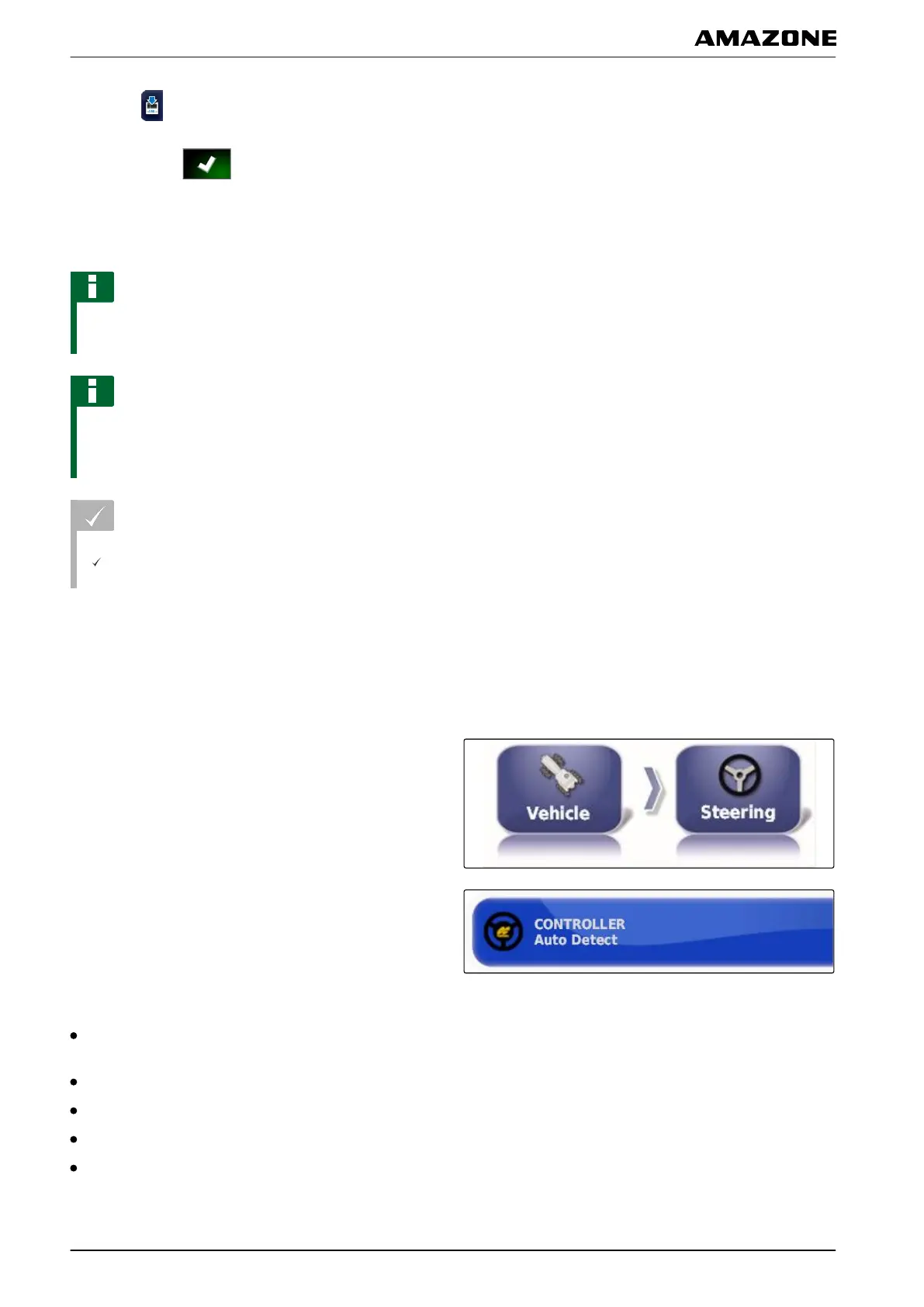
1. In the setup menu, tap on "V
ehicle" > "Steering".
2. Tap on "Controller".
Possible settings:
Automatic detection: Only for steering controllers that
are not included in the selection list.
AES-25
Fendt FSC
Case 8800
Lexion (USA)
005402
005401
F | Configuring the AMAPAD | Configuring a vehicle
MG5574-EN-II | B.1 | 25.10.2016
78



 To Next Page